
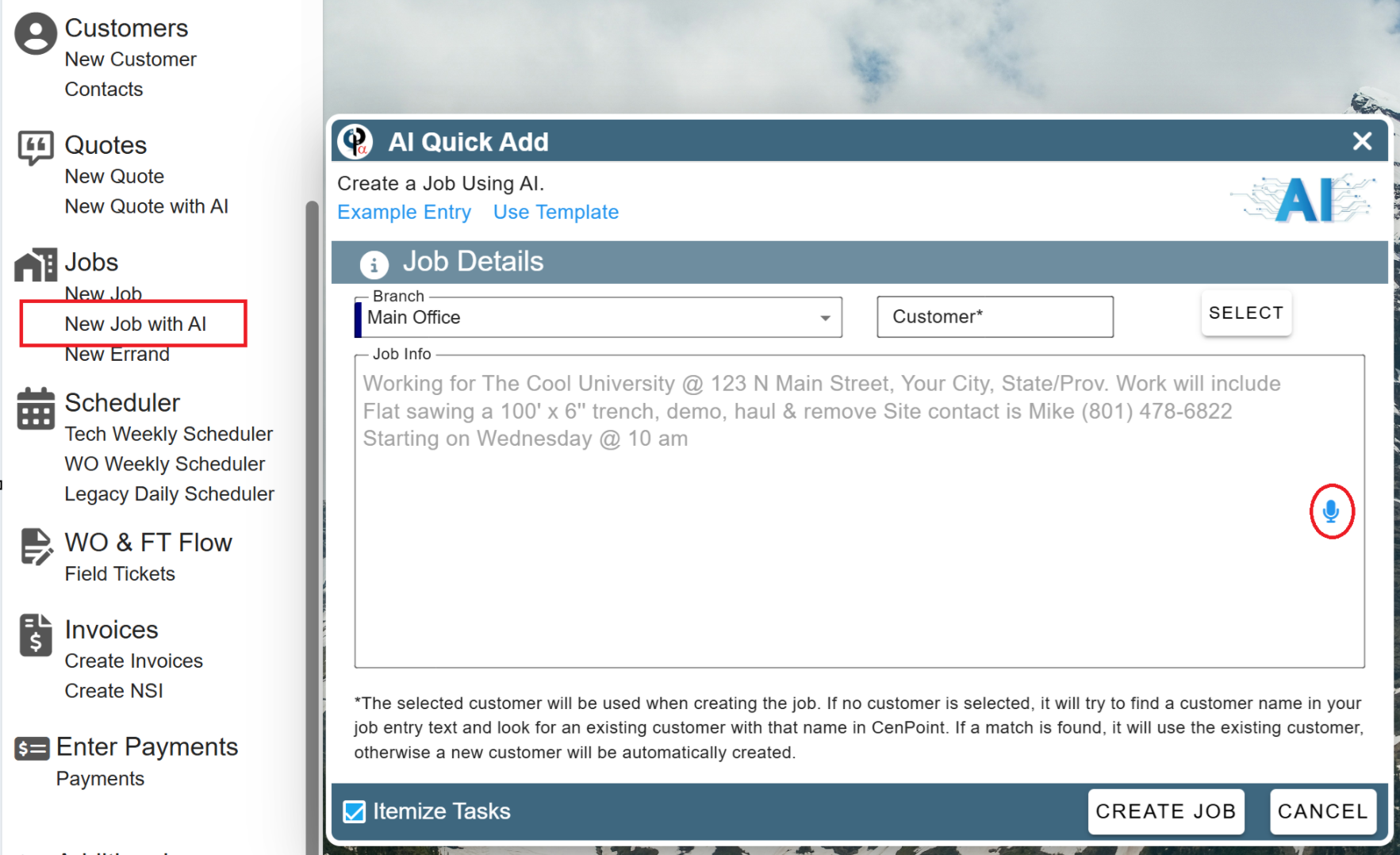
Added: New Job with AI option 🔥
• Allows you to create a job with AI assistance
• Talk to it like you would your tech explaining the job and it will create a job for you
• If you specify a date & start time, it will also create an unassigned WO for you so all you have to do is pick who to send
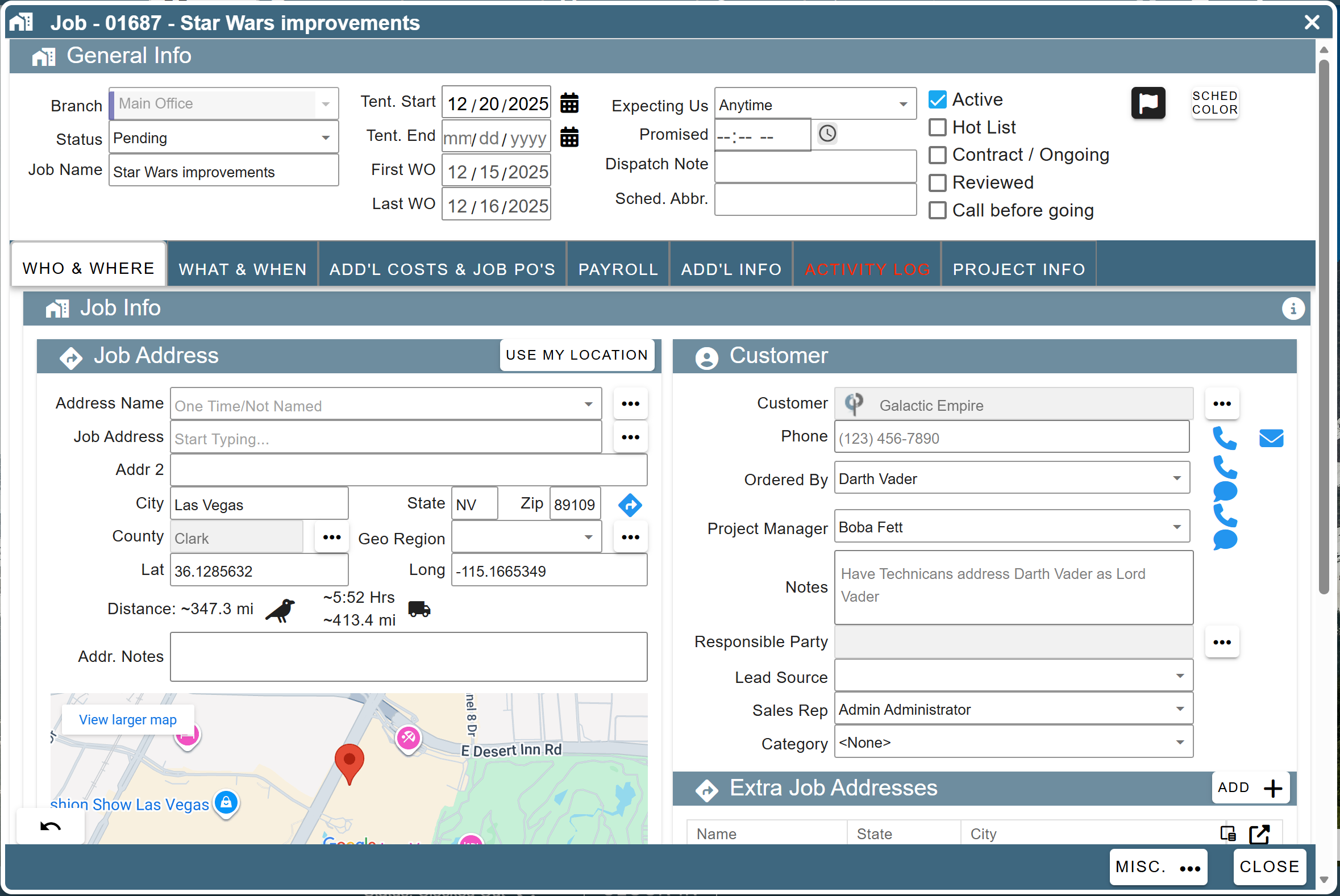
Added: Jobs: Revamped layout to see more info at once
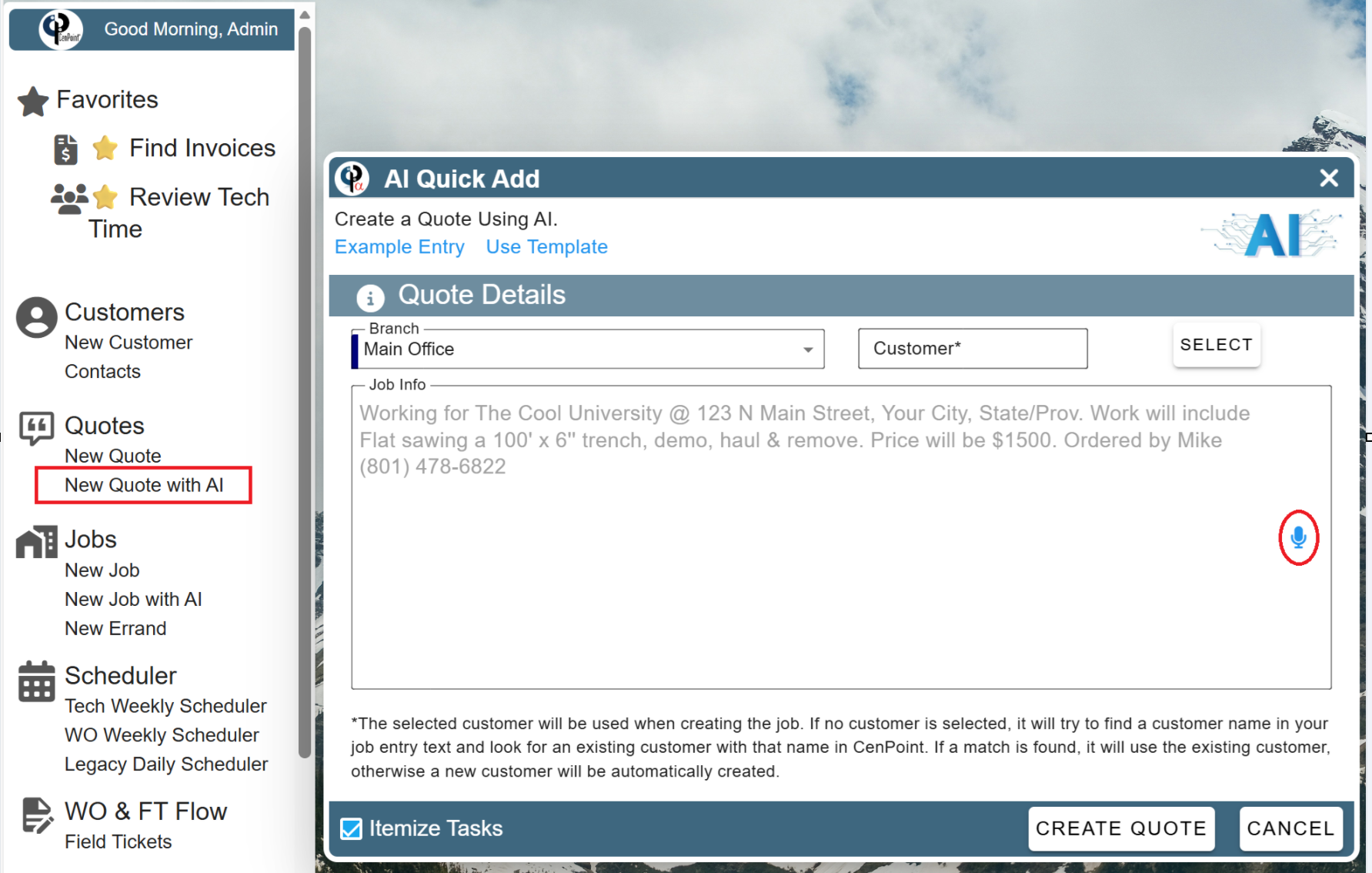
Added: New Quote with AI option 🔥
• Allows you to create a quote with AI assistance
• Talk to it like you would your customer explaining the quote and it will create a quote for you
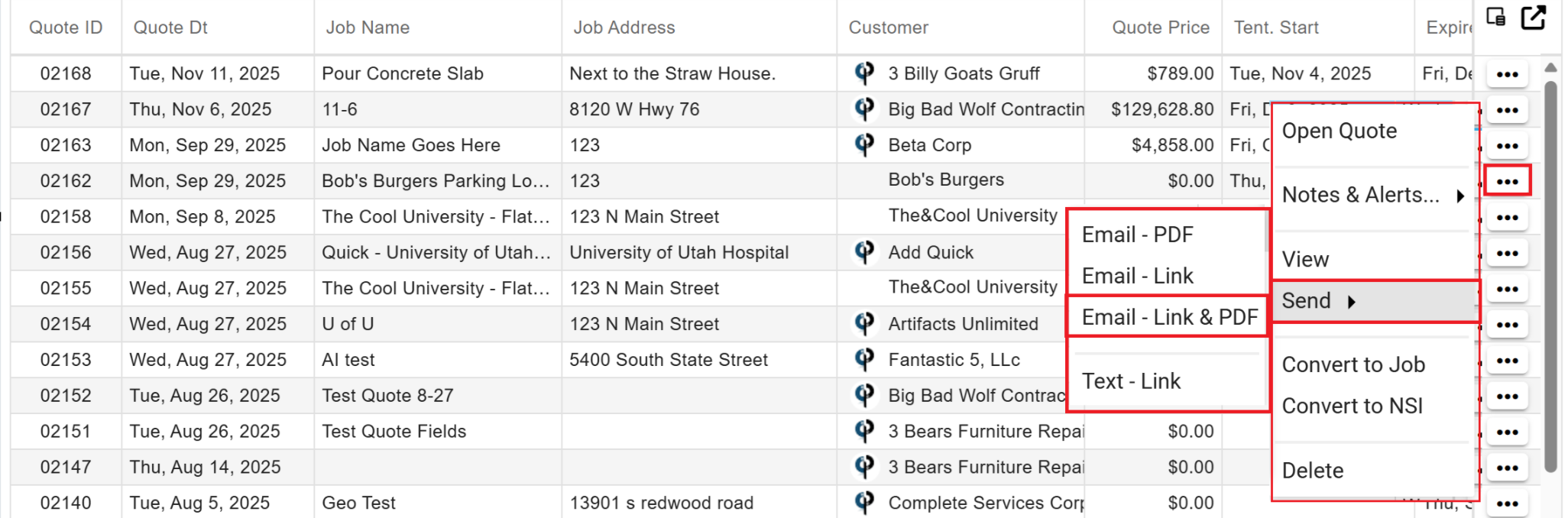
Added: Find Quotes: Send Quote Link + PDF option
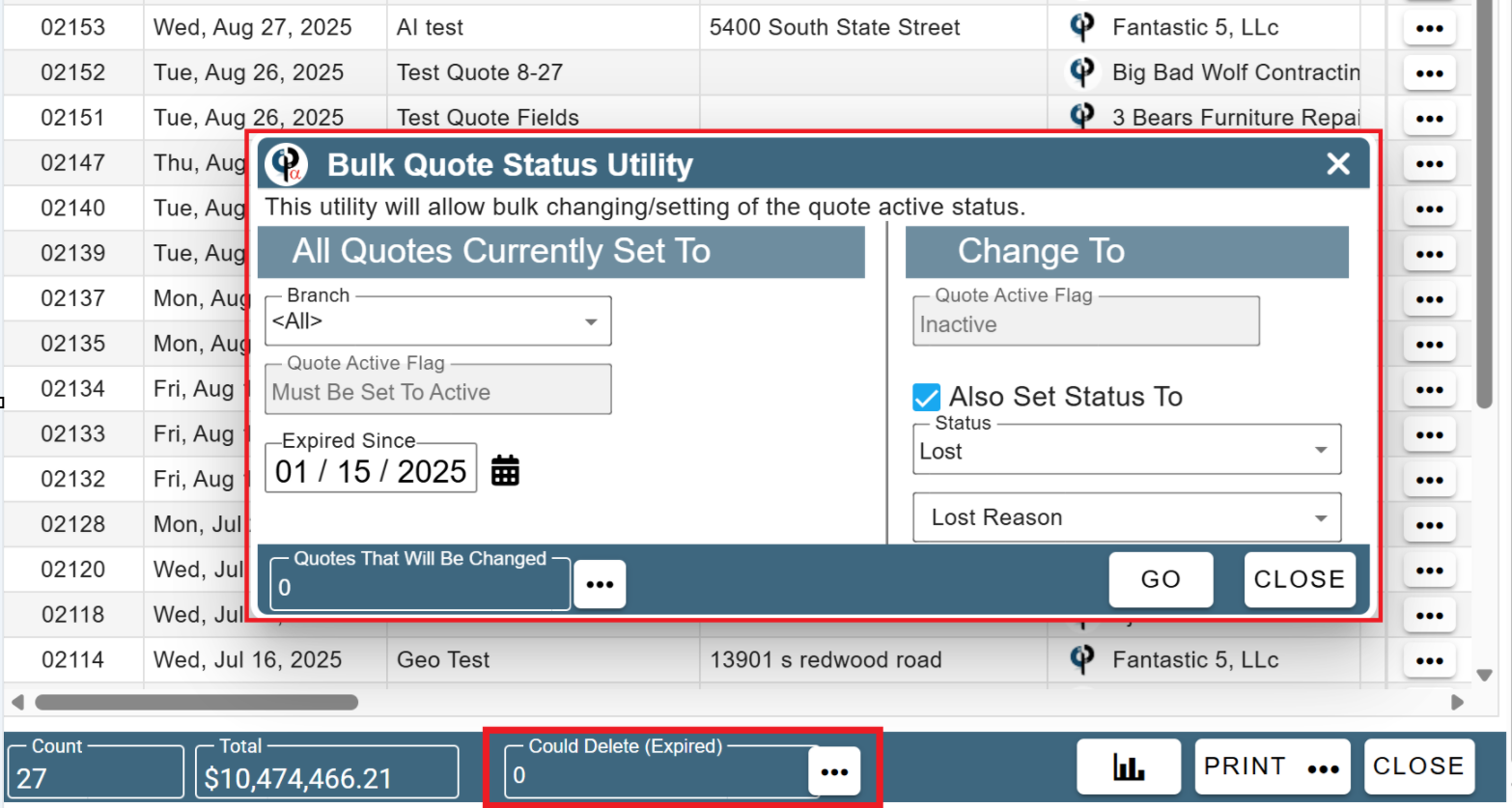
Added: Find Quotes: Now tells you quotes that can be safely deleted (expired over 1 year ago)
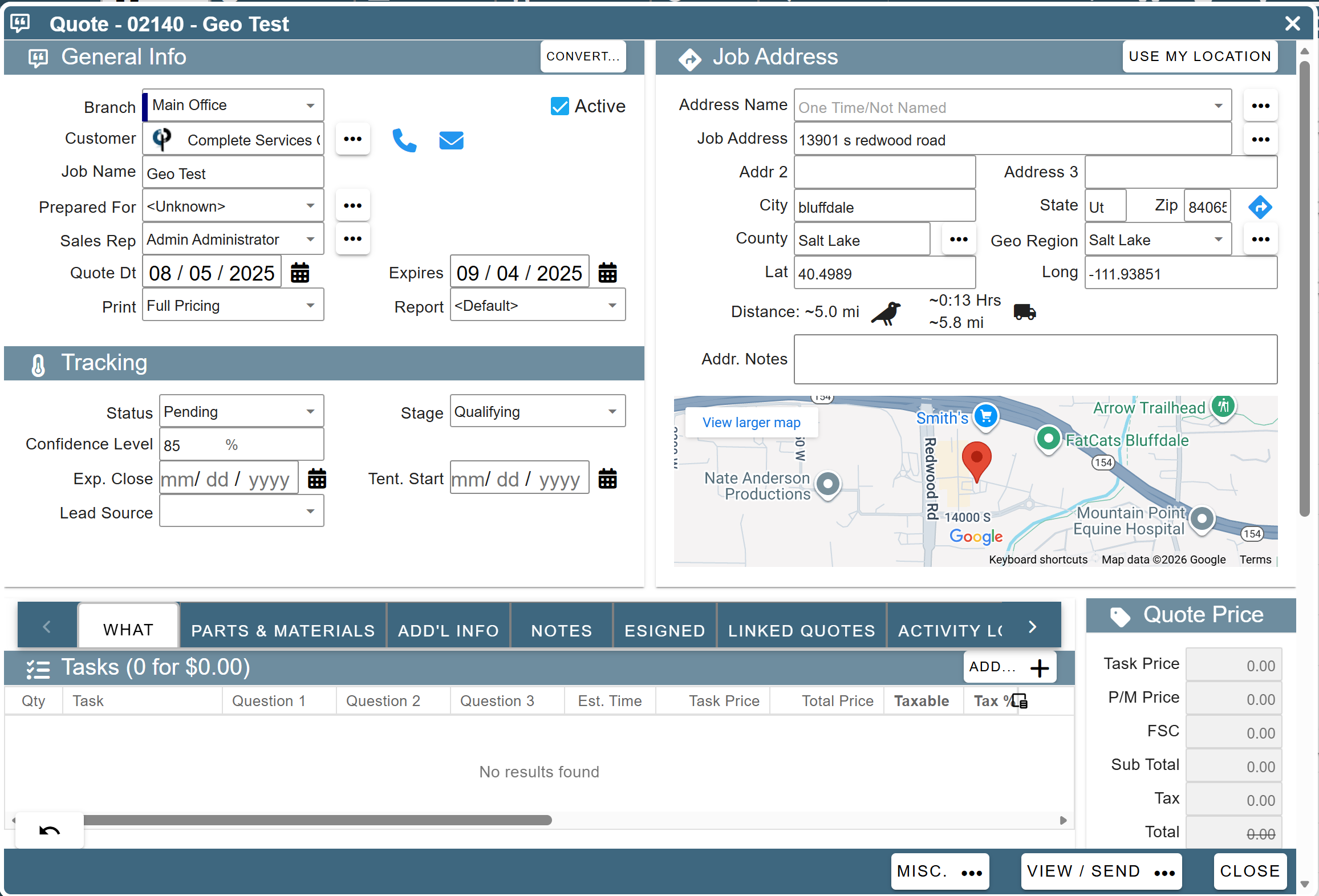
Added: Quotes: Revamped layout to see more info at once
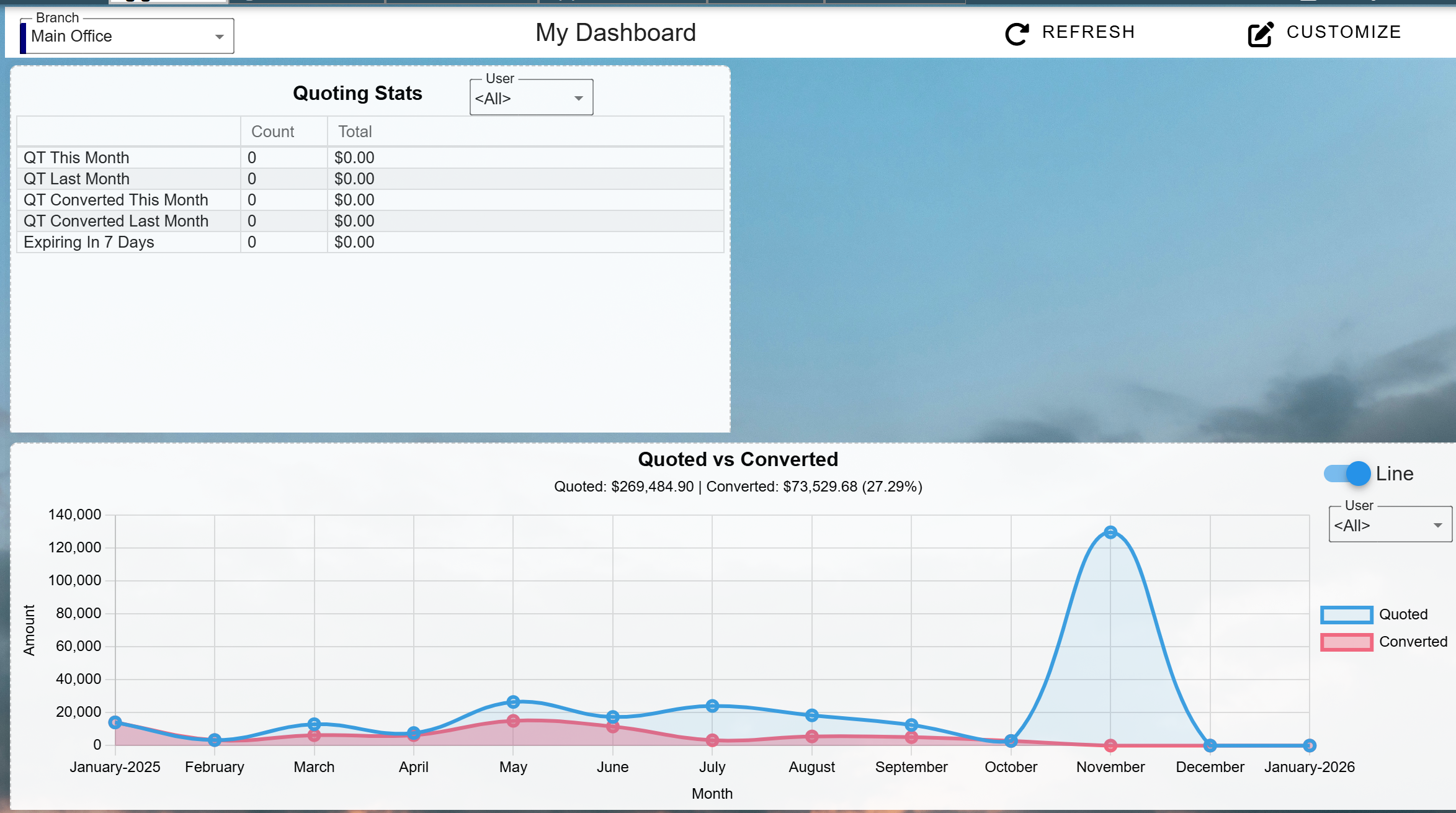
Added: Dashboards: 2 new quoting dashboards
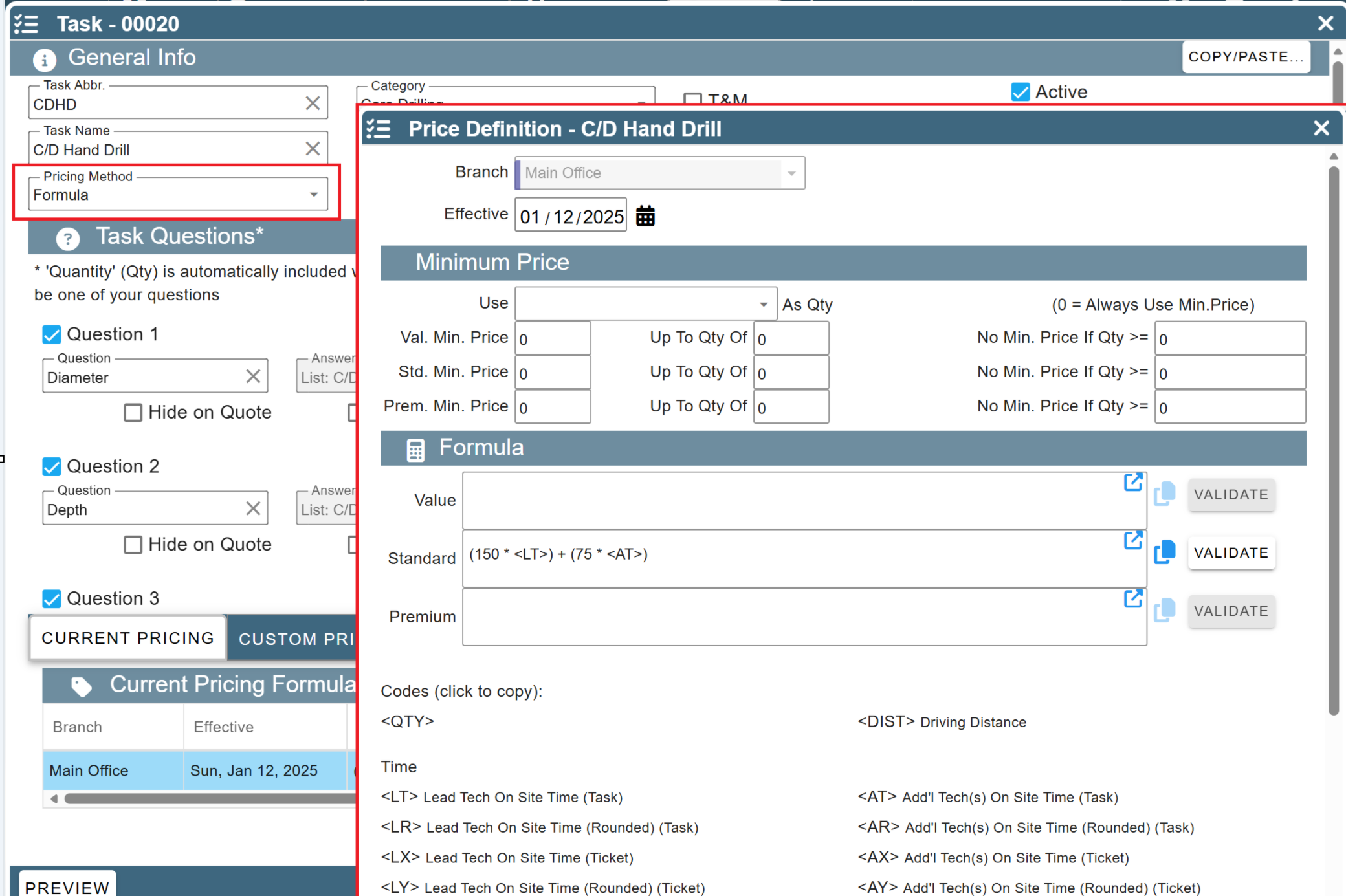
Added: More -> List Management -> Quotes, Jobs, & Invoices -> Tasks: New Task Pricing Method - Formula
• Define a formula to calculate the task price based on variables such as quantity, lead tech time, addl tech time, answers to questions, etc.
Added: Task Screen: Now auto calculates the task price on the fly (if task pricing is set up). Just click the '✓' to use the price.
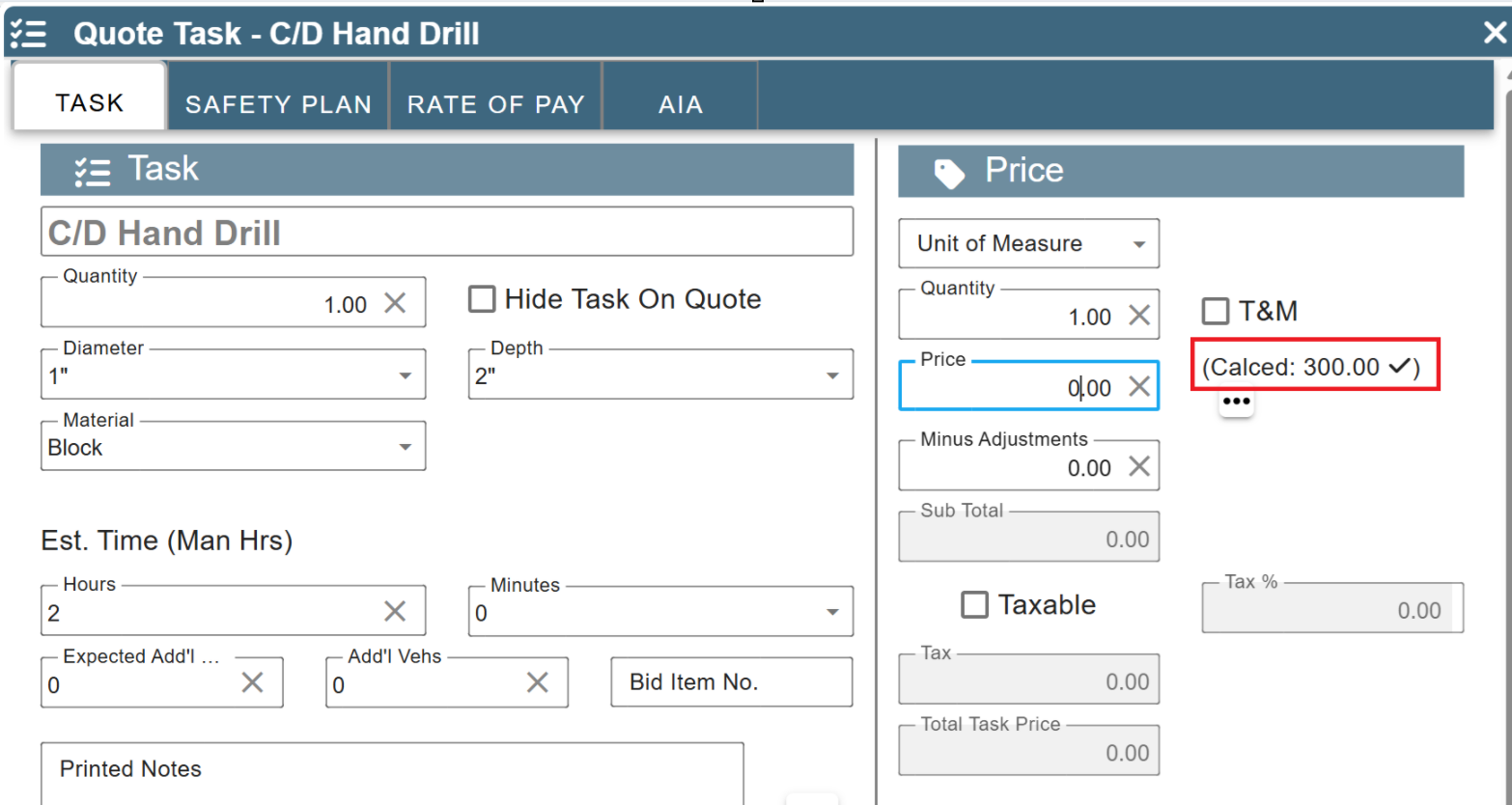
Added: Guaranteed Hours
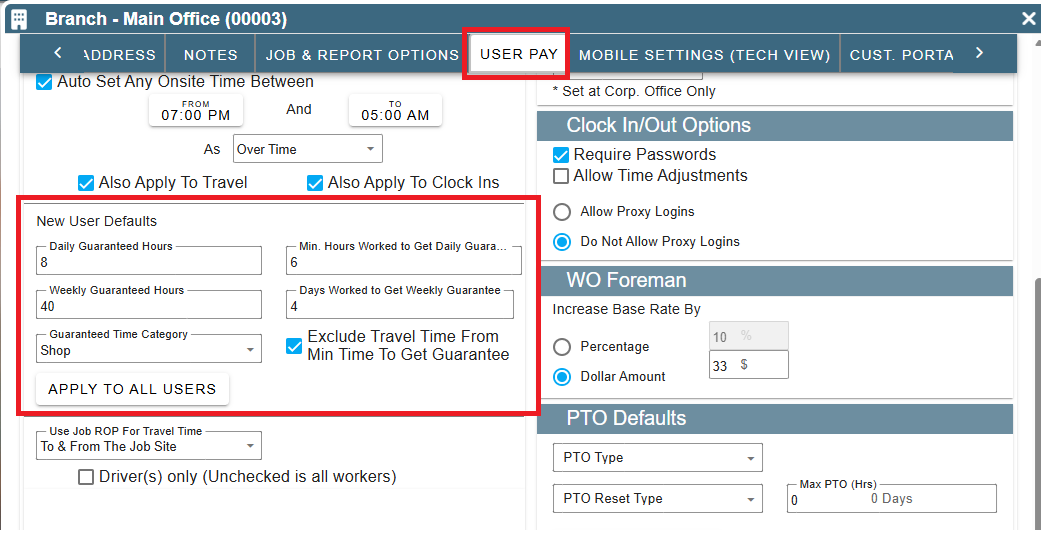
• You can now set guaranteed hours for employees (i.e. minimum of 4 hours per day if work at all)
• Set defaults under More -> Company/Branch Settings -> User Pay Tab
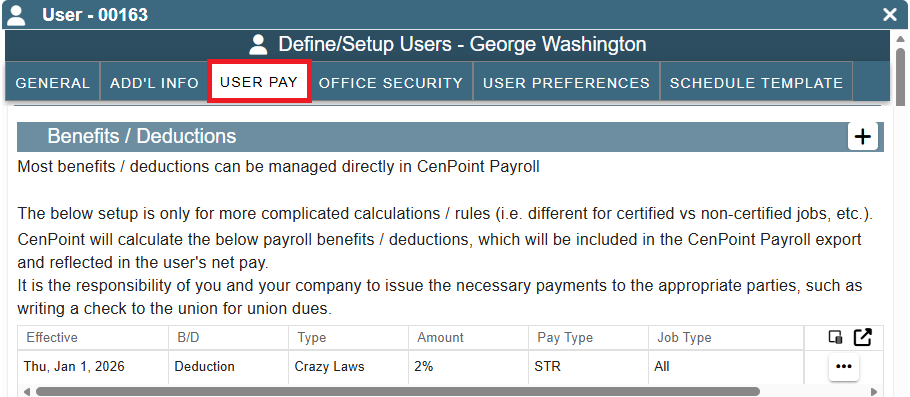
• Change per user if needed under More -> Users -> Modify User -> User Pay Tab
• CenPoint auto creates clock in records to get to guaranteed hours if needed when you run 'Auto Correct...' under Reports -> Review Tech Time
Added: More -> Users -> Modify -> User Pay Tab -> Benefits / Deductions (if using CenPoint Payroll): Can now set various benefits that calculate on a per hour basis instead of just a flat amount or a % of pay
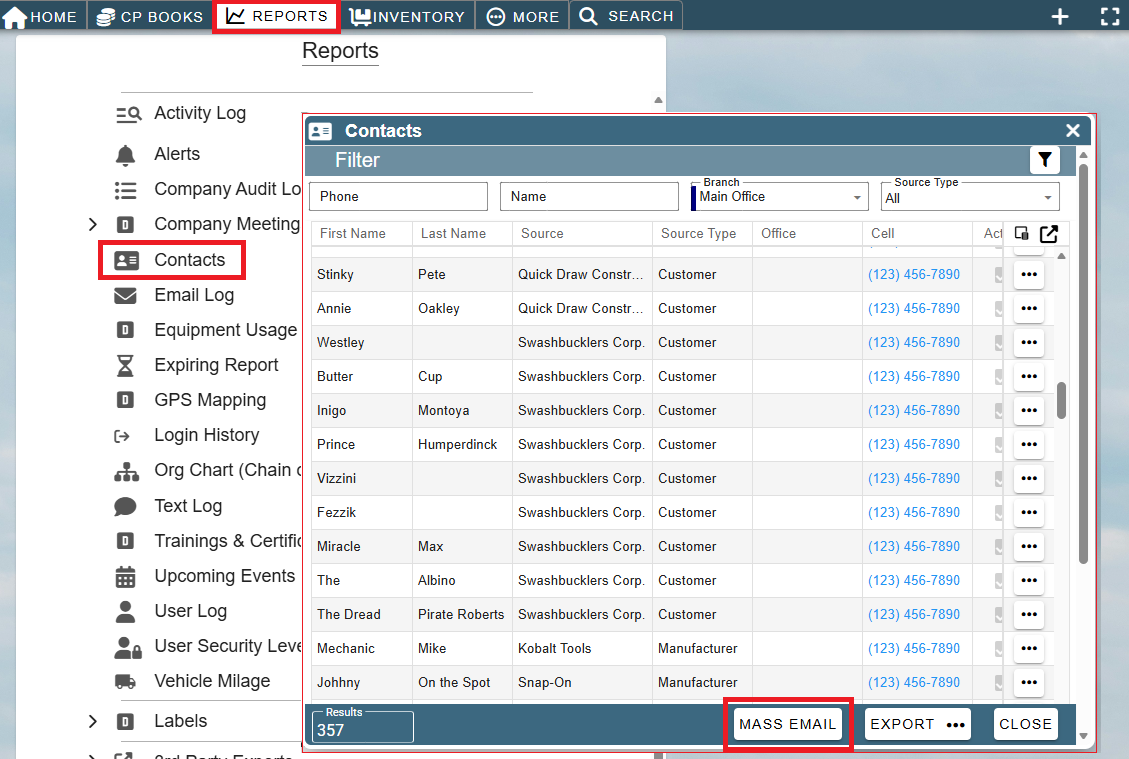
Added: Reports -> Contacts: New 'Mass Email' option to send individual emails to multiple contacts at once
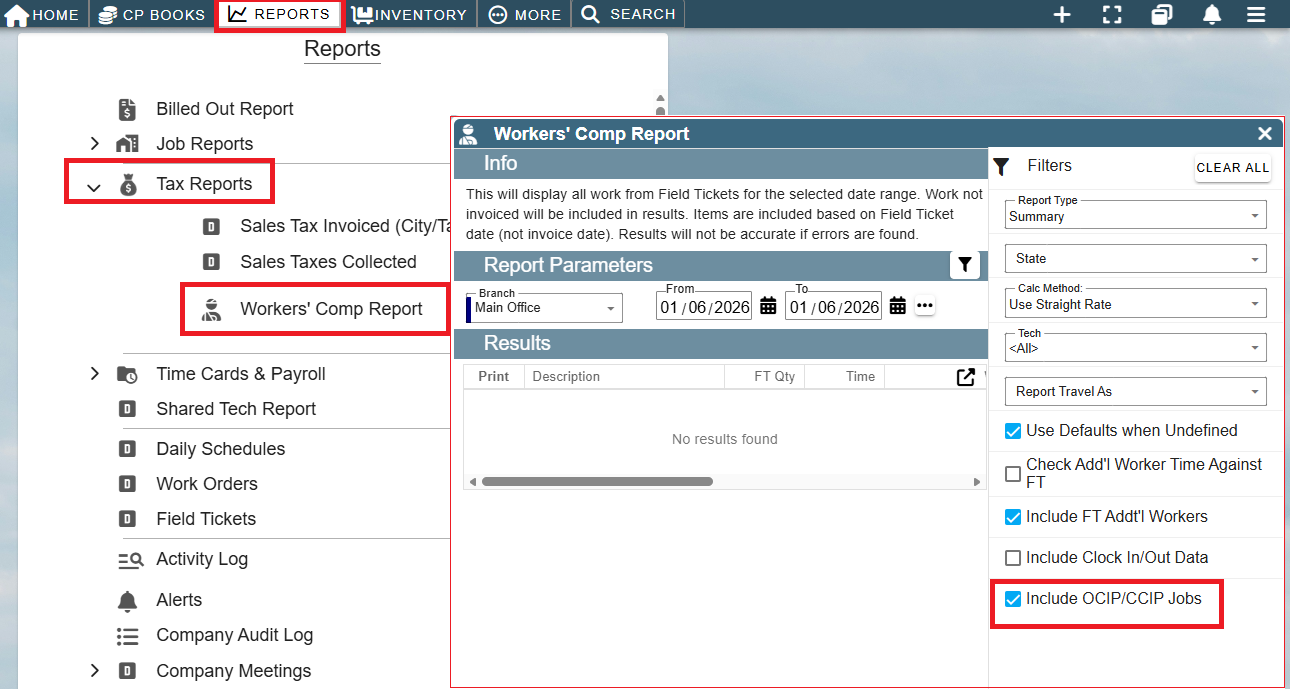
Added: Reports -> Tax Reports -> Workers' Comp Report: Option to include OCIP / CCIP jobs (they were always included before this update)
Other minor fixes