
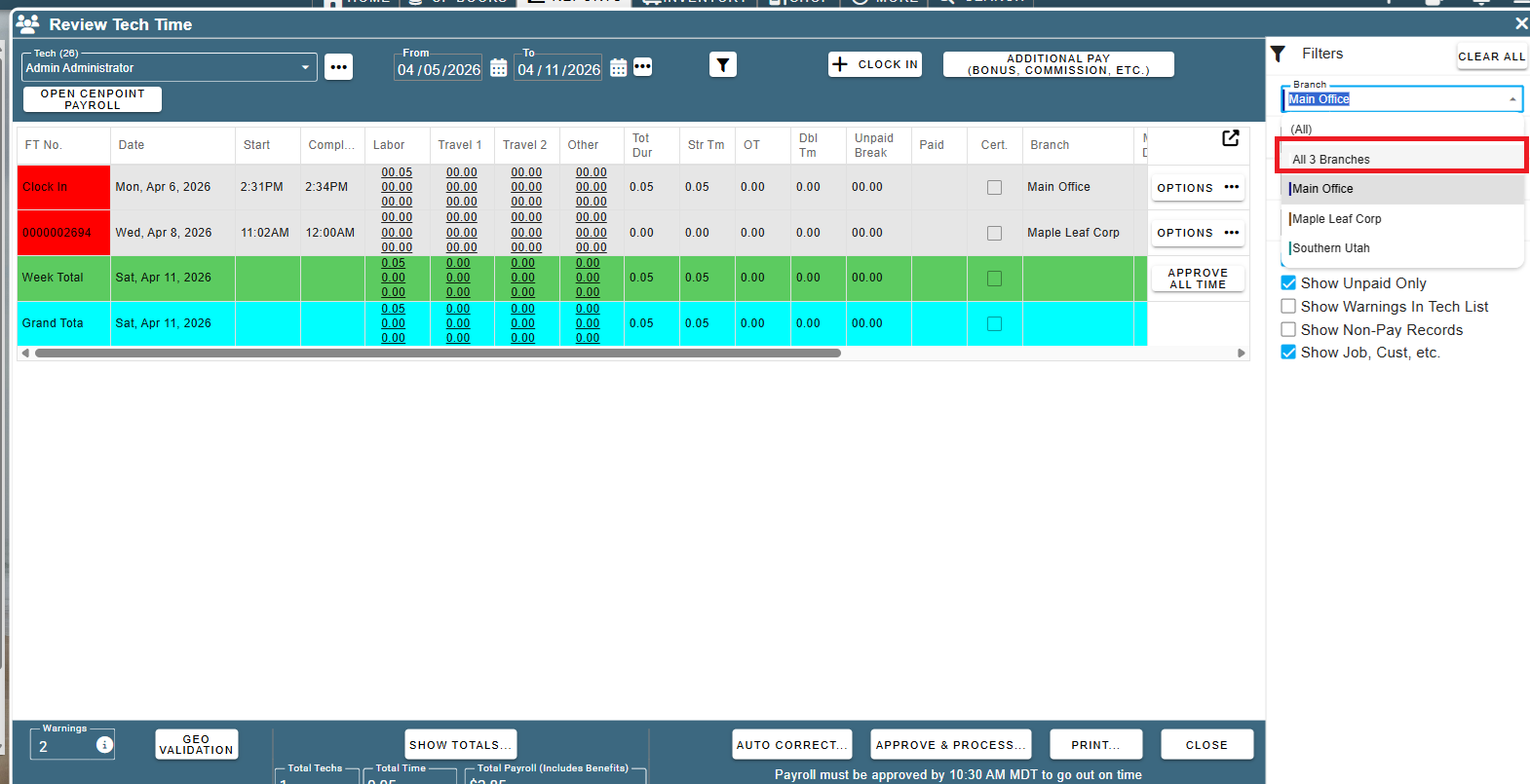
- Added: Reports -> Time Cards & Payroll -> Review Tech Time: Now supports Branch Groupings
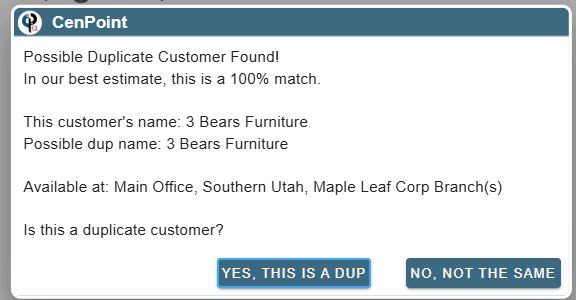
- Added: New Customers: Now checks for duplicate customers after you enter the customer name
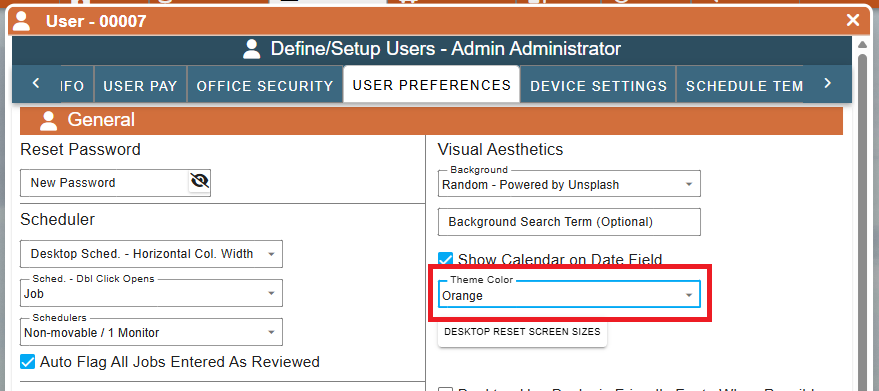
- Added: Now supports custom theme colors (light vs dark mode still applies on top of the custom colors)
• To set, go to Menu (top right corner) -> User Preferences -> Theme drop down
- Fixed: Email log not loading if you had a very large logo in your email signature that got saved
- Fixed: When creating a new job, sales rep was defaulting to the customer default rep instead of the logged in user (if user is part of a sales department). Switched to now default to the logged in user (if applicable) to match the legacy version behavior.
- Fixed: Auto created clock in records to meet guaranteed hours showing warnings for overlapping time on Review Tech Time screen
- Fixed: FSC not getting checked by default on a new job if the customer was flagged to add FSC to new jobs
- Fixed: Move job to another branch 'force' option not working
- Fixed: FT travel breaks not saving correctly in some scenarios
- Fixed: Texting a quote not defaulting to the prepared for phone #
- Other minor fixes