Creating Branch Groupings
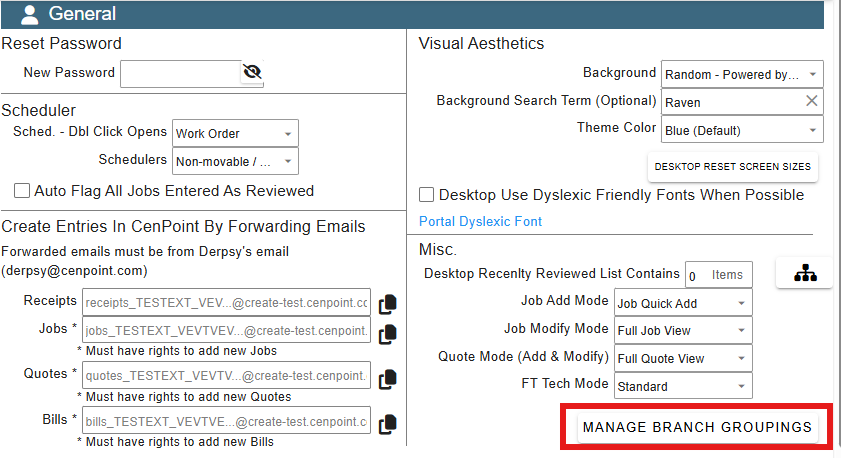
How to get to the Manage Branch Groupings
Go to User Preferences, within the Misc. area, there's a button for Manage Branch Groupings
Add new Groupings
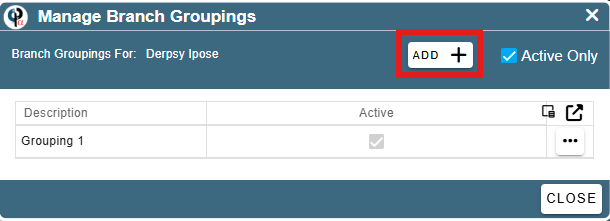
To add new groupings select the add on the menu that has appeared:
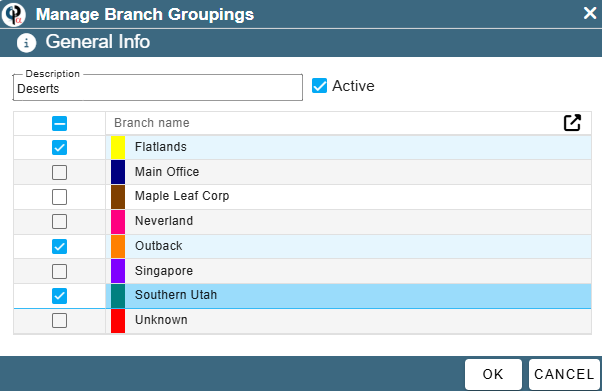
Here, you will see a list of all the branches you have access to in your company. You can select the ones you want and name the grouping to be meaningful to you. They are yours and yours alone. Sally can't have them. Sorry Sally.
Modify a grouping
To modify an already created grouping, click the ellipsis next to the grouping you want to modify and click modify.
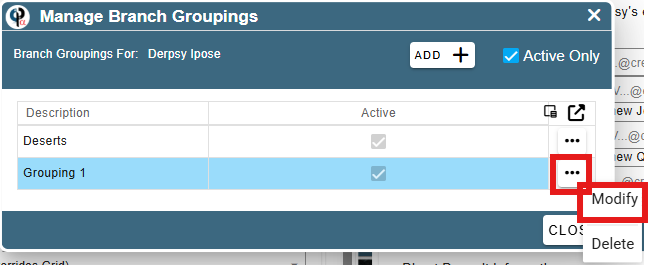
Now you can modify whatever you want on it, name, branches and if it is active or not.
.png)
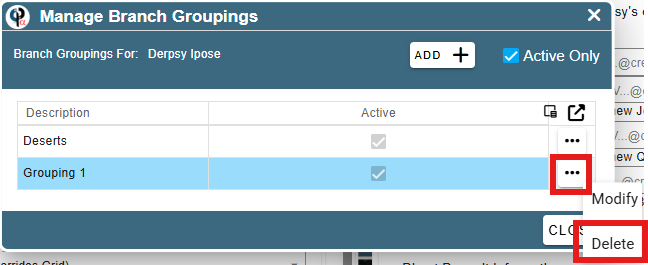
Delete a grouping
To delete a grouping, click the ellipsis next to the grouping you want to modify and click delete.