
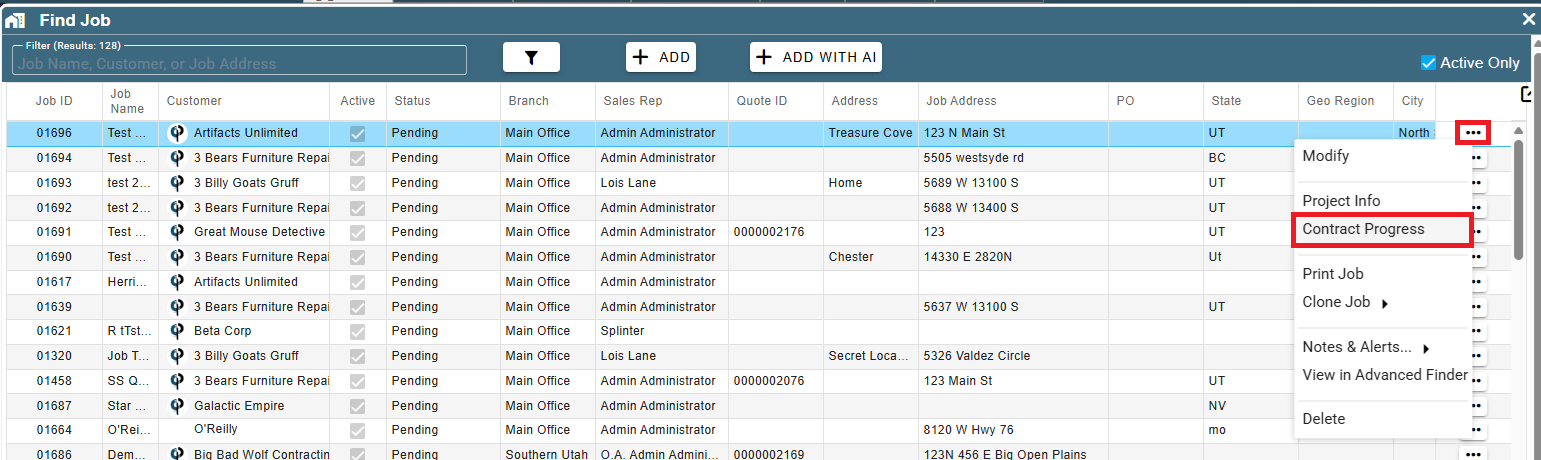
• Added: Find Job: Can now directly launch contract progress from the options menu without having to open the job first
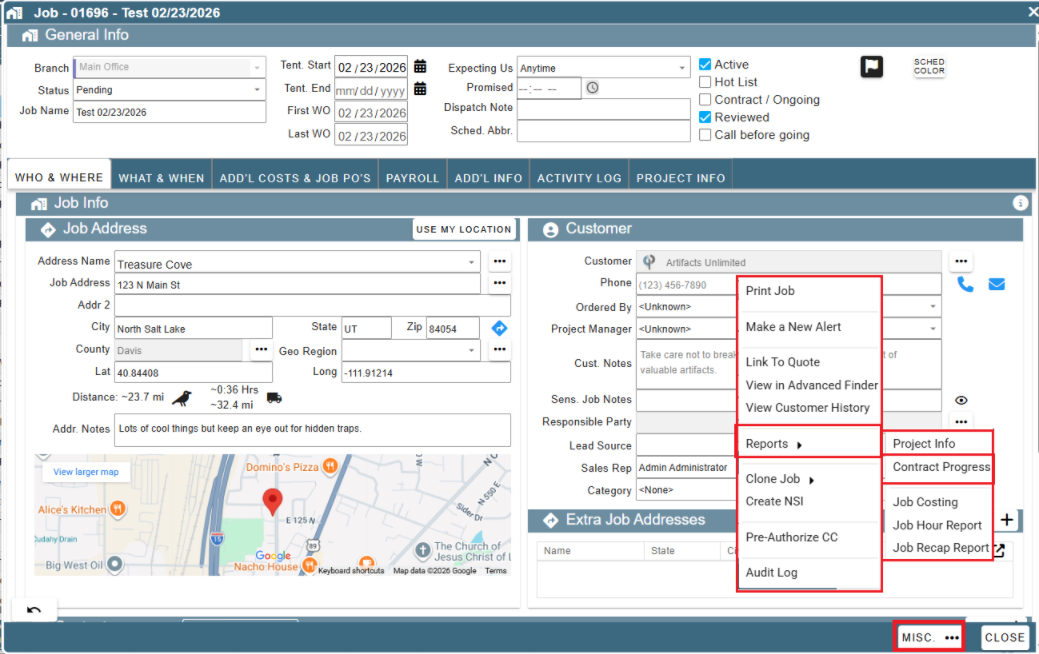
- Added: Job -> Misc... Button -> Reports: New option to launch Project Info
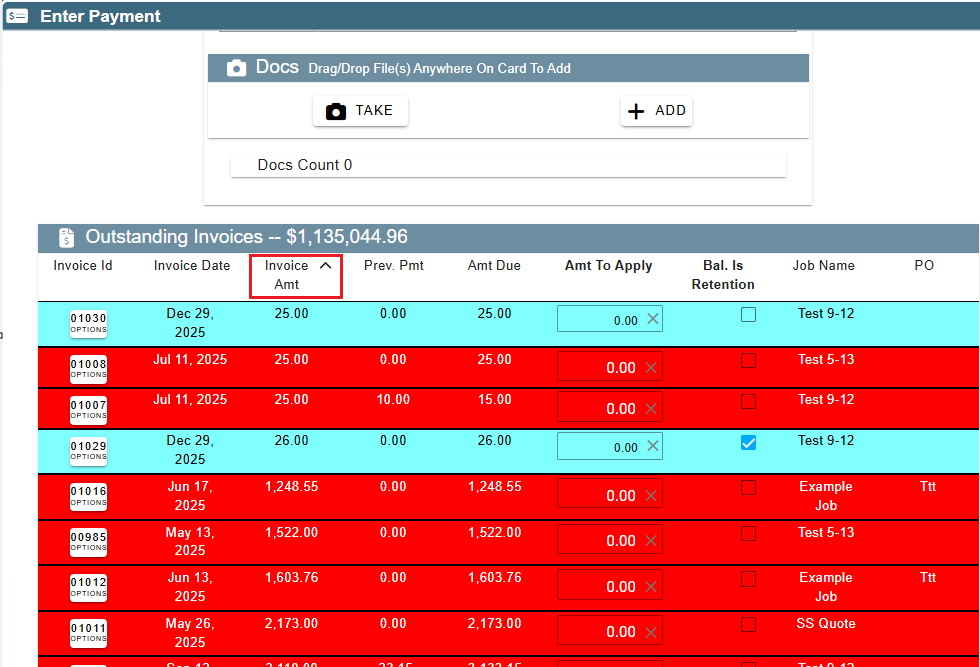
- Added: Enter Payments: Can now sort invoices by clicking on the column headers
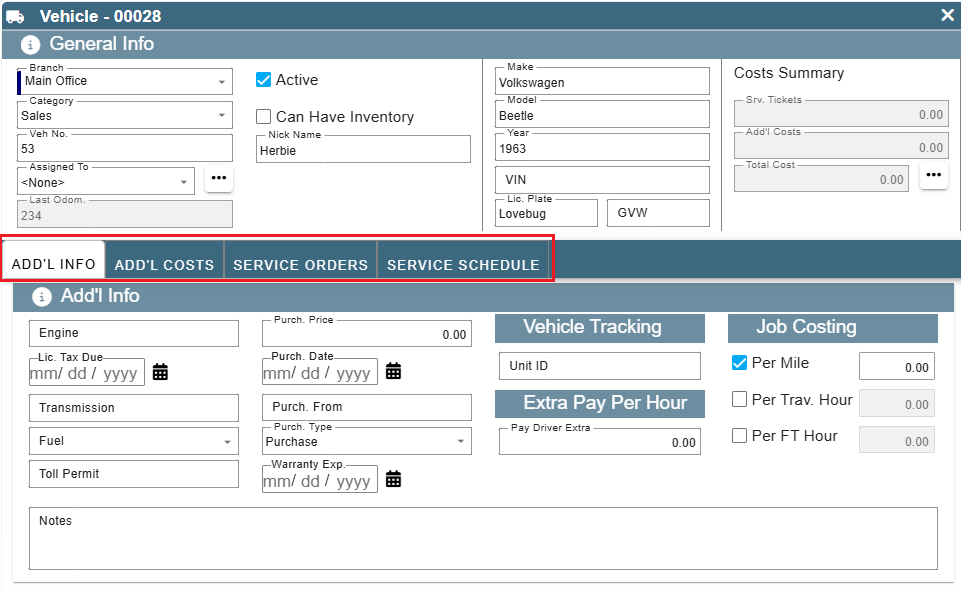
- Added: Vehicles: Tab options that were missing (i.e. Add'l Costs, Service orders, etc.)
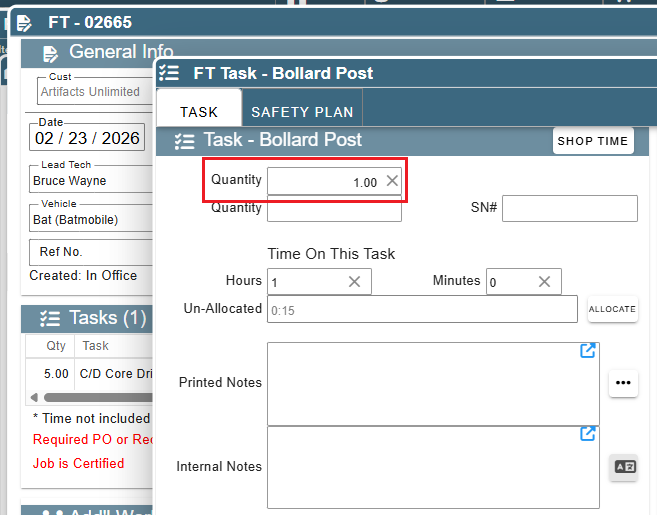
- Added: Field Ticket tasks added by office users now default to a quantity of 1 instead of 0 to match the desktop version
* Tech logins still default to 0 to ensure correct quantities are added
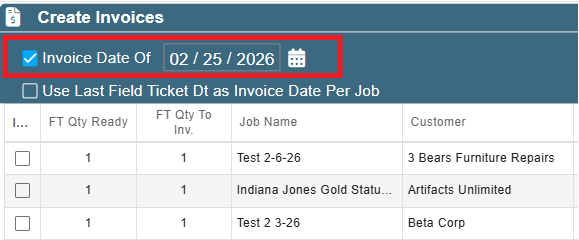
- Added: Create Invoices no longer remembers your 'Invoice Date Of' between sessions
* Now defaults to the current date each time you open the screen
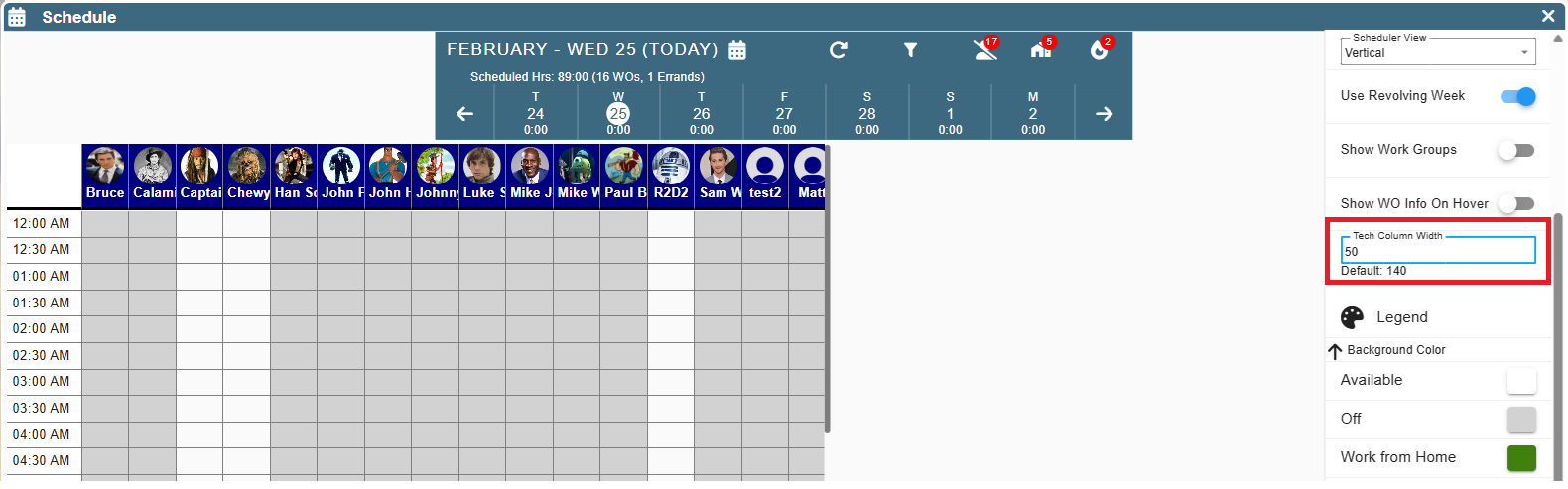
- Added: Scheduler -> Vertical View: Can now customize the width of the tech column under the Filters options
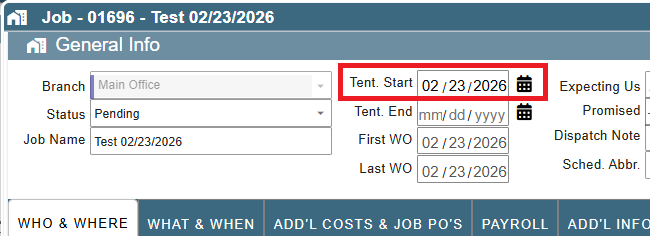
- Added: New Job in Full Job View: Tent. Start Date now defaults to the first WO date when you close the job screen if it's not set
- Fixed: Adding a new customer contact to a job not saving if you didn't have rights to edit customers
- Fixed: Find Inspection missing Print List button
- Fixed: Order parts not showing the vendor list if vendor list had over 1000 vendors
- Fixed: Find Parts print list not working correctly
- Fixed: Task Summary in View All FT For Job missing some options desktop beta apps had
- Fixed: Print A/R Aging Report, Detailed Accountant view not including surplus records if there were no outstanding invoices for the customer with the surplus balance
- Fixed: Scheduler double click not honoring user preference setting to open job instead of the WO
- Fixed: Field Tickets not showing the FT Pause details for the lead tech
- Other minor fixes