
TLDR: This update contains 1 major change, 13 new features, and 4 bug fixes.
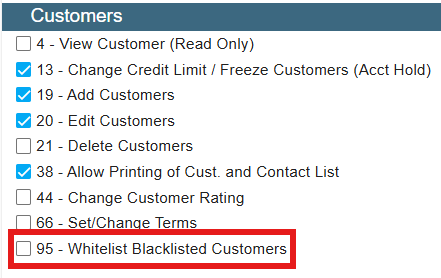
• Major Change: New security level 95: Whitelist Blacklisted Customer
• Previously required an admin
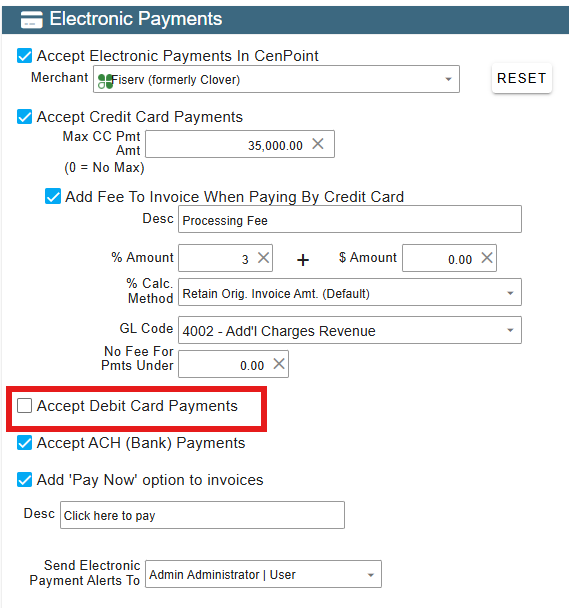
• Added: Debit Card fee compliance
• Visa/Mastercard don't allow charging a surcharge fee (i.e. 3% fee) on a debit card transaction
• If CenPoint detects a debit card transaction, it will automatically disable adding fees
• However, you are still charged the flat rate per card whether it's a credit or a debit card
• To help with this, you can now optionally turn off debit cards altogether in your branch settings
• If a customer tries to pay with a debit card, CenPoint will say debit cards are not allowed and to pay by CC or ACH (if it's turned on)
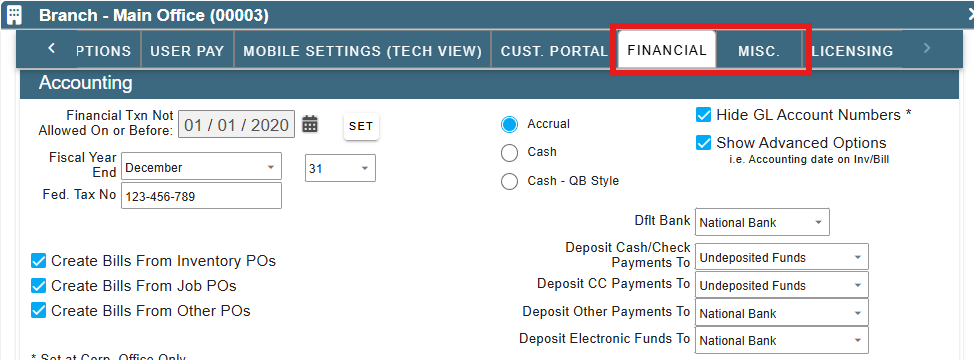
• Added: More -> Company/Branch Settings -> Modify Branch Settings: Major revamp of Misc. & Misc. 2 tabs
• New 'Financial' tab
• Removed 'Misc 2' tab
• Reorganized settings & what lives where so they make more sense / are grouped better
• Added: Scheduler(s) now warn you if a job is inactive (techs don't see inactive WOs for inactive jobs)

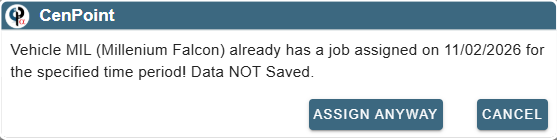
• Added: WOs now check for double booking vehicles as well as the techs
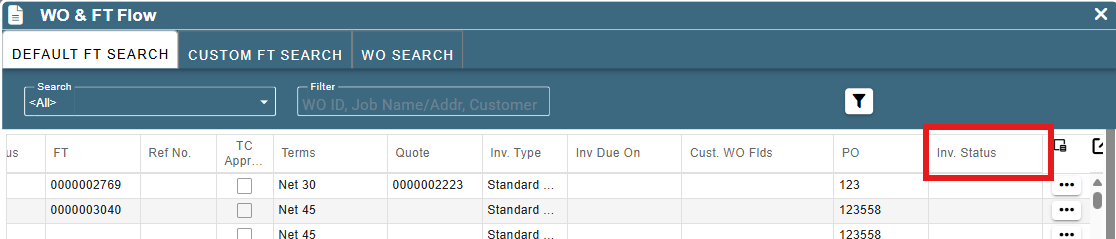
• Added: WO & FT Flow: New column in the grid for Invoice Status
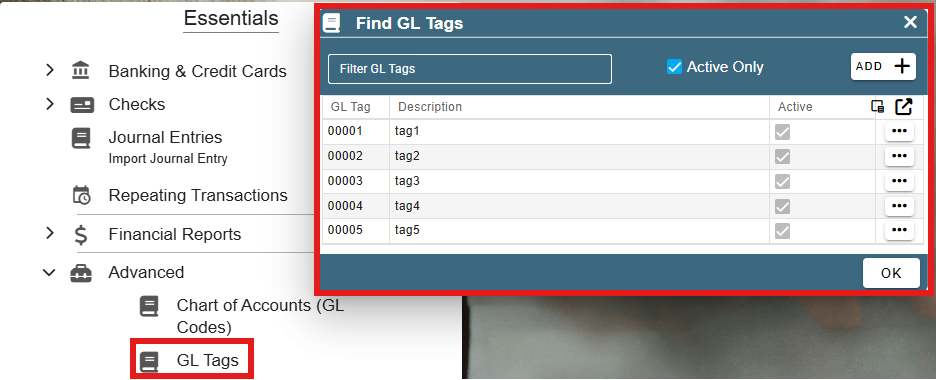
• Added: CP Books -> Advanced: GL Tags
• GL Tags are used to add an additional classification and track financial transactions within CP Books
• A tag can be an internal division within an existing branch or maybe even a big project
• When entering a bill or a bank register entry, you can 'tag' the transaction for tracking purposes
• You can set the GL Tag on a job and then all transactions for that job and all bills tied to the job are auto 'tagged' that division or project, etc.
• The P&L and other financial reports auto break out revenue / expenses by tag under each gl code
• See https://help.cenpoint.com/docs/gl-tags for more information
• Added: Data Utilities -> Bulk Set Geo Regions: Now runs on a mac or your phone
• Added: Data Utilities -> Verify Serialized Inventory Qty: Now runs on a mac or your phone
• Added: Data Utilities -> Recalc Surplus Balances: Now runs on a mac or your phone
• Added: Data Utilities -> Import Taxes (.xls): Now runs on a mac or your phone
• Added: Enter Paystub Info -> Import -> QuickBooks Desktop - Payroll Data: Now runs on a mac or your phone

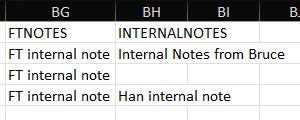
• Added: Find Field Tickets -> Print... -> Export List with Tasks: Now includes the task internal notes
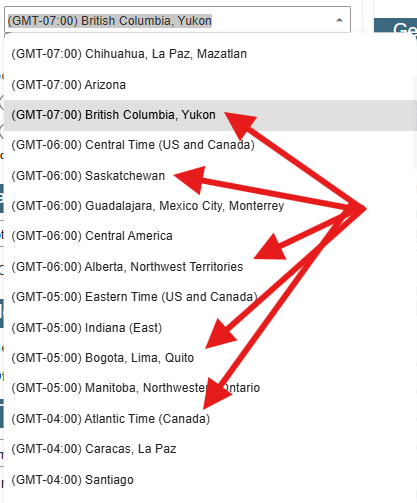
• Added: New time zones for Canadian provinces that stayed on daylight savings time
• Fixed: Sandbox saying invalid credentials in some scenarios
• Fixed: Auto lunch not working correctly with night shifts that spanned midnight
• Fixed: Job to review not showing up on the tech weekly scheduler
• Fixed: Training: A training released today didn't show until the next day
• Other minor fixes