This article will show how techs can view their own pay stubs on a mobile device.
Viewing Your Own Paystub on a Mobile Device (Tech View)
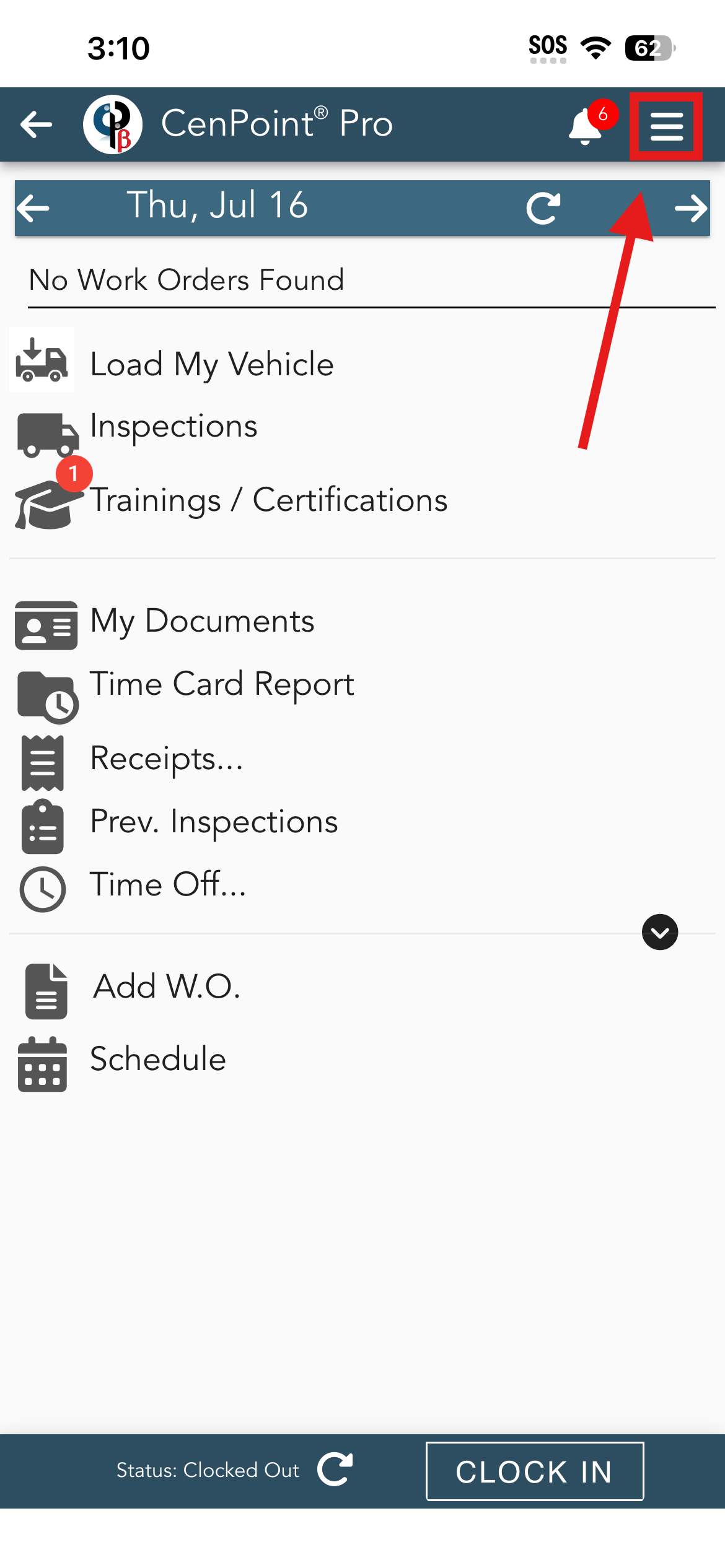
To view your own pay stub as a tech, tap on the hamburger menu in the top right corner of the screen.
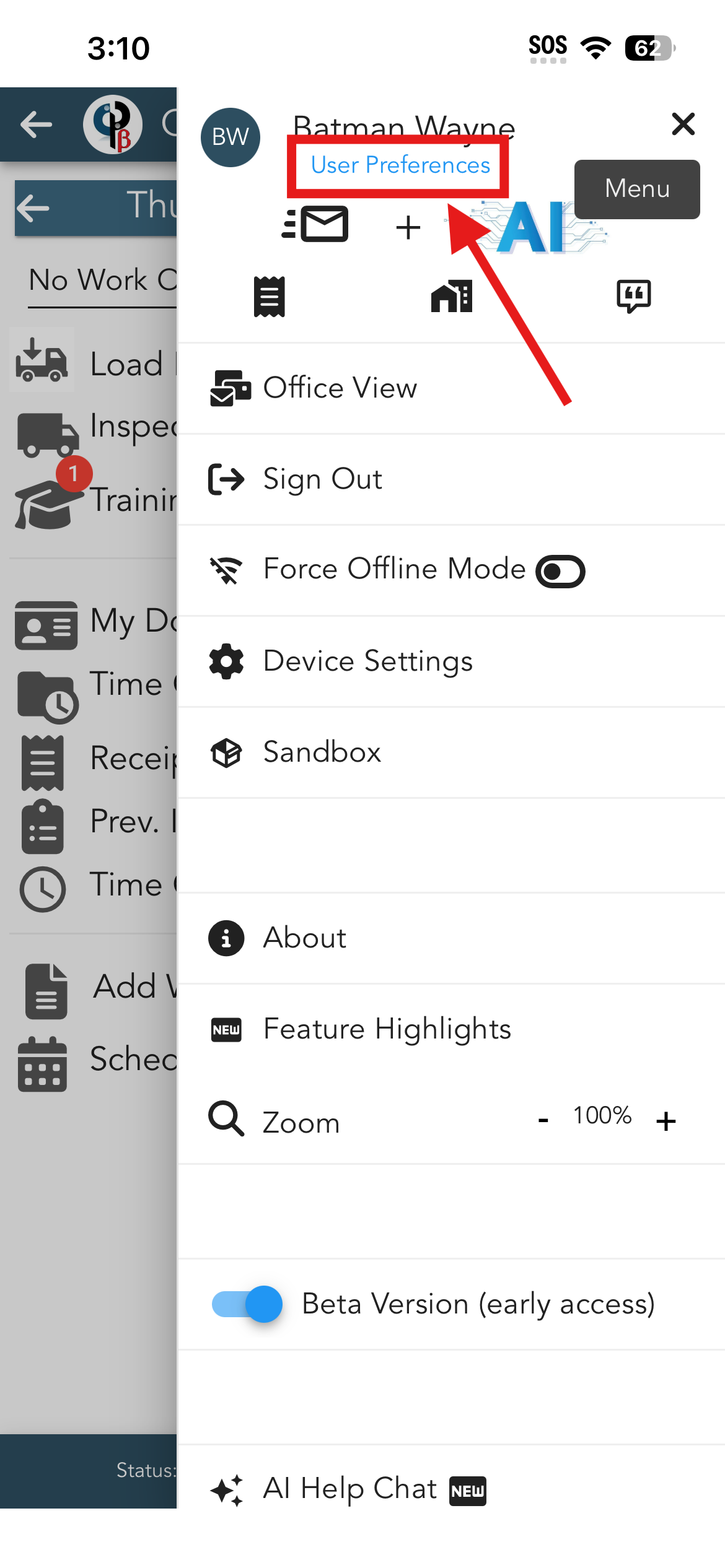
Then, in the side-menu, tap on ‘User Preferences’.
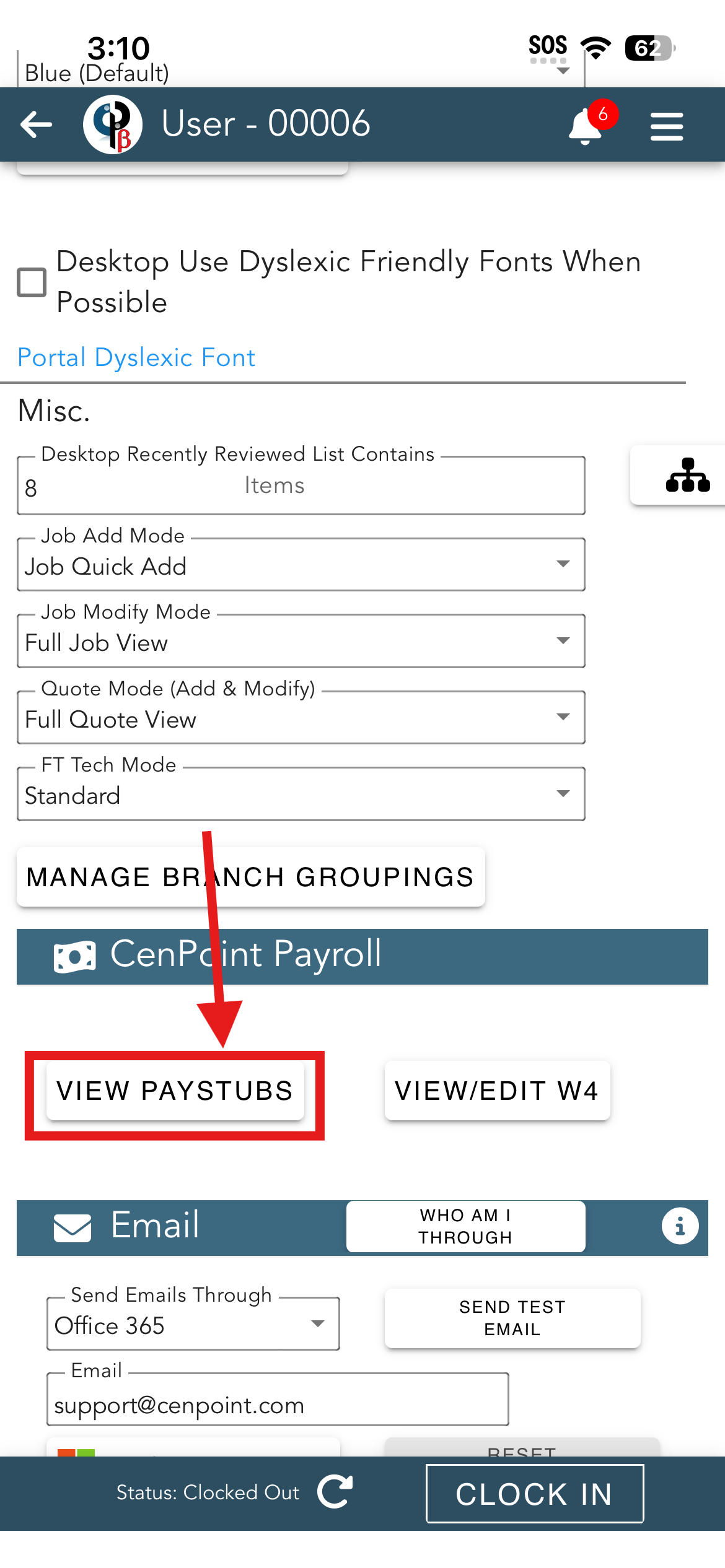
Now that the ‘User Preferences’ tab is open, scroll down to the ‘CenPoint Payroll’ section and tap on ‘View Paystubs’.
The CenPoint Payroll screen is now open. It displays the years with pay stubs and the total pay amounts for those years.
Tap on a year to view all of the paystubs for that year.
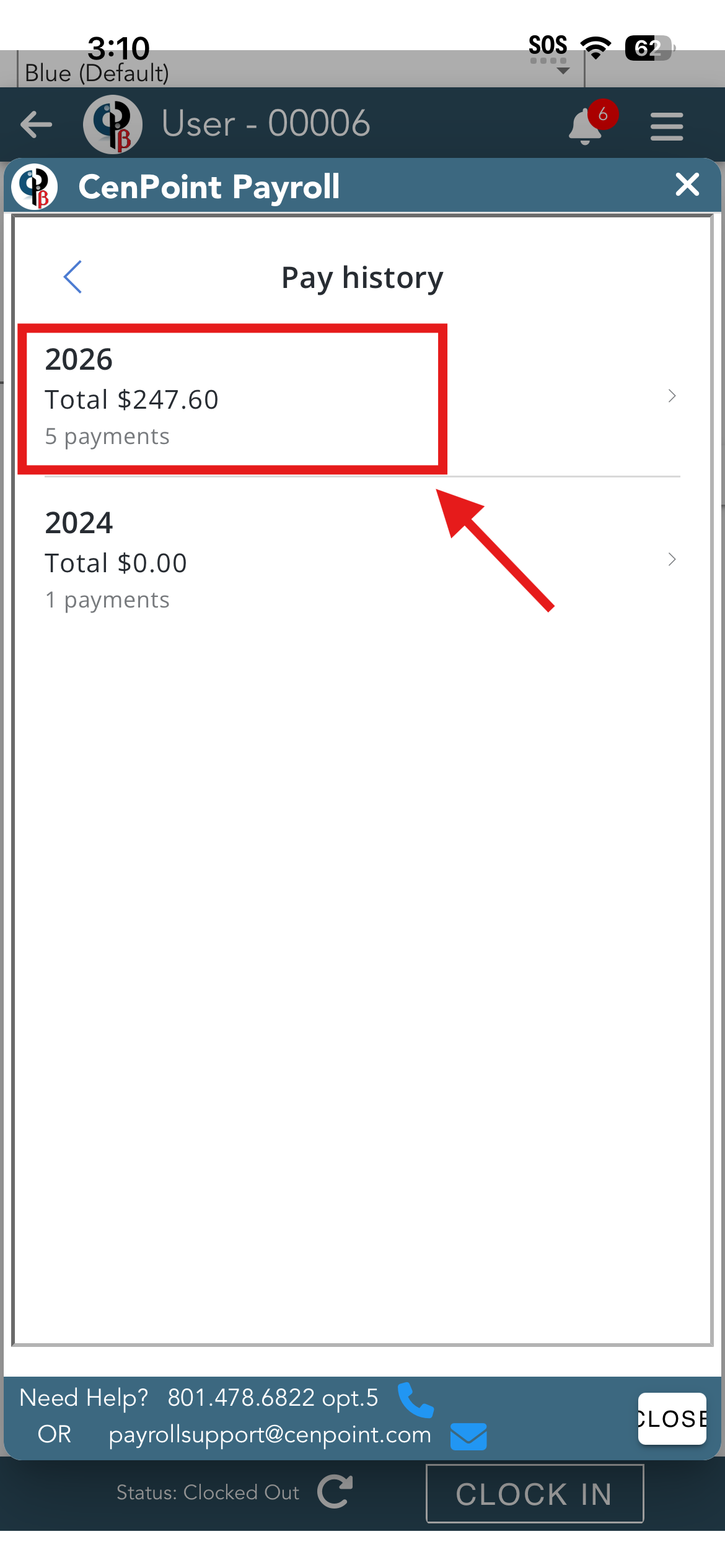
The list of paystubs displays the date and the pay amount.
Tap on a paystub to see its weekly payroll and payments.
.png)
To view or download the paystub, tap on the ‘View Paystub’ button.
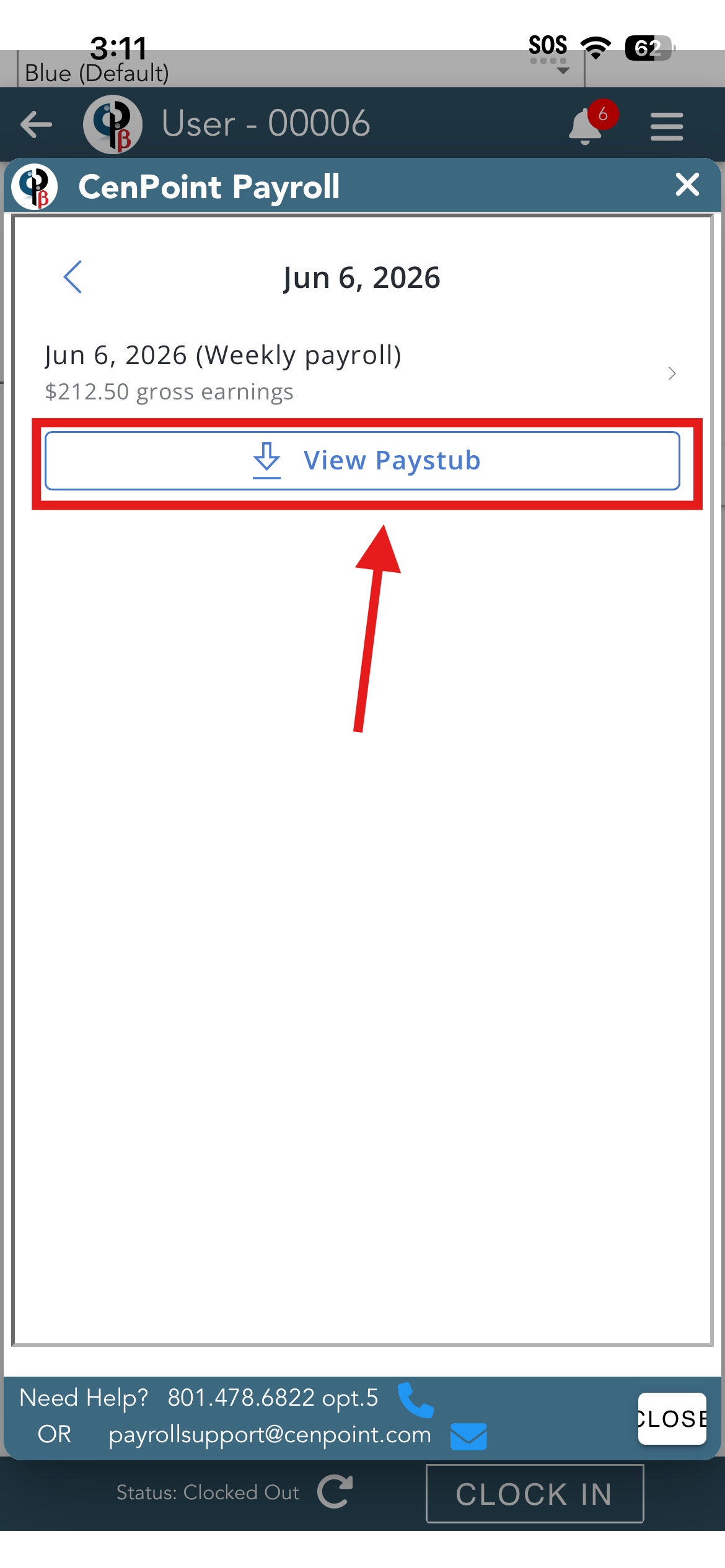
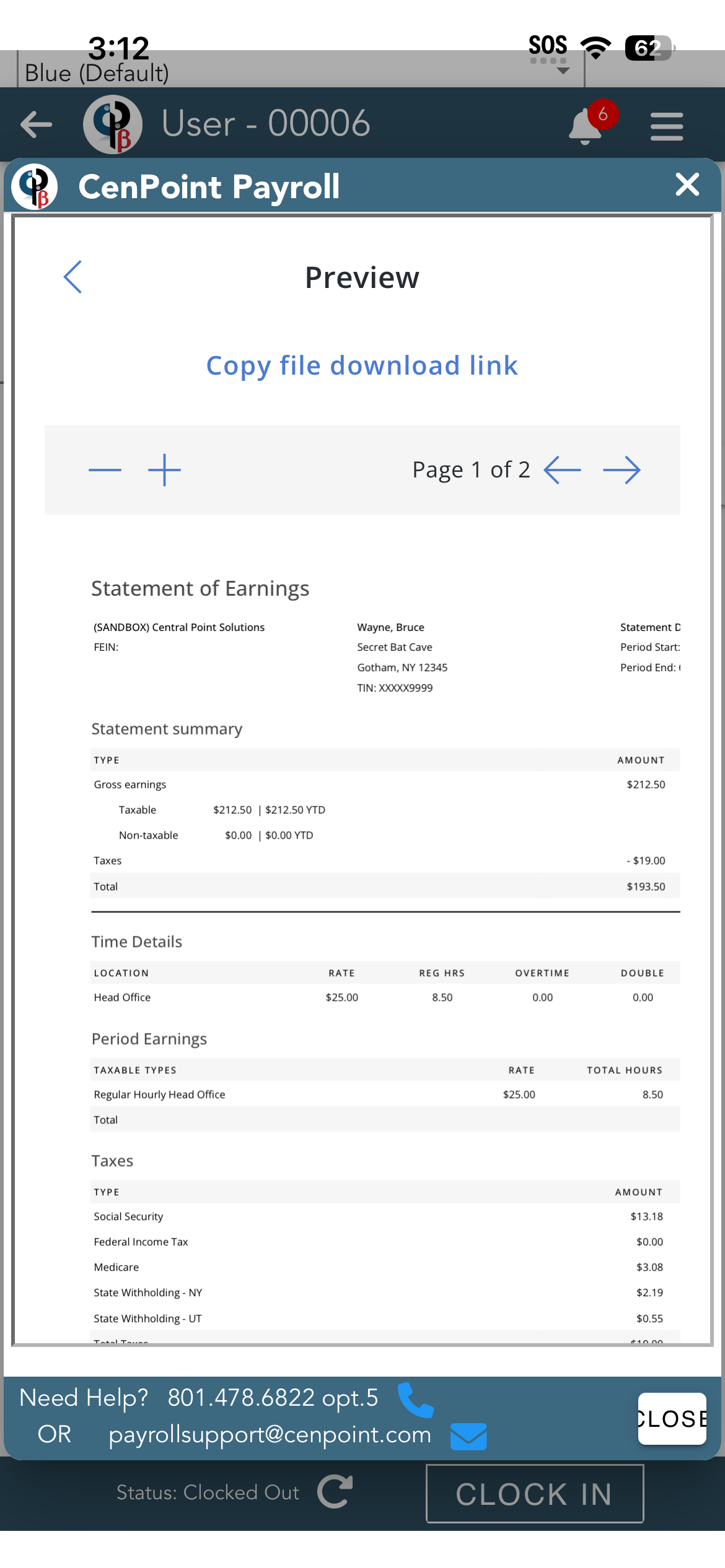
This is the paystub file. To download it, tap on ‘Copy file download link’, and then paste the link into your browser.