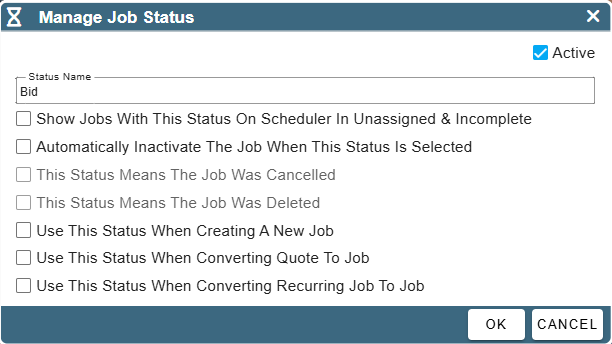
Job Statuses are a valuable tool for managing jobs throughout their lifecycle. They can be used to indicate the current stage or progress of a job and can also help facilitate handoffs by signaling when a job is ready to move to the next department, team, or individual responsible for completing it.
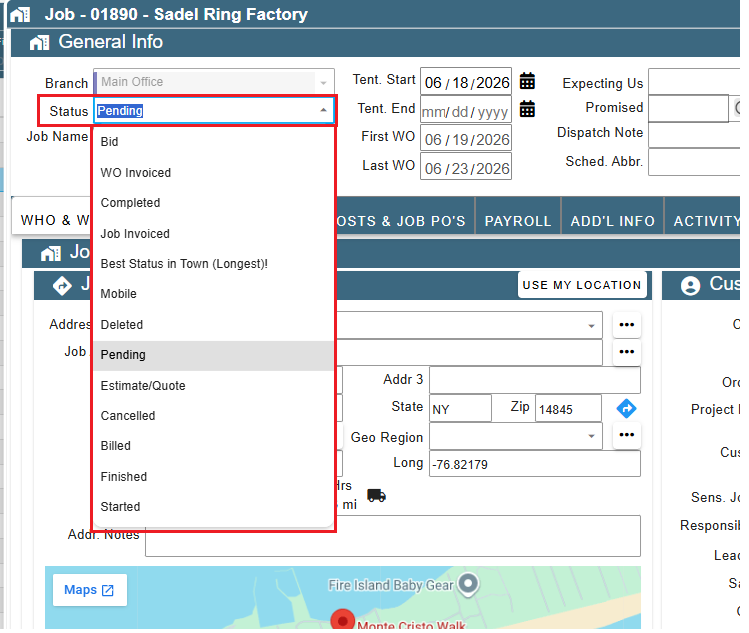
Job Statuses are found at the top of each job and are fully customizable by you, including certain actions the status may complete when selected.
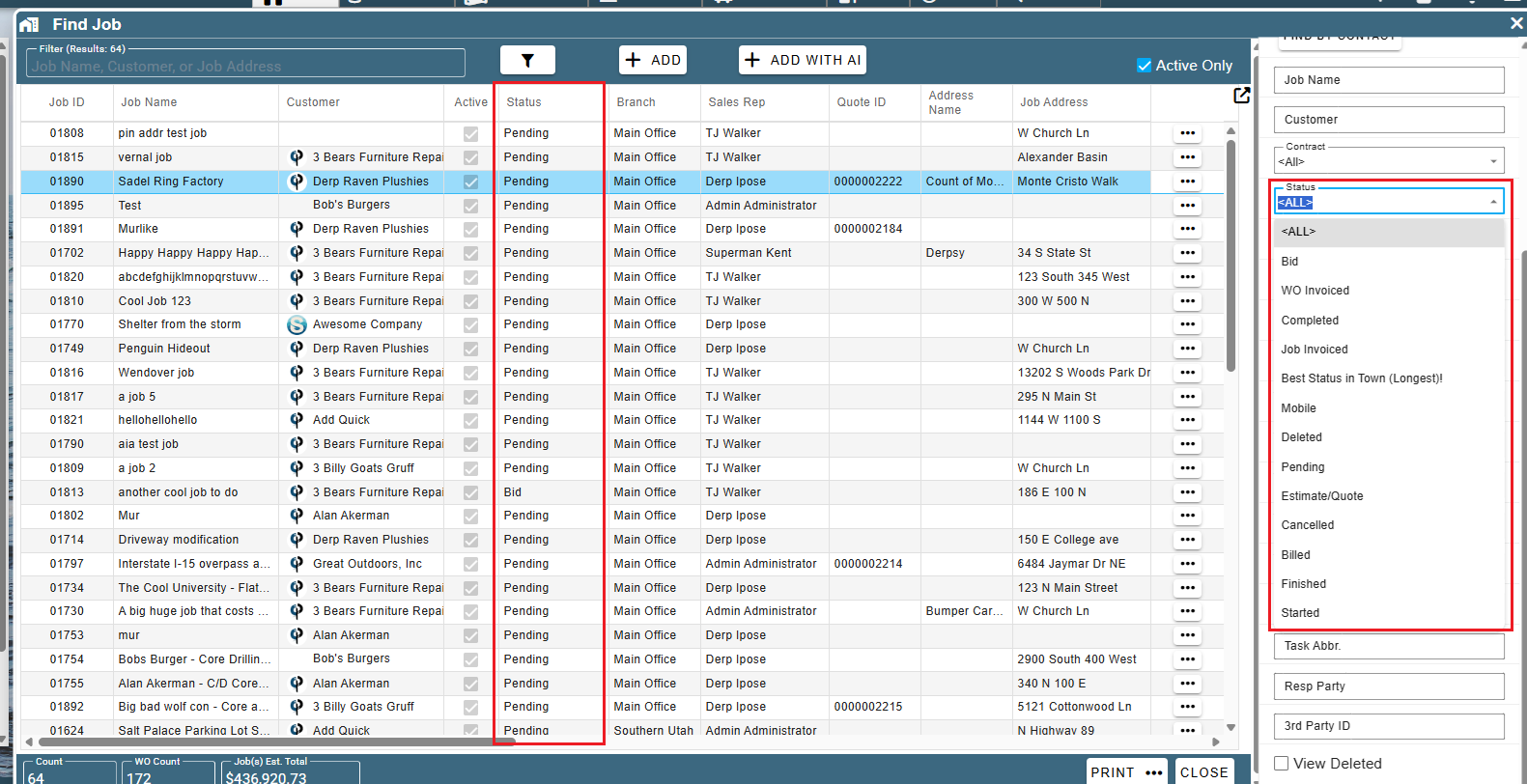
Job Status is easily tracked on the Find Job screen and has its own filter.
Create Job Statuses
Go to More -> List Management -> Quotes, Jobs, & Invoices → Job Statuses
.png)
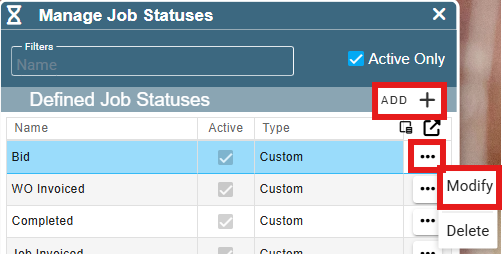
Click the ‘Add’ button to add a new Job Status.
Click the Ellipsis → Modify to edit an existing Job Status.
Decide what actions should be taken when that status is chosen.
Example: When the Job Status is changed to Completed,
the Job becomes inactive and no longer shows in the Jobs list.