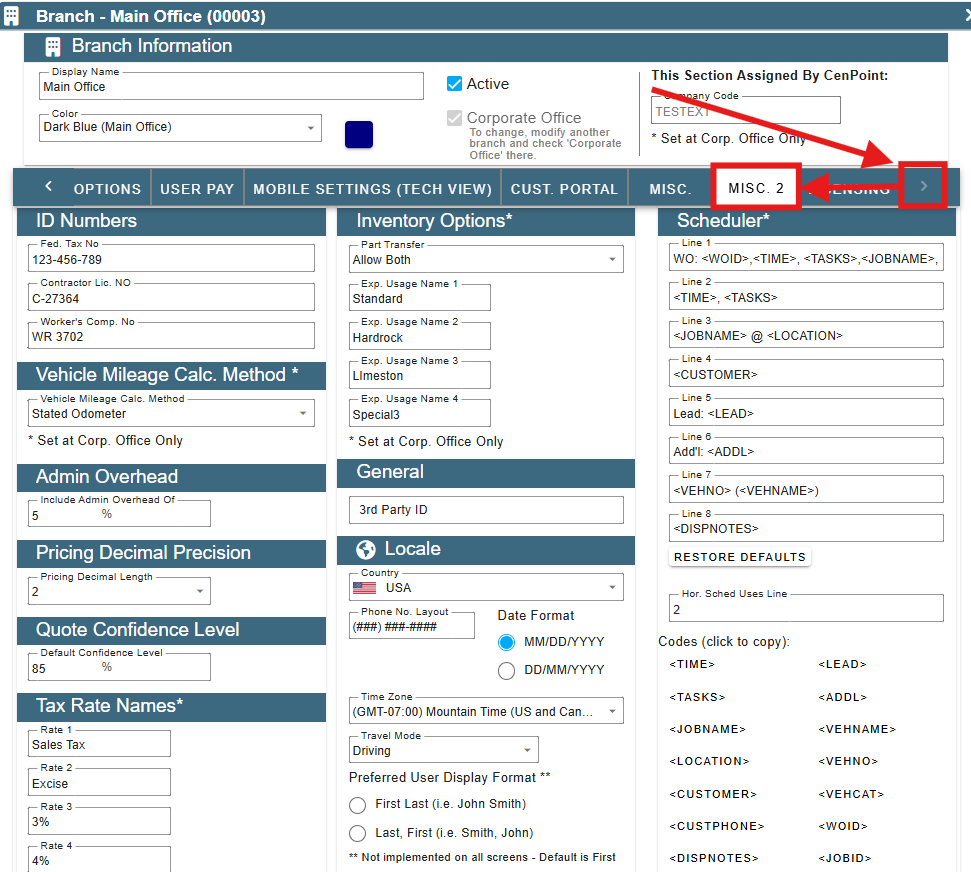
Find Misc. 2 Tab
Go to More → Company/Branch Info
.png)
Then double click on your branch or select the Ellipsis→ Modify
.png)
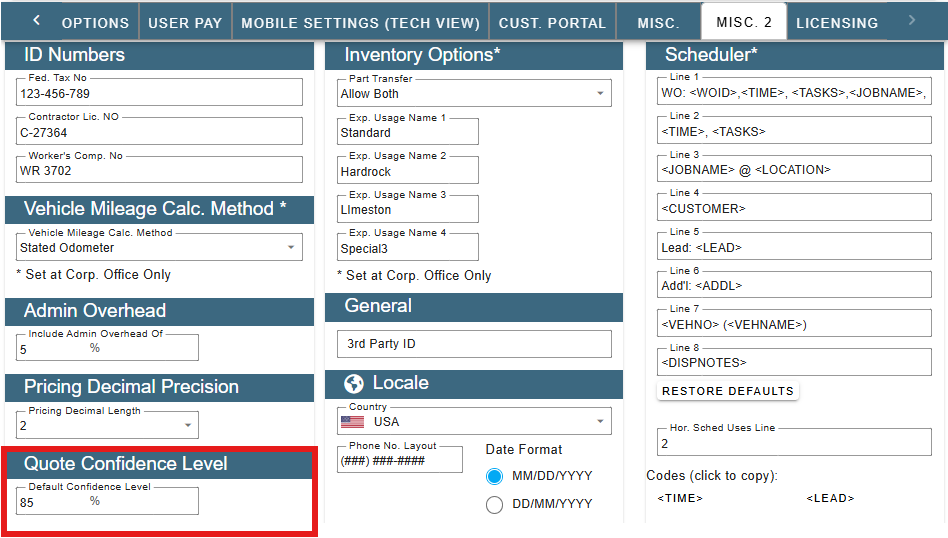
Go to the Misc. 2 Tab. You may have to click the arrow to see more tabs
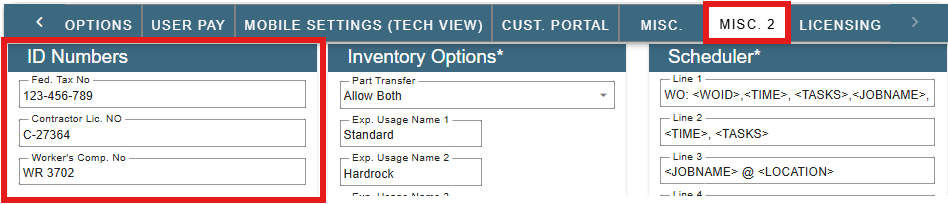
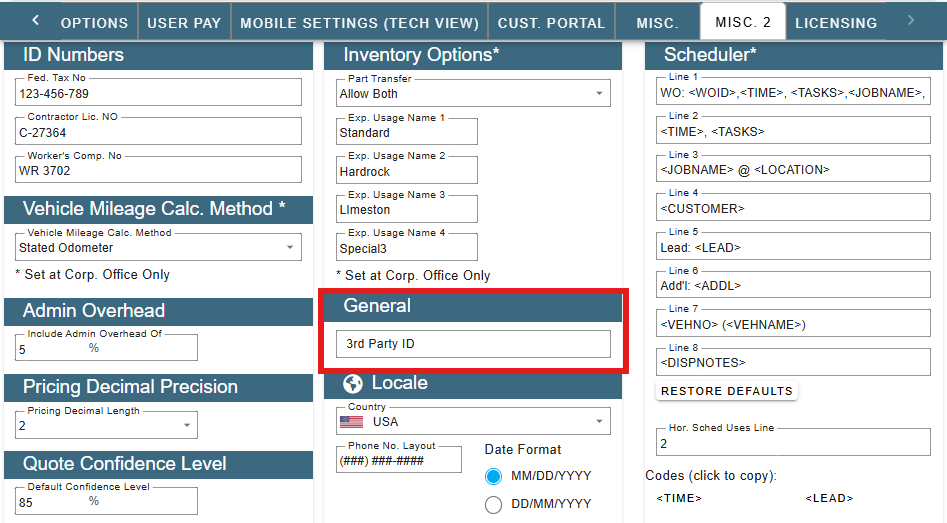
ID Numbers
Store company ID numbers
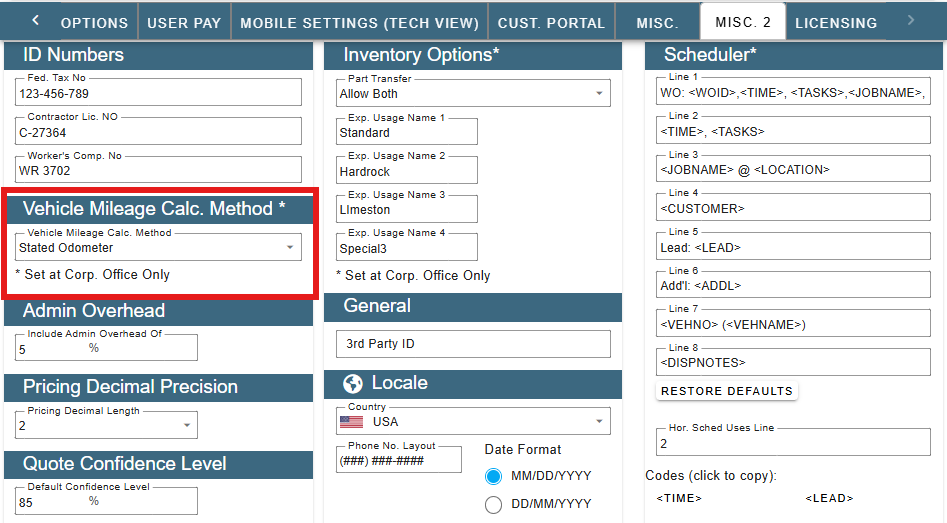
Vehicle Mileage Calculation Method
Choose the method of Vehicle Calculation for your company from the dropdown.
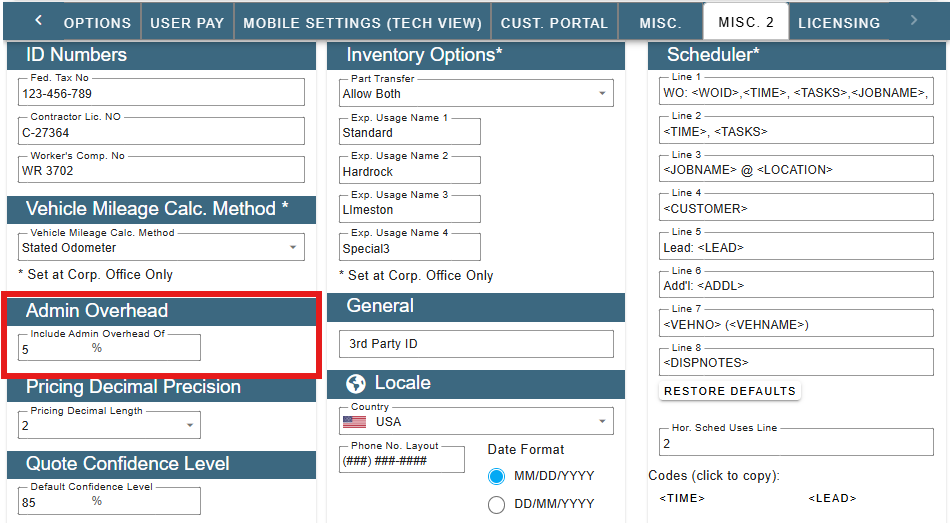
Administrative Overhead
Chose the percentage of Admin overhead for your company
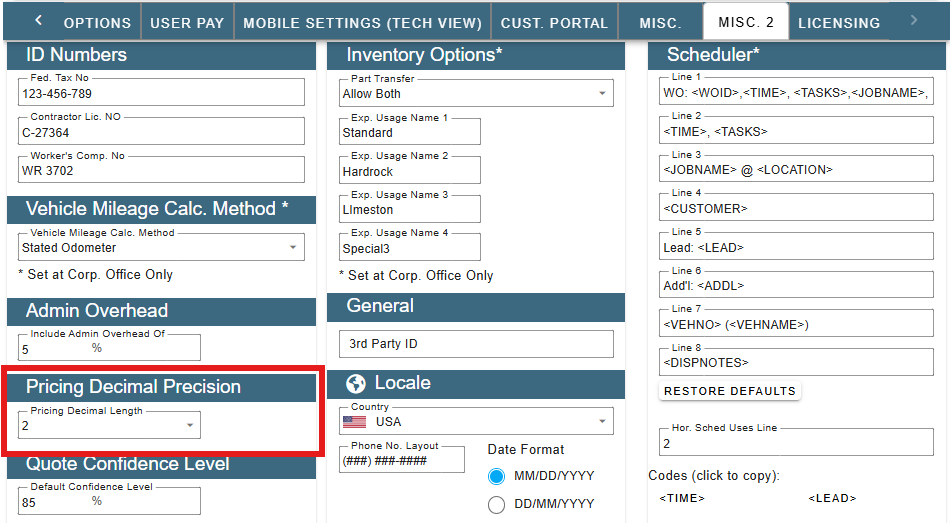
Pricing Decimal
Choose how many decimal places you'd like on your pricing.
Inventory Options
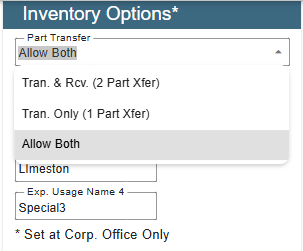
Choose a method of Parts Transfer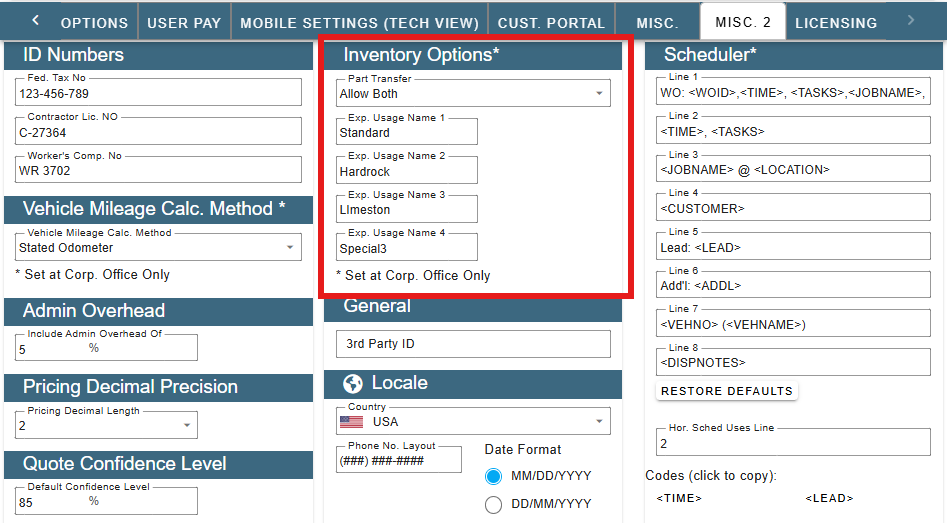
General
Set up a 3rd party ID if you need it.
Locale Settings
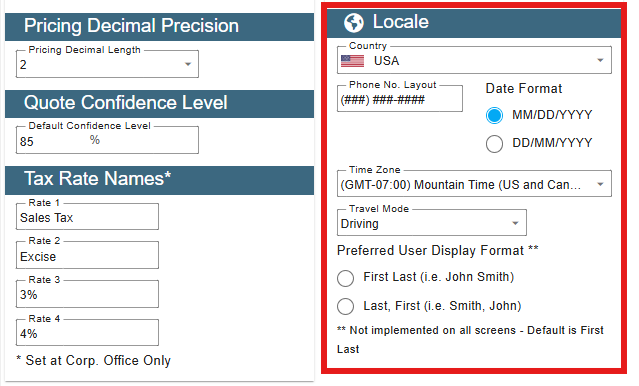
Select your country, format phone numbers, dates, and name layout.
Select your time zone.
Select which mode of travel will be the standard. (Driving vs Public Transportation).
Scheduler
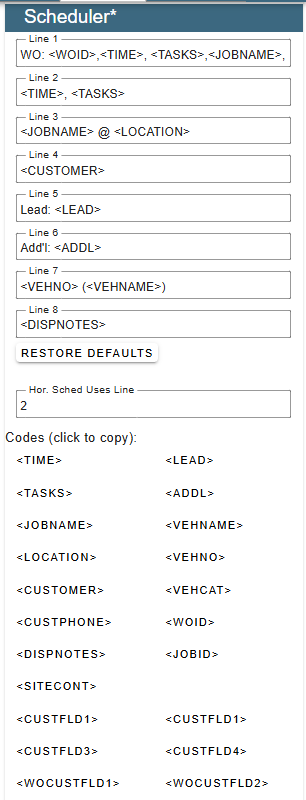
Customize the schedulers using the codes.
Right click on the line to select Font Sizes and Colors
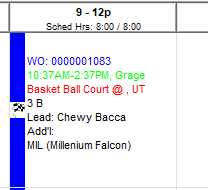
These settings cause the colors in your schedule to change. Here's an example of what they might look like.
Quote Confidence Level
This is how confident you are with the quotes
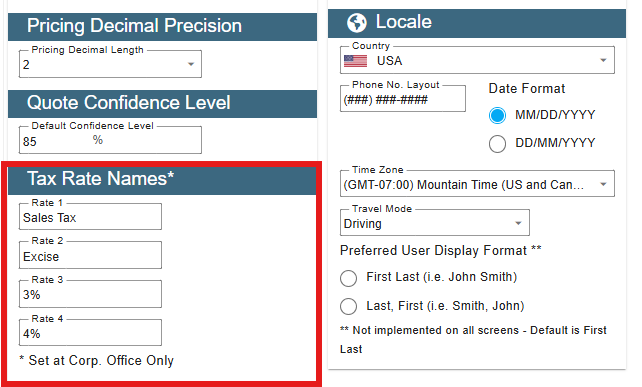
Tax Rate Names
This is the different names for the tax rates you set up