
• Major Change: New Payroll Tab
• Options that used to be under Reports -> Time Cards & Payroll have been moved to a new dedicated Payroll tab in the main menu
• 'Review Tech Time' has been renamed to 'Review / Export Time'
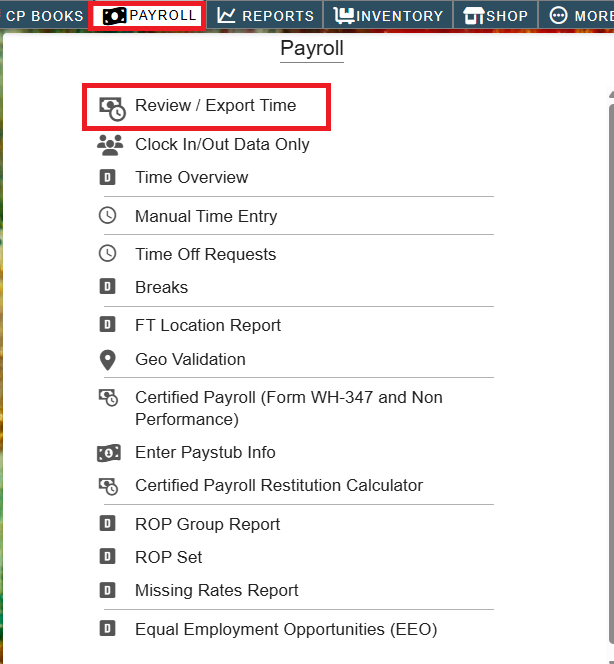
• Major Change: CenPoint Payroll Process has been revamped, simplified, & streamlined
• This change will go into effect approx. the 1st week of May
• Please review the following article on the new payroll flow: https://help.cenpoint.com/docs/cenpoint-payroll-approve-and-process-payroll
• Added: CenPoint Payroll: No longer have to use a file to upload union dues (or other deductions)
• This should drastically simplify the payroll process each week
.png)
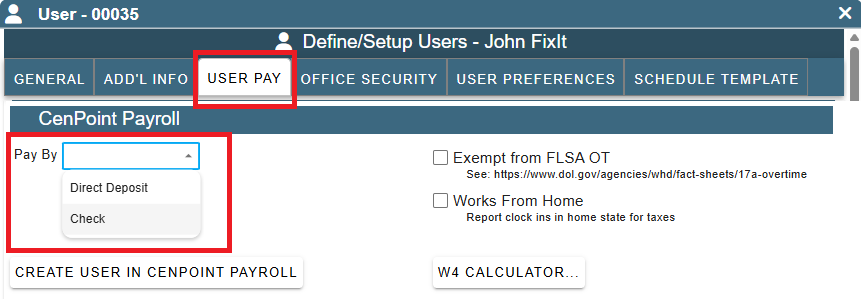
• Added: More -> Users -> User Pay Tab -> CenPoint Payroll: Can now flag a user as paid via check instead of direct deposit
• Checks will be automatically queued up in CP Books -> Bulk Print Checks
• Note: This option will not work until the new payroll process goes into effect (approx. the 1st week of May)
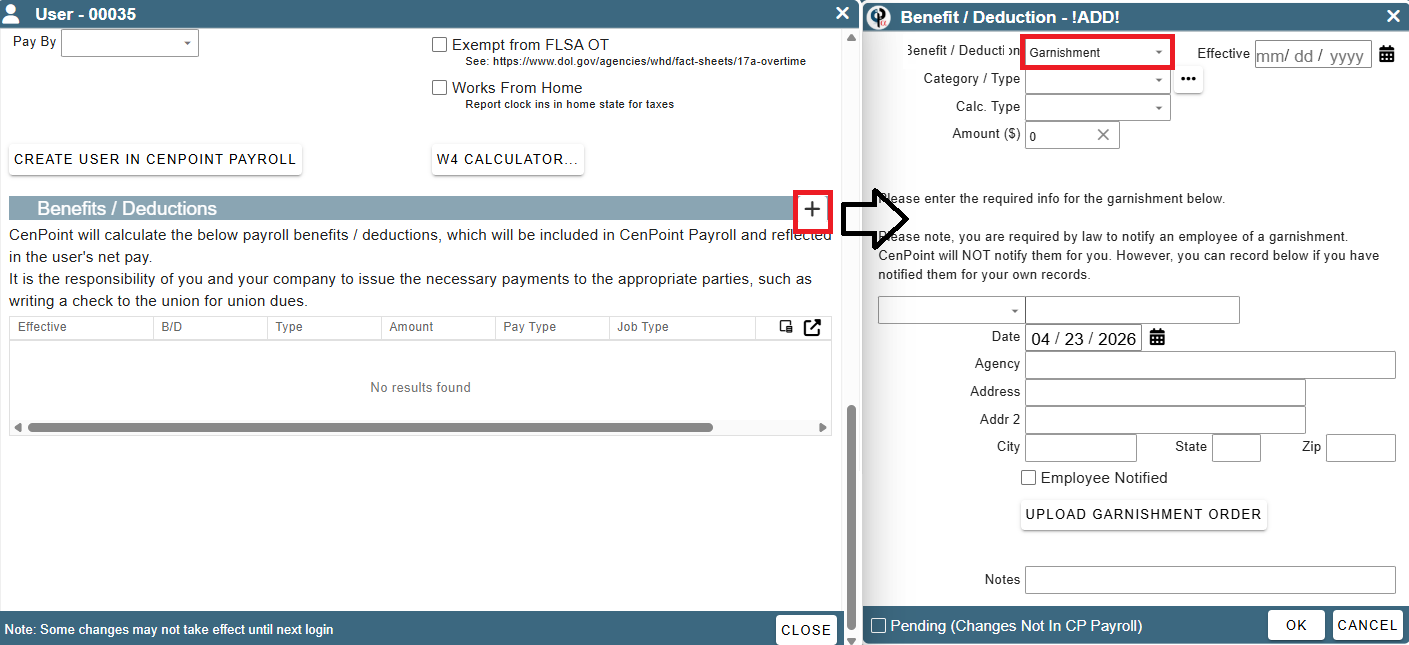
• Added: More -> Users -> User Pay Tab -> CenPoint Payroll: Enhanced Benefits / Deductions section. Can now also specify garnishments and details
• Note: This option will not work until the new payroll process goes into effect (approx. the 1st week of May)
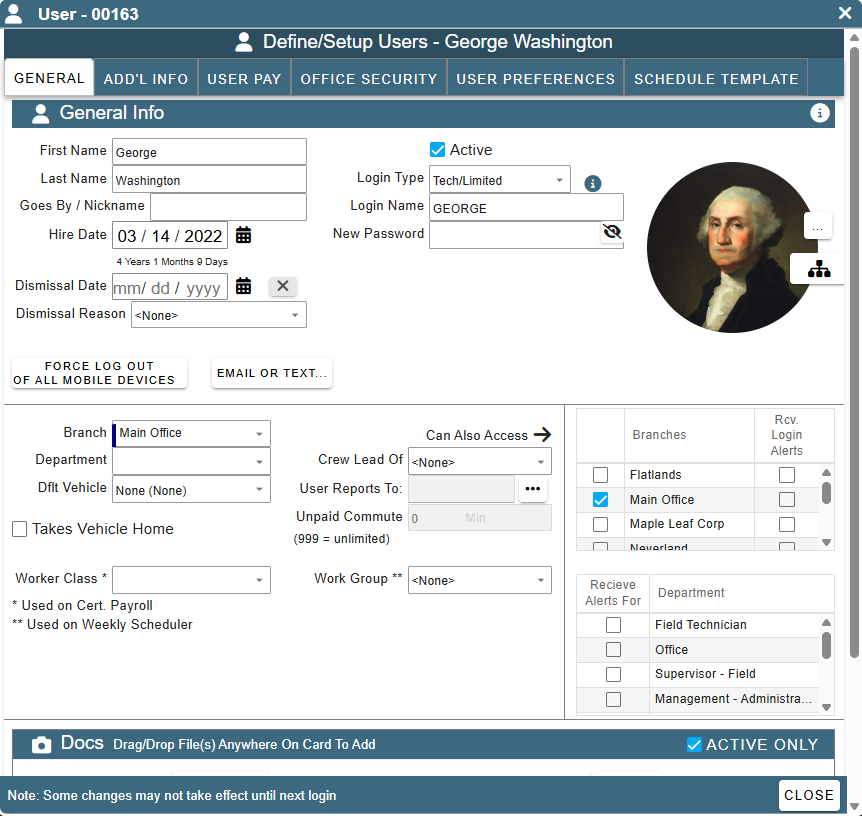
• Added: More -> Users -> Modify User: Screen layout simplified and more compact
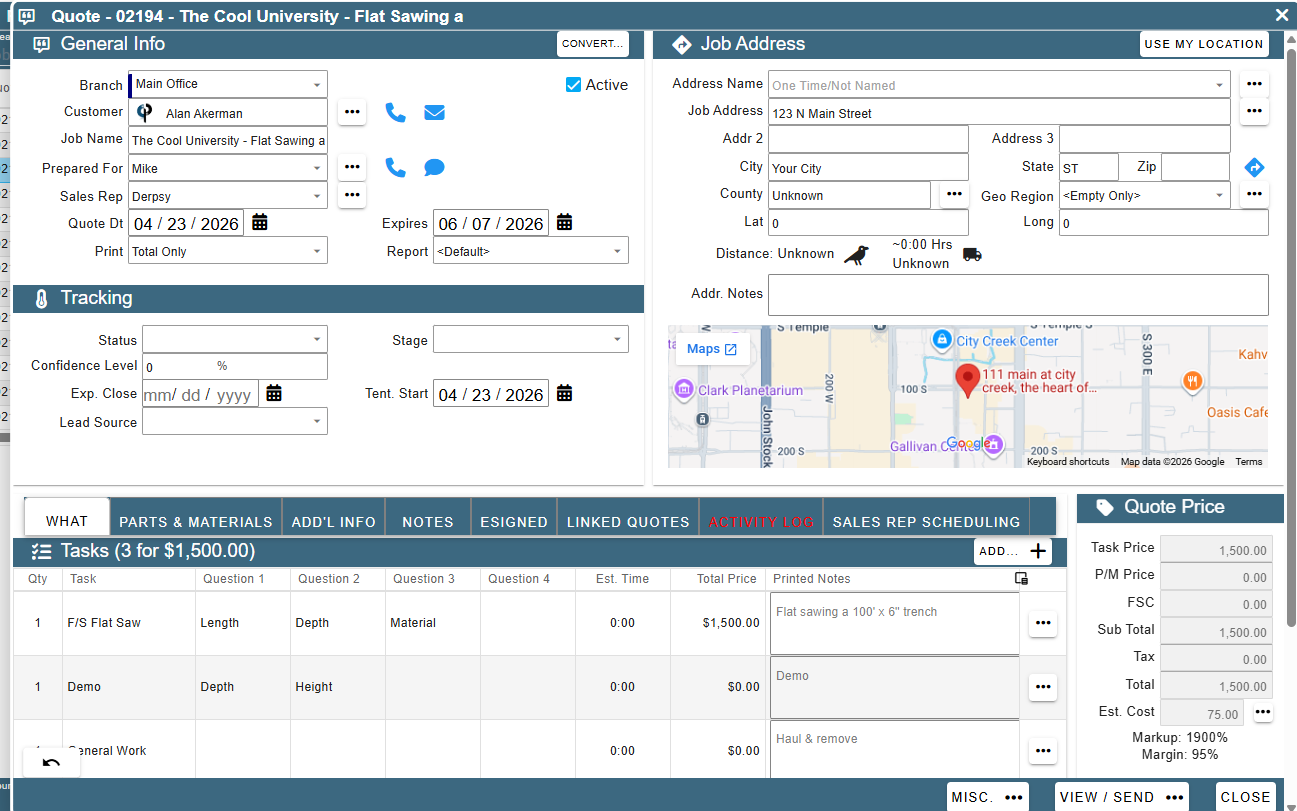
• Added: New Quote/Job with AI: Now tries to line up task Q/A instead of just throwing everything in the notes section
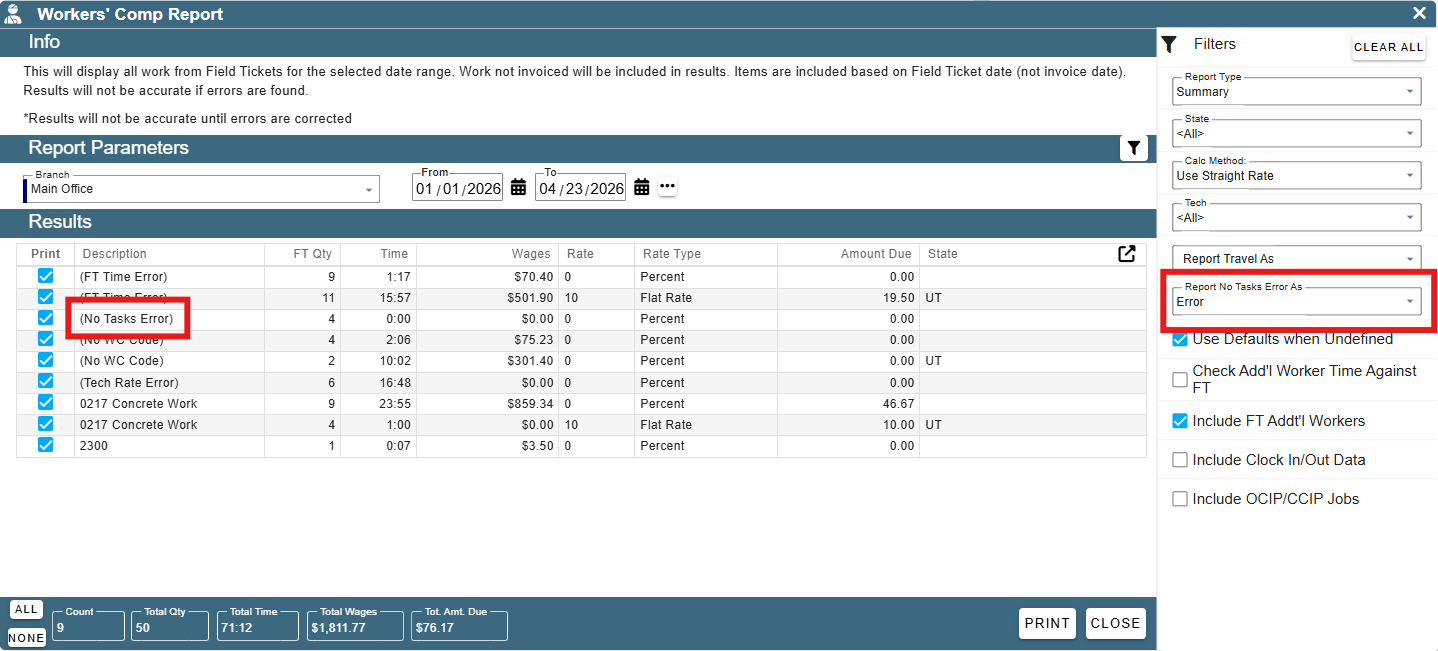
• Added: Reports -> Tax Reports -> Workers Comp Report: New option to report no tasks error as a workers comp code instead of an error
• Will use the onsite time from the FT to determine wages since there is no task time to pull from
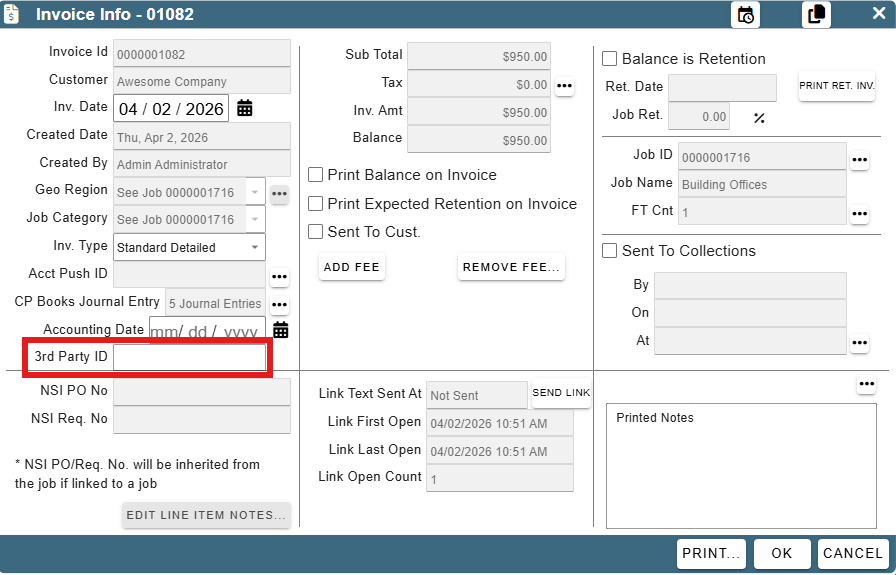
• Added: Invoices: Can now set a 3rd party id on the invoice
• Helpful if billing out of another system and need to match up the invoice numbers in CenPoint to the other system
• Set as you create an NSI or set/edit after an invoice is created under Find Invoices -> Invoice Info
• You can also filter by the 3rd party id in Find Invoices
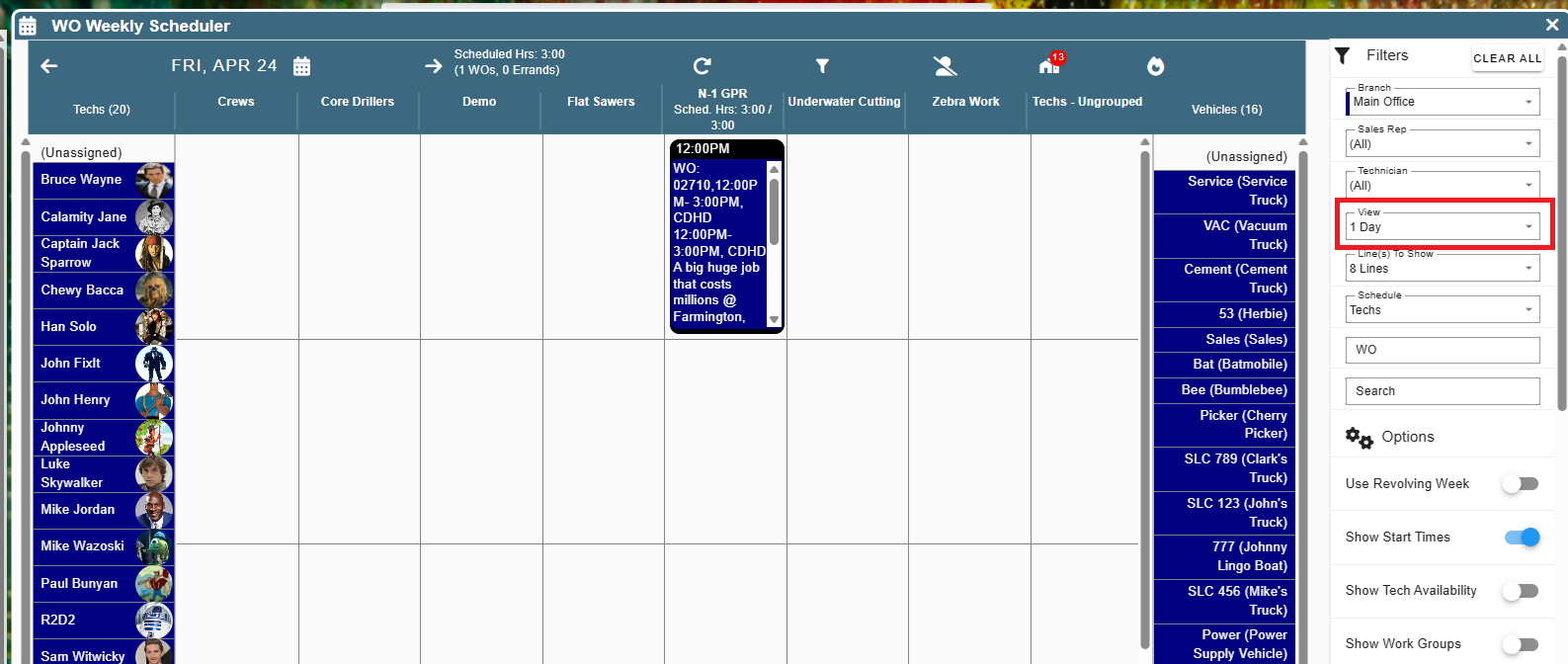
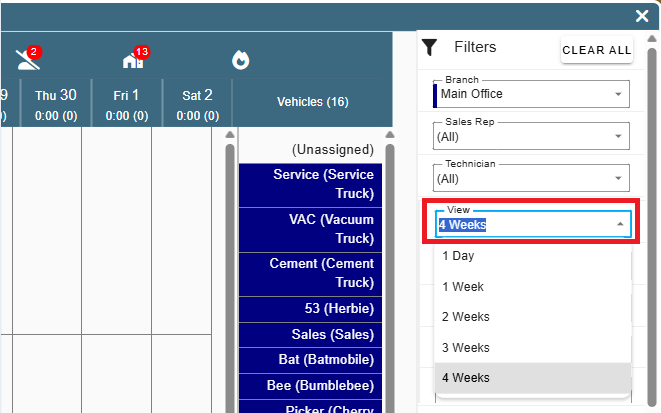
• Added: WO Weekly Scheduler: Can now set the view to '1 Day'
• Column headers are based on if you are set to schedule 'Techs' (shows work groups) or 'Vehicles' (shows vehicle categories)
• Added: WO Weekly Scheduler: Can now view up to 4 weeks at a time
• Layout will most likely be a bit cramped but helpful to see hours scheduled out
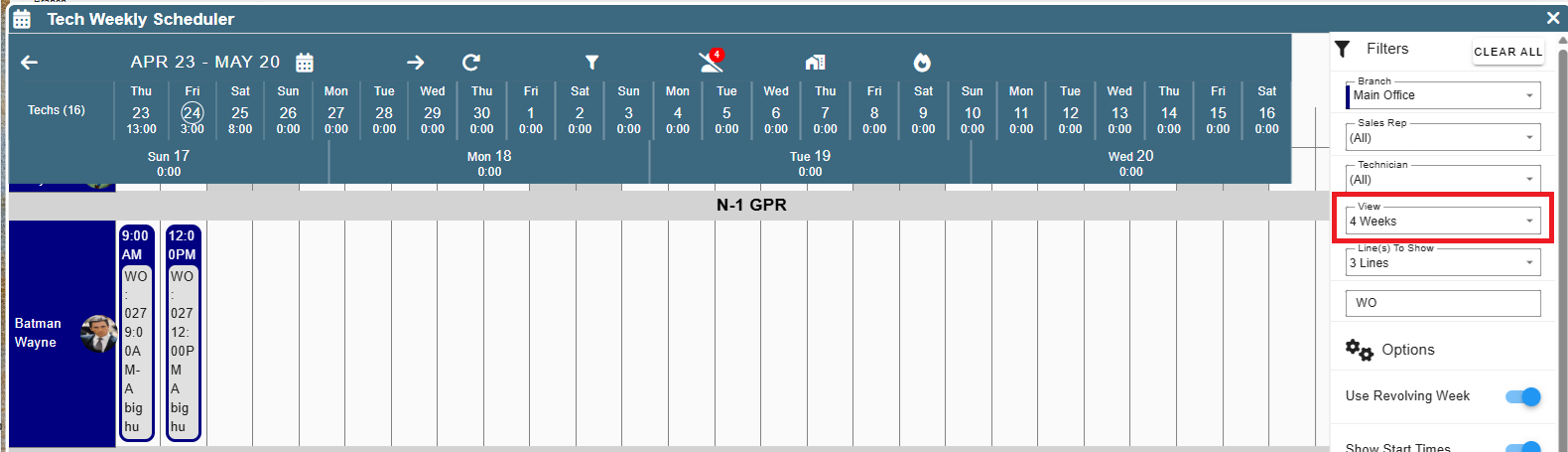
• Added: Tech Weekly Scheduler: Can now view up to 4 weeks at a time
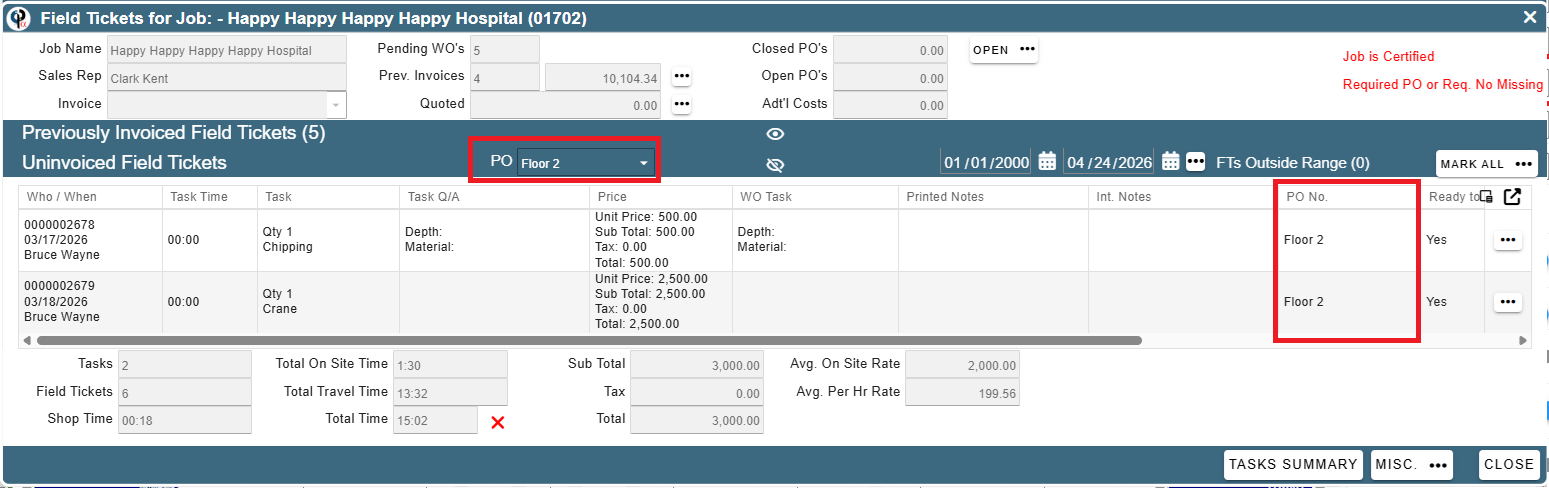
• Added: Find WO -> View All FT For the Job: Now defaults to filter to FTs tied to the same PO # as the WO you clicked on
• Added: View All FT For the Job: New compact layout and options to hide sections so you can maximize the info you care about
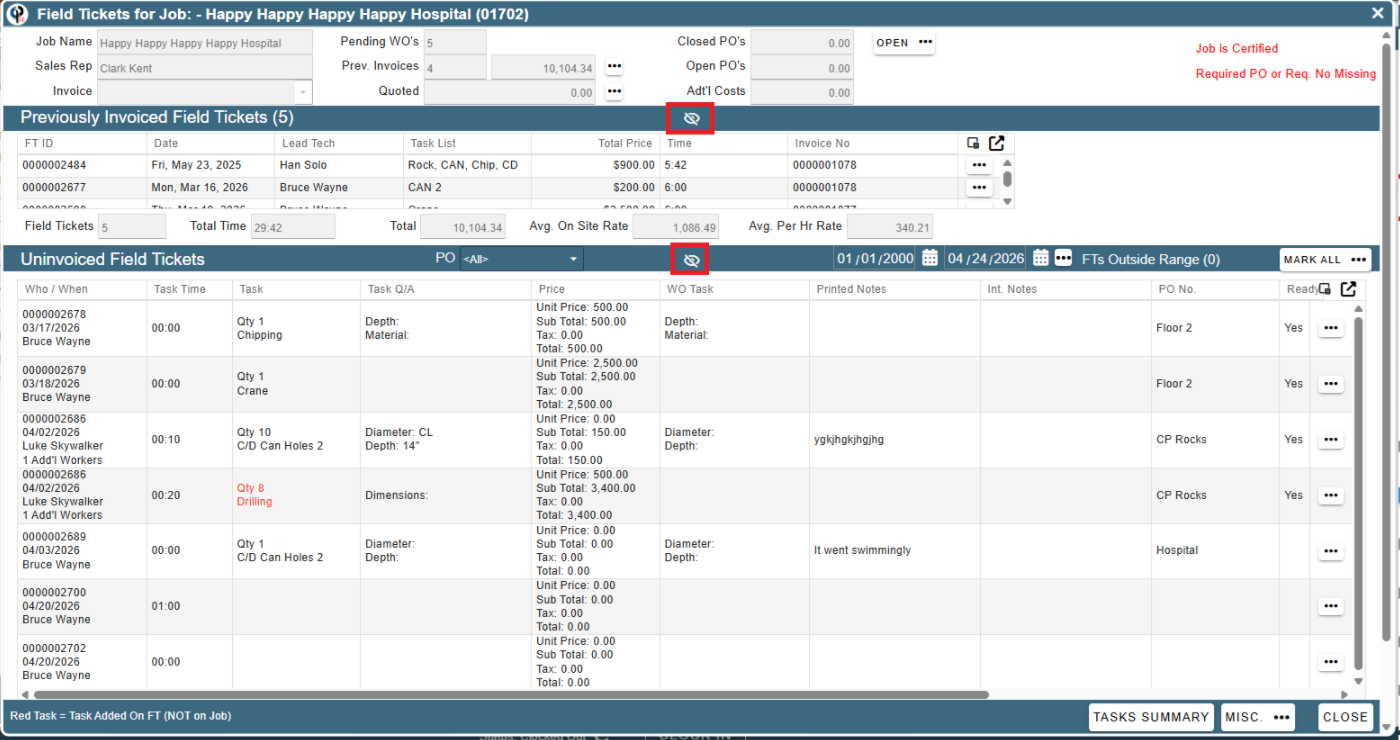
• Fixed: View All FT For Job showing some 'summary' info in the top section as 0s instead of the actual numbers
• Fixed: Billed out group by customer & subgroup by tech duplicating numbers if multiple techs on the same ftick
• Fixed: Exporting Time Card Summary on Review / Export Time losing the minutes if show time in decimals was unchecked
• Fixed: Select a tech not in the list loading blank and couldn't switch branches if the branch the job was assigned to had 0 users
• Fixed: Billout report showing duplicate entries when grouping by task
• Fixed: Adding part to FT will not populate some fields (e.g. UoM, Usage Name, Unit Price, etc.)
• Fixed: Paper FT Signed checkbox not visible on FT signature section
• Fixed: Task required items not getting added automatically when adding a task to a Quote or Job
• Fixed: Error message when trying to enter Pay Stub Information if the screen was still loading
• Fixed: Vehicle mileage prev. read not showing correctly on the FT
• Other minor fixes