
TLDR: This update contains 16 new features and 6 bug fixes.
• Added: Find Invoices: Can now bulk send reminder emails to customers with past due or due soon invoices
• Hint: You can quickly get to invoices due in the next 7 days or past due from the invoicing stats dashboard
.gif)
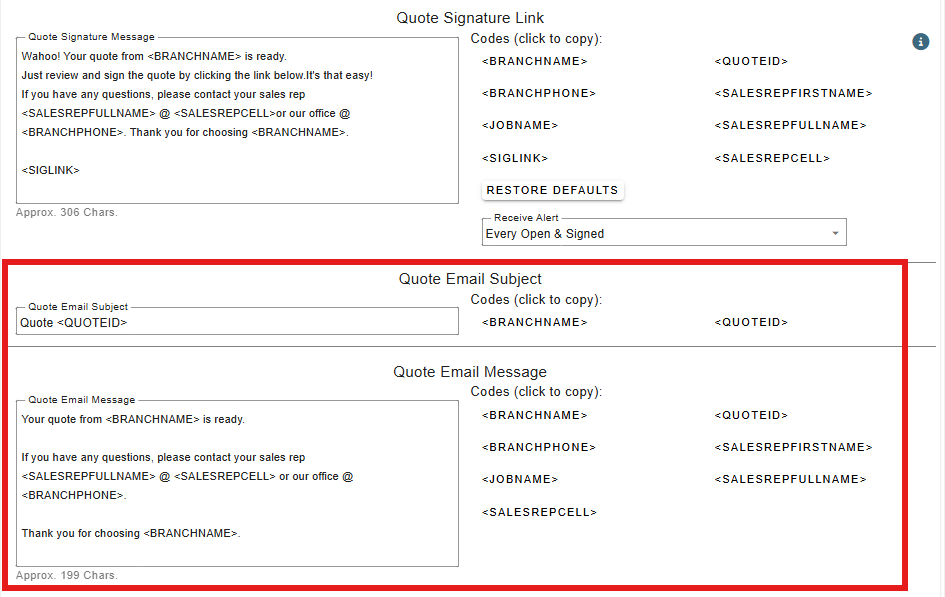
• Added: More -> Company/Branch Settings -> Modify -> Cust. Portal Tab: Can now set default verbiage for quote & invoice emails
• You can set both the default subject and message (body)
• The message (body) is only used when you are sending just a PDF. If you send a link, the existing link message will be used
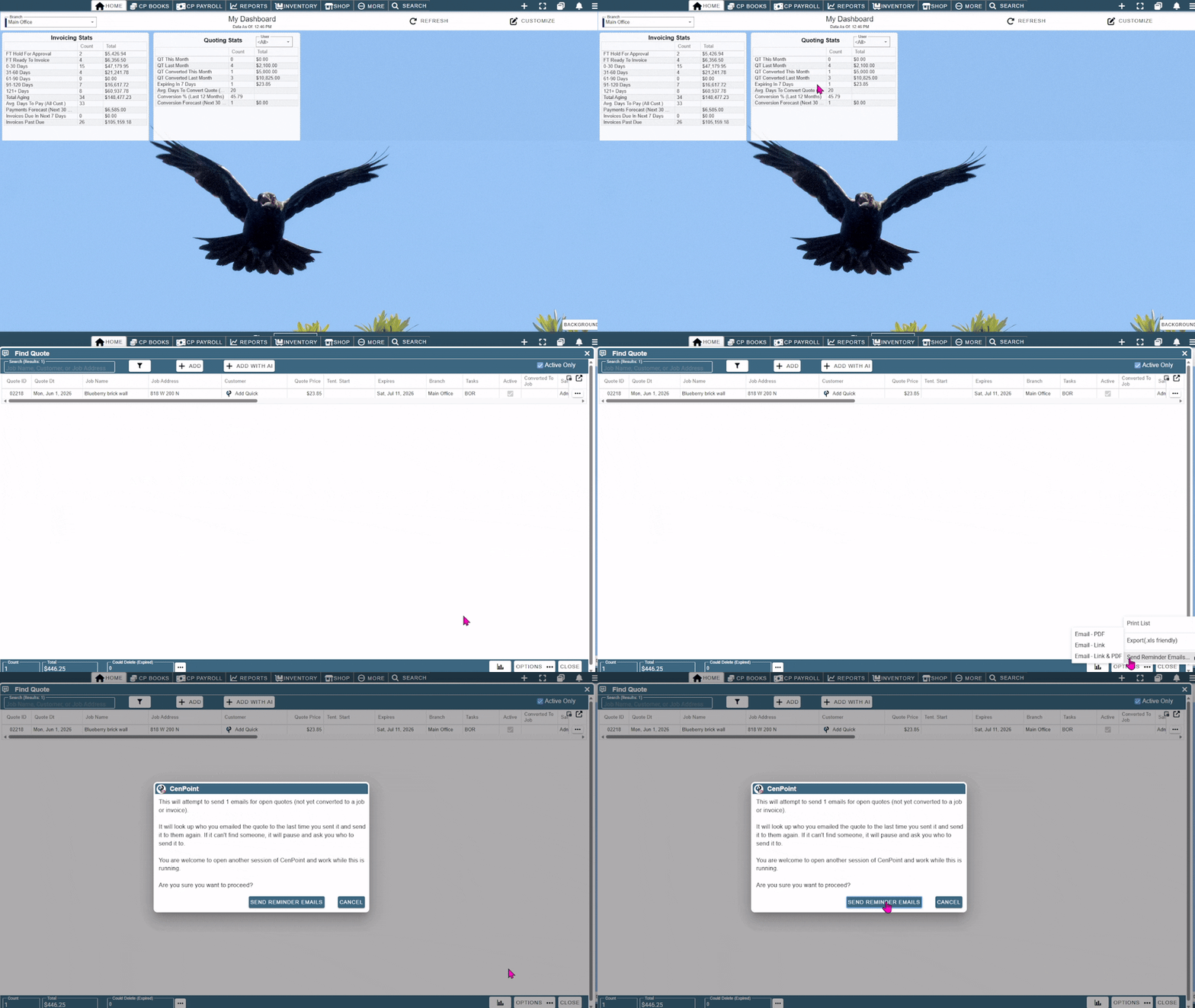
• Added: Find Quotes: Can now bulk send reminder emails to customers with quotes that are about to expire or have already expired
• Hint: You can quickly get to quotes expiring in the next 7 days from the quote stats dashboard
• Added: CenPoint Payroll: Now ties in directly with QB Online to create the needed payroll journal entries
• Also now includes exports to Excel or csv files to easily import payroll journal entries into other accounting systems
• Give us a call and see how we can make payroll faster and easier for you!
.png)
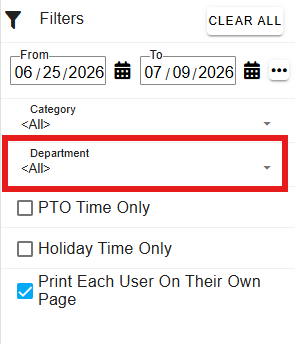
• Added: Payroll -> Clock In & Out Data Only: Can now filter by 'Department'
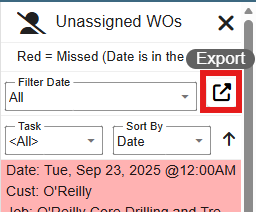
• Added: Scheduler -> Unassigned WOs: Can now export the list of Unassigned WOs to Excel
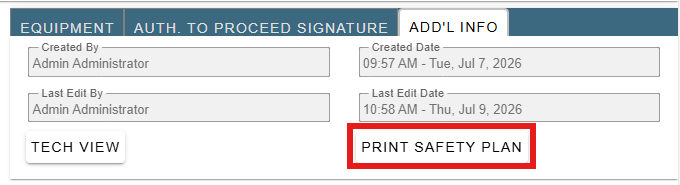
• Added: WOs: Can now print the safety plan from the WO screen
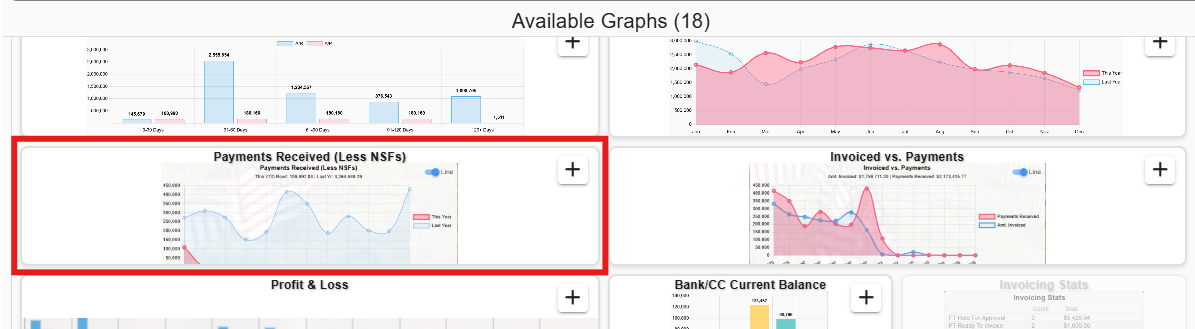
• Added: Dashboard: New 'Payments Received' dashboard
• Allows you to compare actual payments this year vs last year
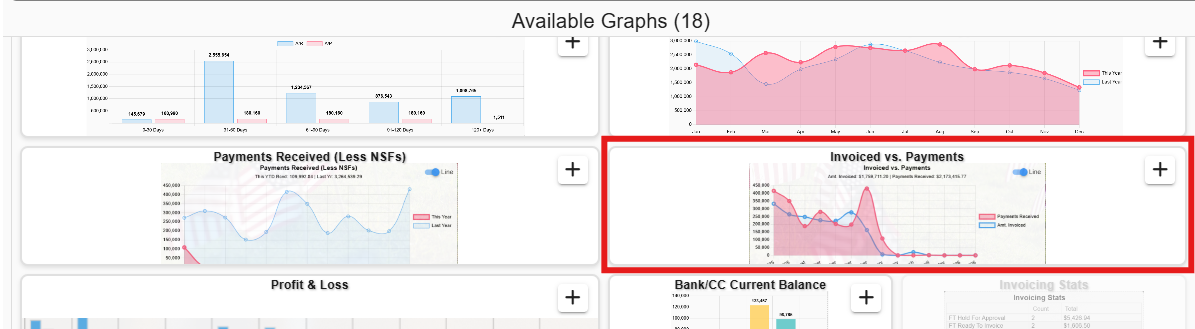
• Added: Dashboard: New 'Invoiced vs. Payments' dashboard
• Allows you to compare invoiced amounts vs payments and detect patterns of how far payments are behind invoicing
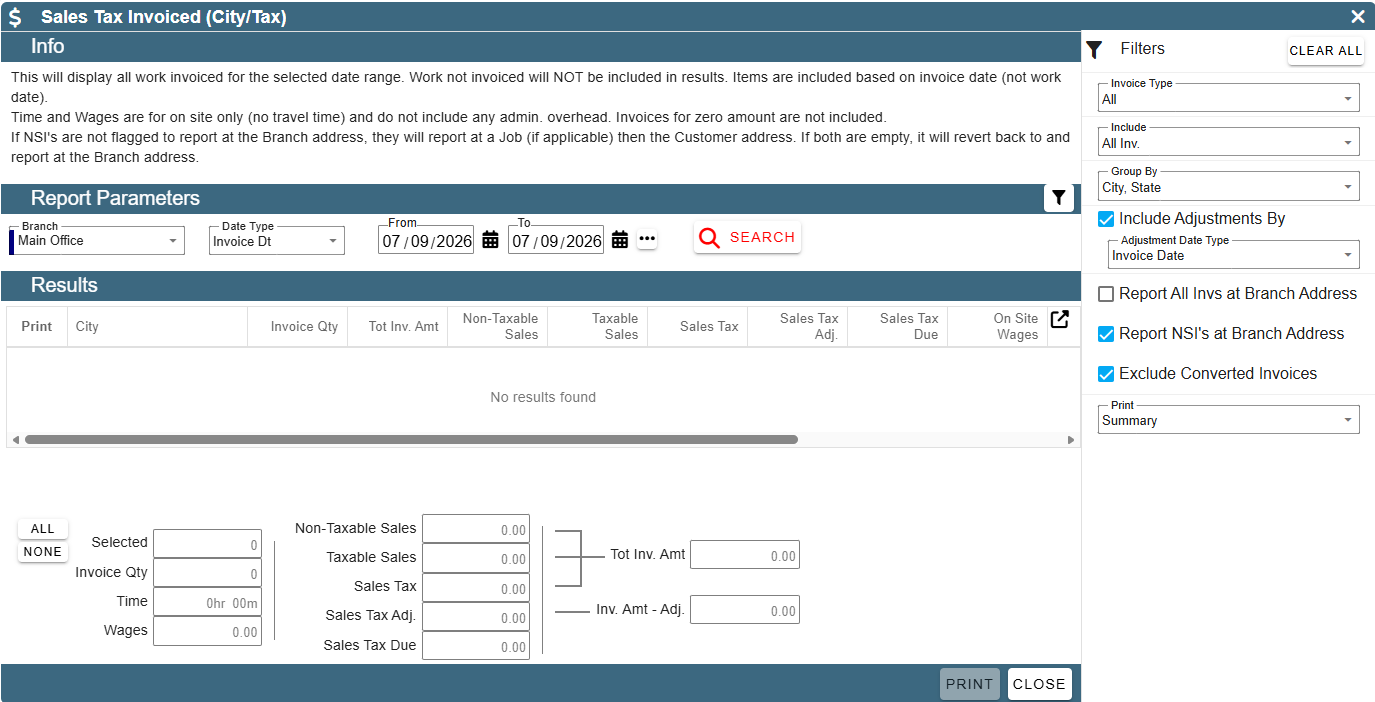
• Added: Reports -> Tax Reports: Sales Tax Invoiced (City/Tax): Now runs on a Mac and your phone!
• That's right, you can now run Sales Tax Invoiced from any device, not just the windows client
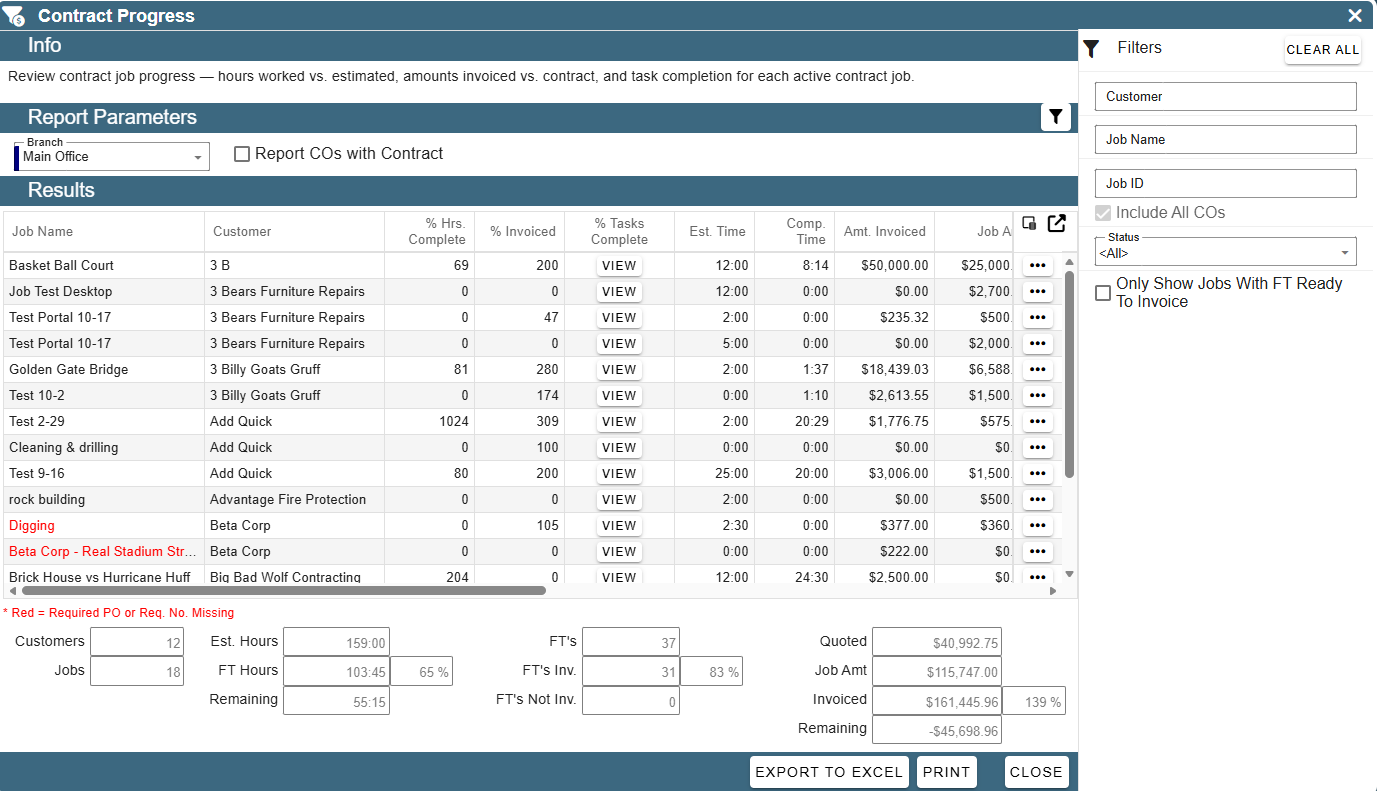
• Added: Reports -> Job Reports -> Contract Progress: Now runs on a Mac and your phone!
• That's right, you can now run Contract Progress from any device, not just the windows client
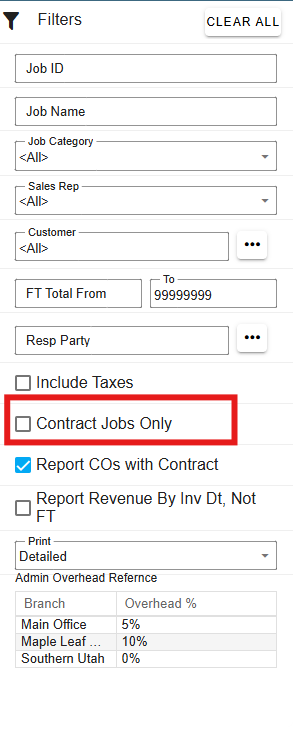
• Added: Reports -> Job Reports -> Job Costing: Can now filter to only 'Contract' jobs
• This helps you use job costing as a WIP report by filtering to only contract jobs
• Bet you didn't know that job costing in CenPoint also shows things like:
• Task Costs
• Quote Est. Costs
• Compares Job Costs vs Quote Est. Costs
• Job Amount
• % Of Job Billed
• and more!
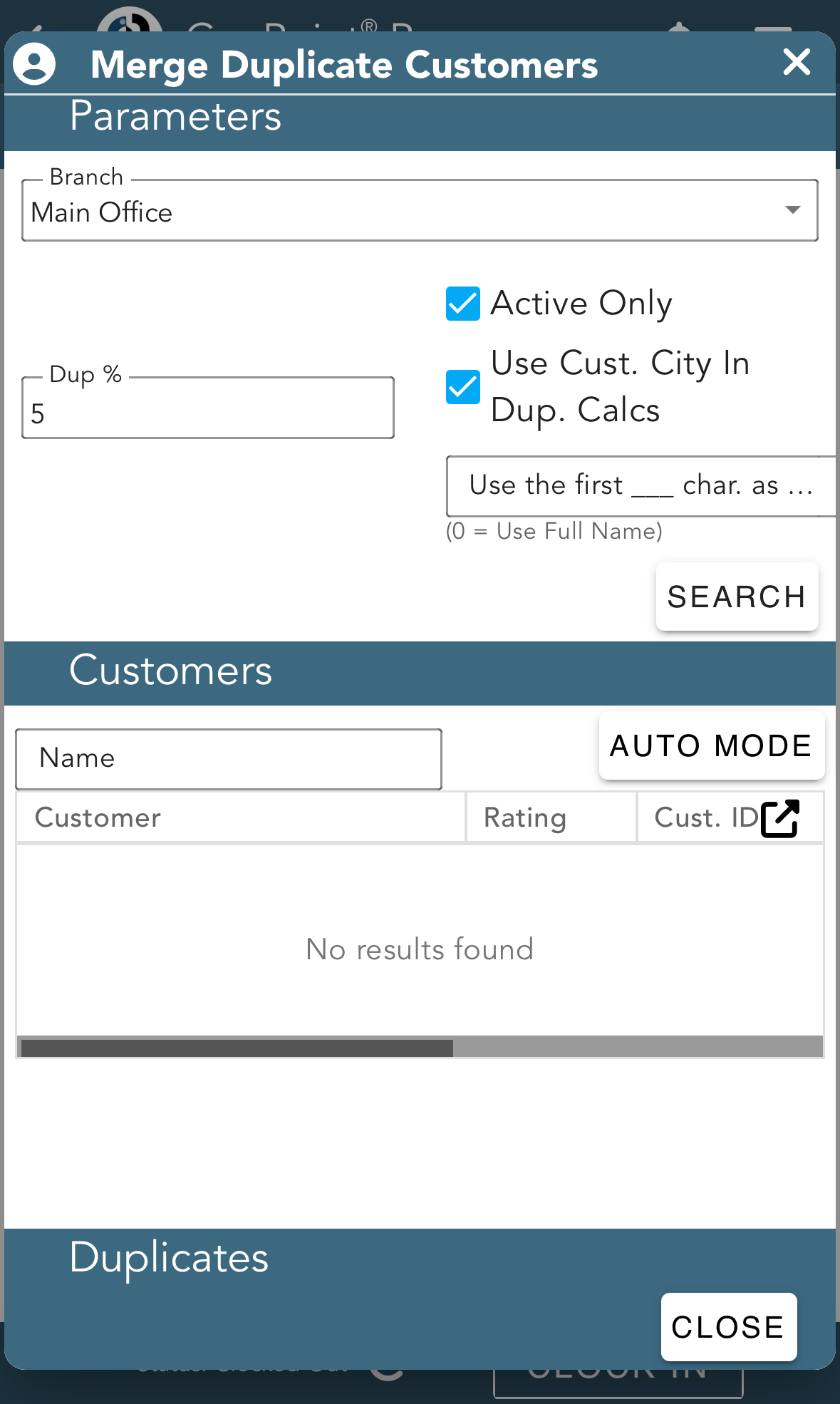
• Added: More -> Data Utilities -> Merge Duplicate Customers: Now runs on a Mac and your phone!
• That's right, you can now merge duplicate customers from any device, not just the windows client
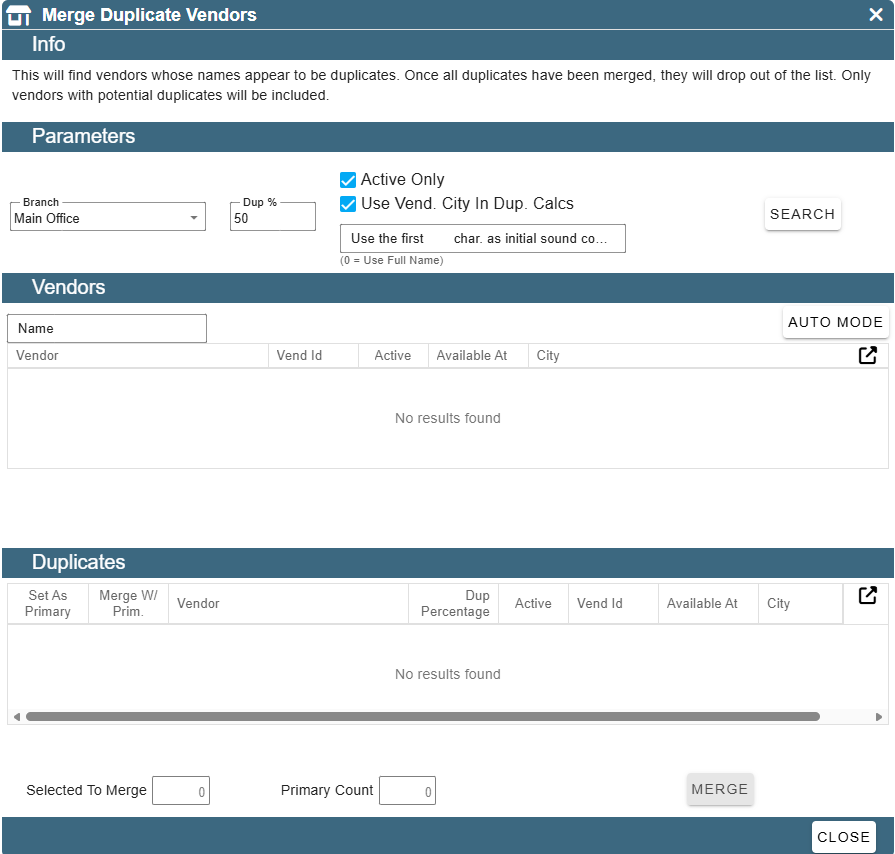
• Added: More -> Data Utilities: Merge Duplicate Vendors
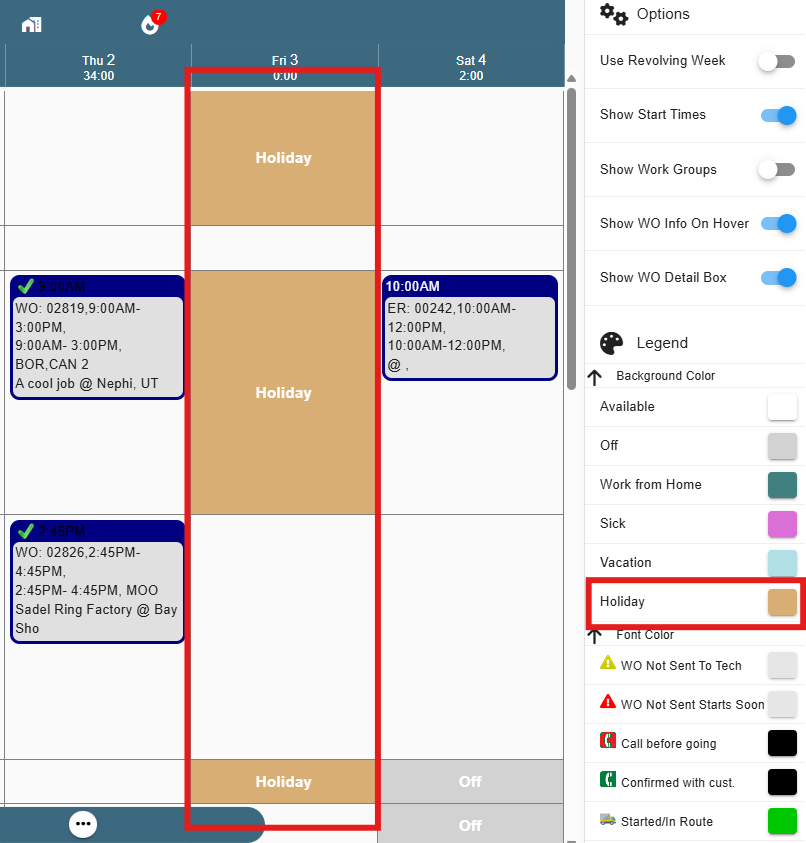
• Added: Scheduler(s): Now shows company holidays to indicate techs are off
• Also includes a new 'Holiday' background color to indicate a holiday
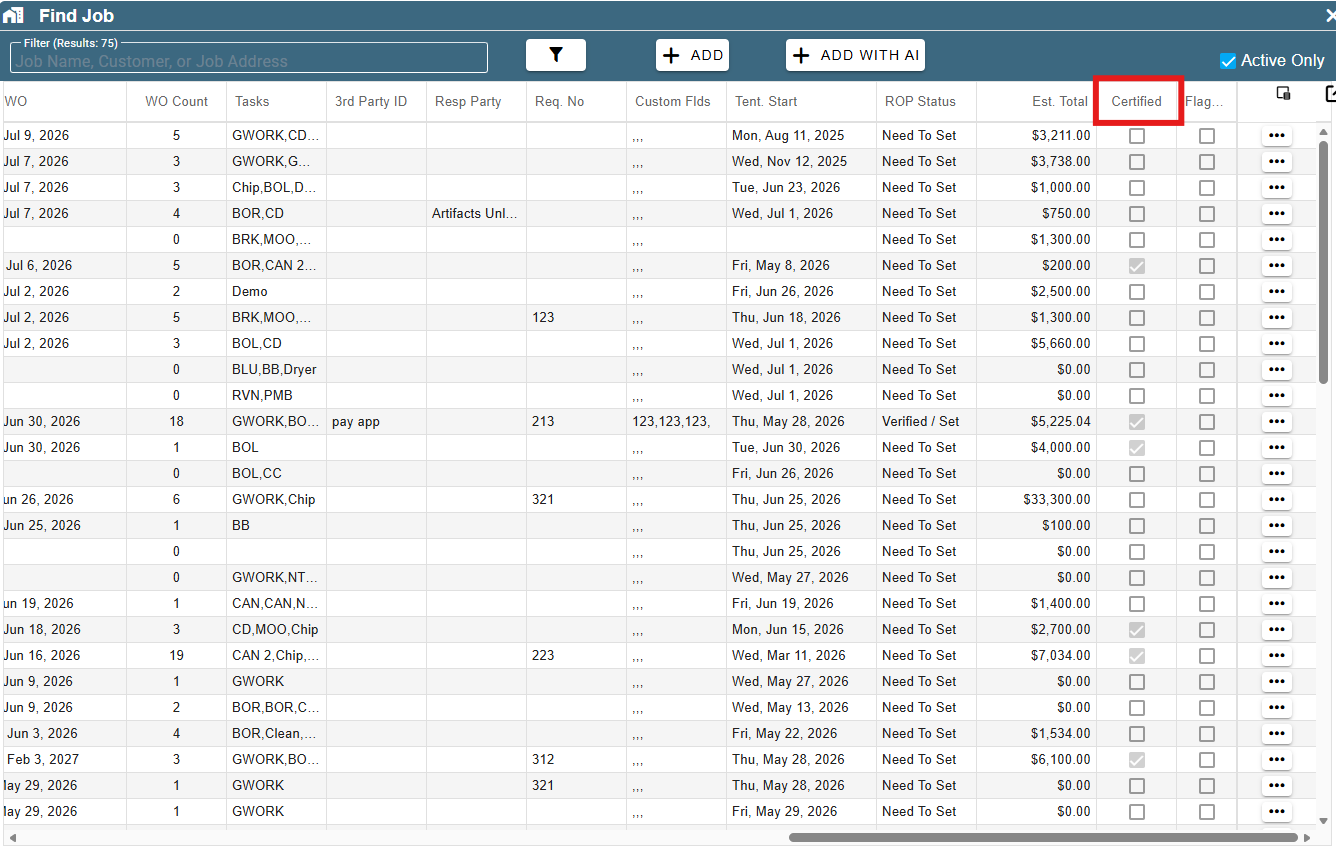
• Added: Find Jobs: New column for 'Certified'
• Fixed: Bug when trying to receive inventory against a po not opening the receive parts screen correctly
• Fixed: Part expected usage being disabled when it shouldn't have been (i.e. on a serialized part)
• Fixed: Printing the list from WO & FT Flow erroring out in some scenarios
• Fixed: Bulk enter time not updating the jobs first/last WO date fields correctly
• Fixed: Certified payroll not honoring the 'Mark as filed when printed' setting
• Fixed: Email authorization for office 365 not persisting correctly
• Other minor fixes