
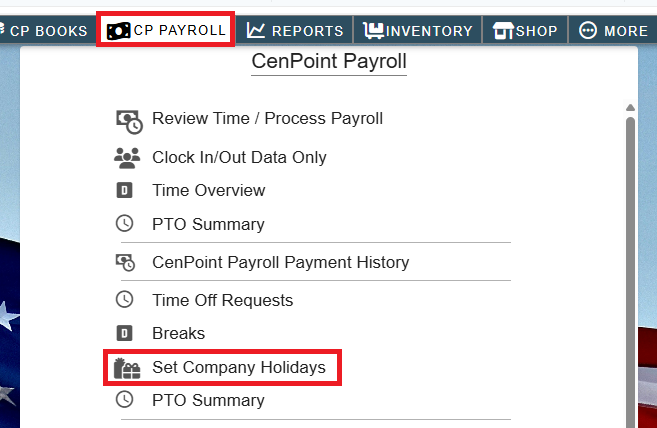
Set a company holiday by going to CP Payroll/Payroll->Set Company Holiday
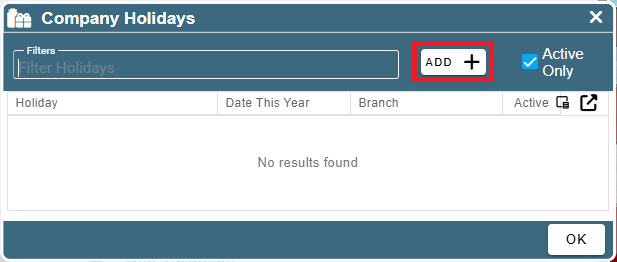
Click Add
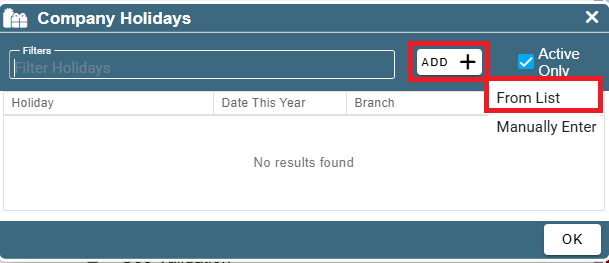
Choose the option from list for a prepopulated list of the most commonly paid holidays.
Choose Manually Enter for a specific date/holiday you want to create
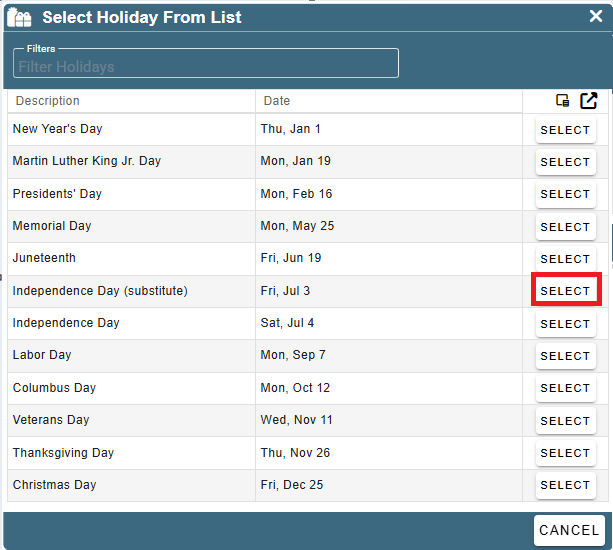
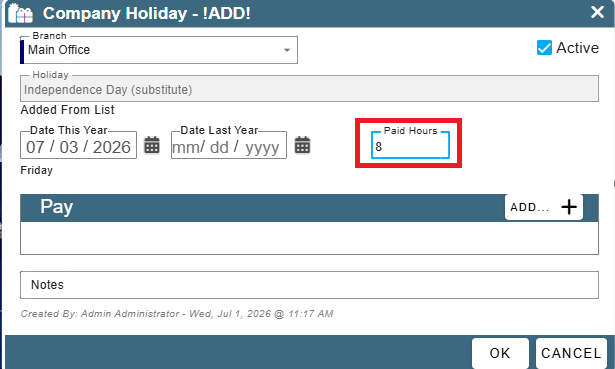
In this case we are going to select July 3rd
Choose the hours to be paid
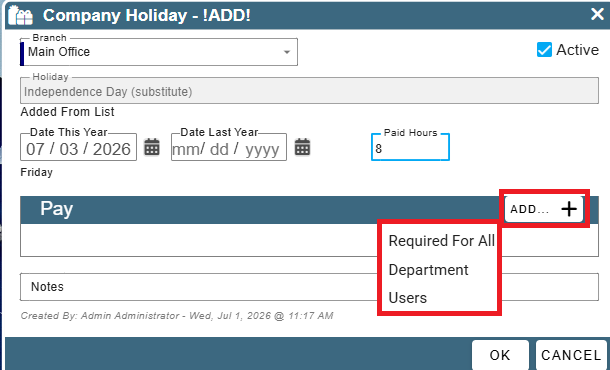
Click Add and select either required for all, or you can select certain departments or individual users.
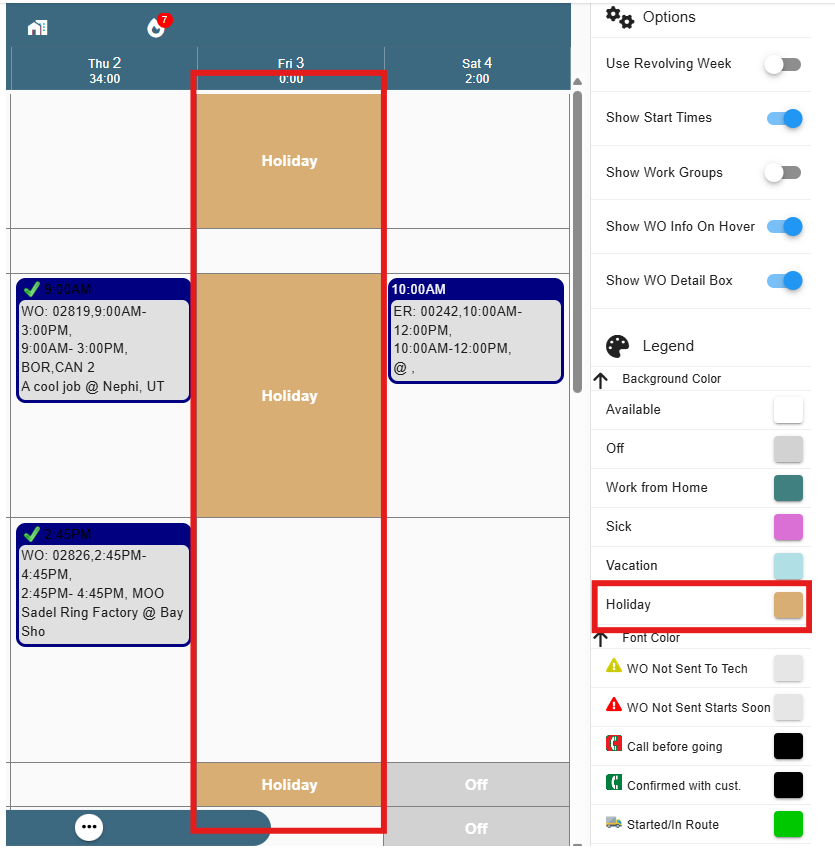
Once you set a company holiday it will show on the scheduler as Holiday.
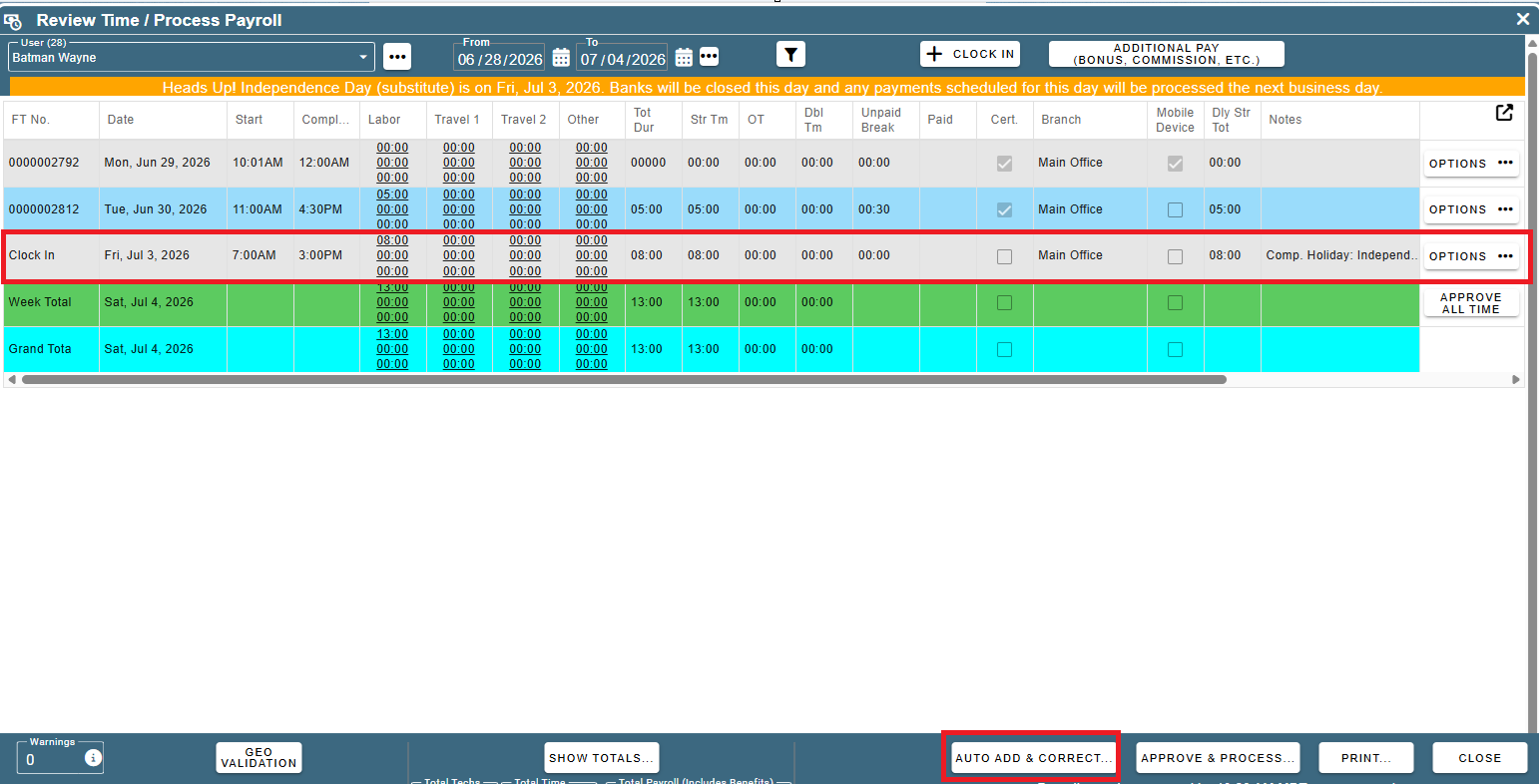
On Review / Export Time, Clock in records flagged as 'holiday' will be automatically created when you run 'Auto Add & Correct...' if the company holiday applies to that user for the pay week. If you aren't seeing the company holiday, run 'Auto Add & Correct' for all employees and you should see it populate.
Dates for each holiday will update automatically each year