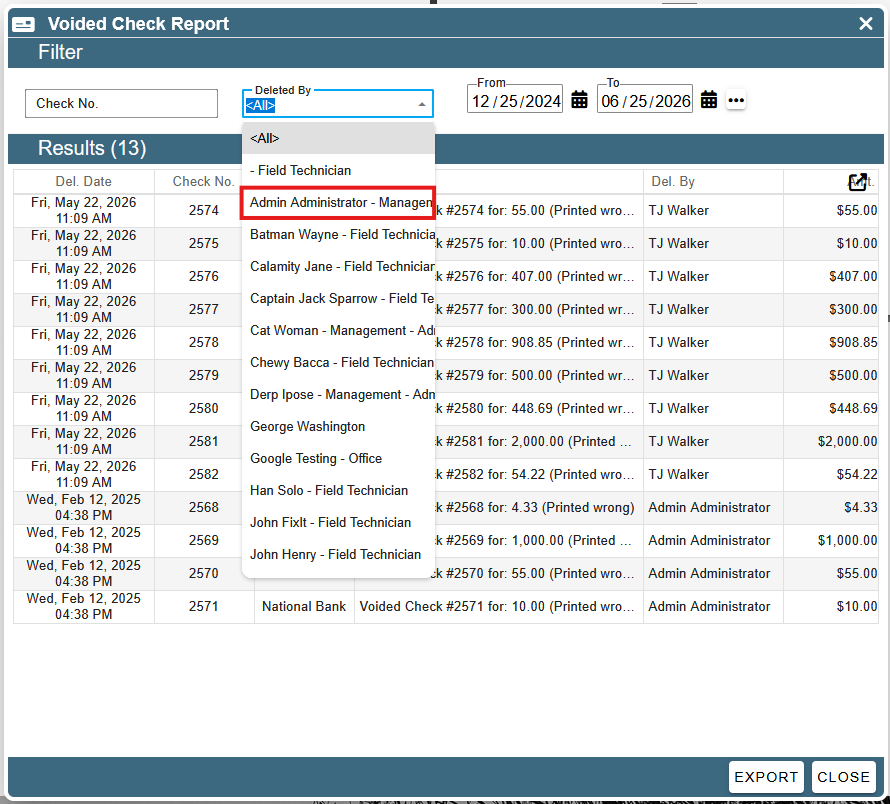
This article covers the Voided Check Report.
To get to the voiced check report, go to: CP Books → Essentials → Checks → Voided Check Report.
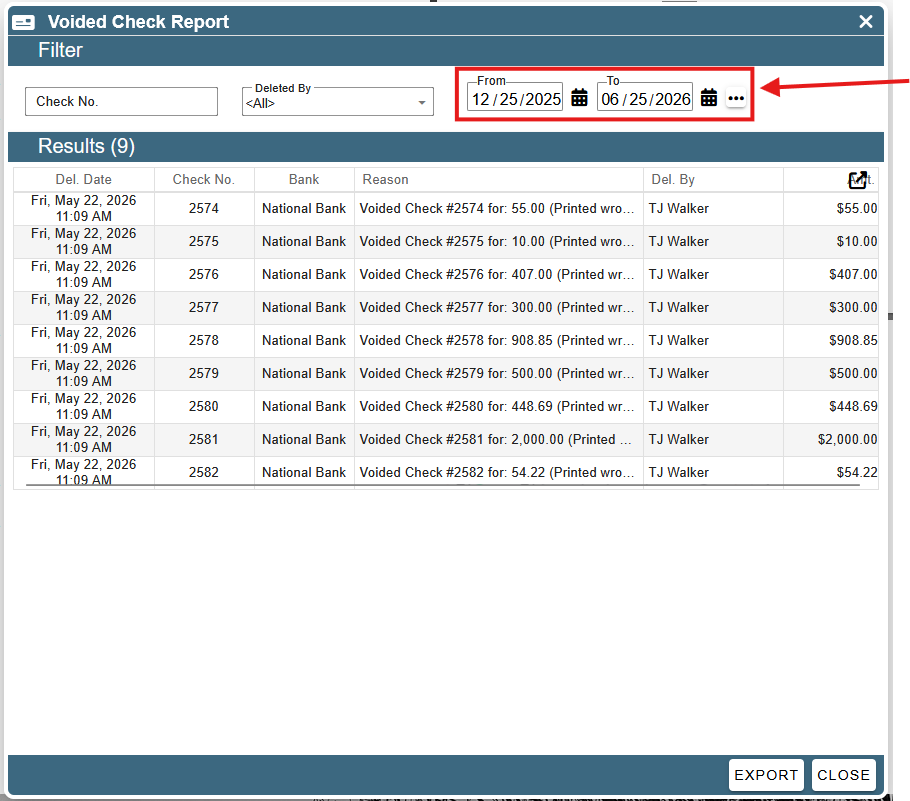
By default, this report shows all of the voided checks for the last 6 months. To change this, modify the dates in the date picker at the top.
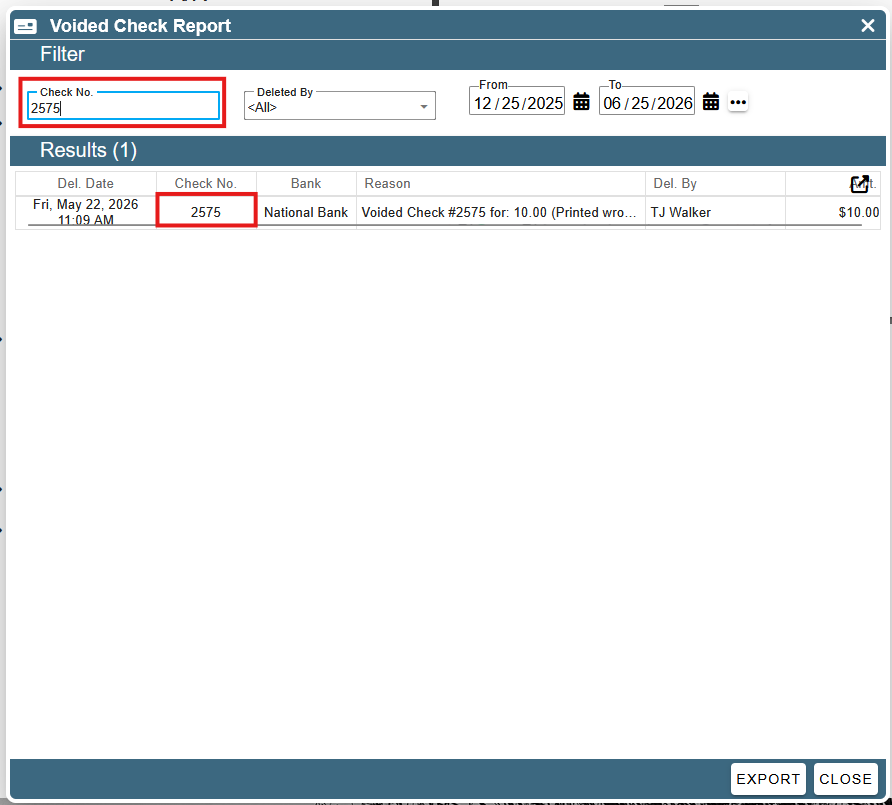
To search for a specific check number, type it in the Check No field. The checks will automatically filter as you type.
To only show checks voided by a specific person, select them from the “Deleted By” drop-down.