Chain of Command on Portal
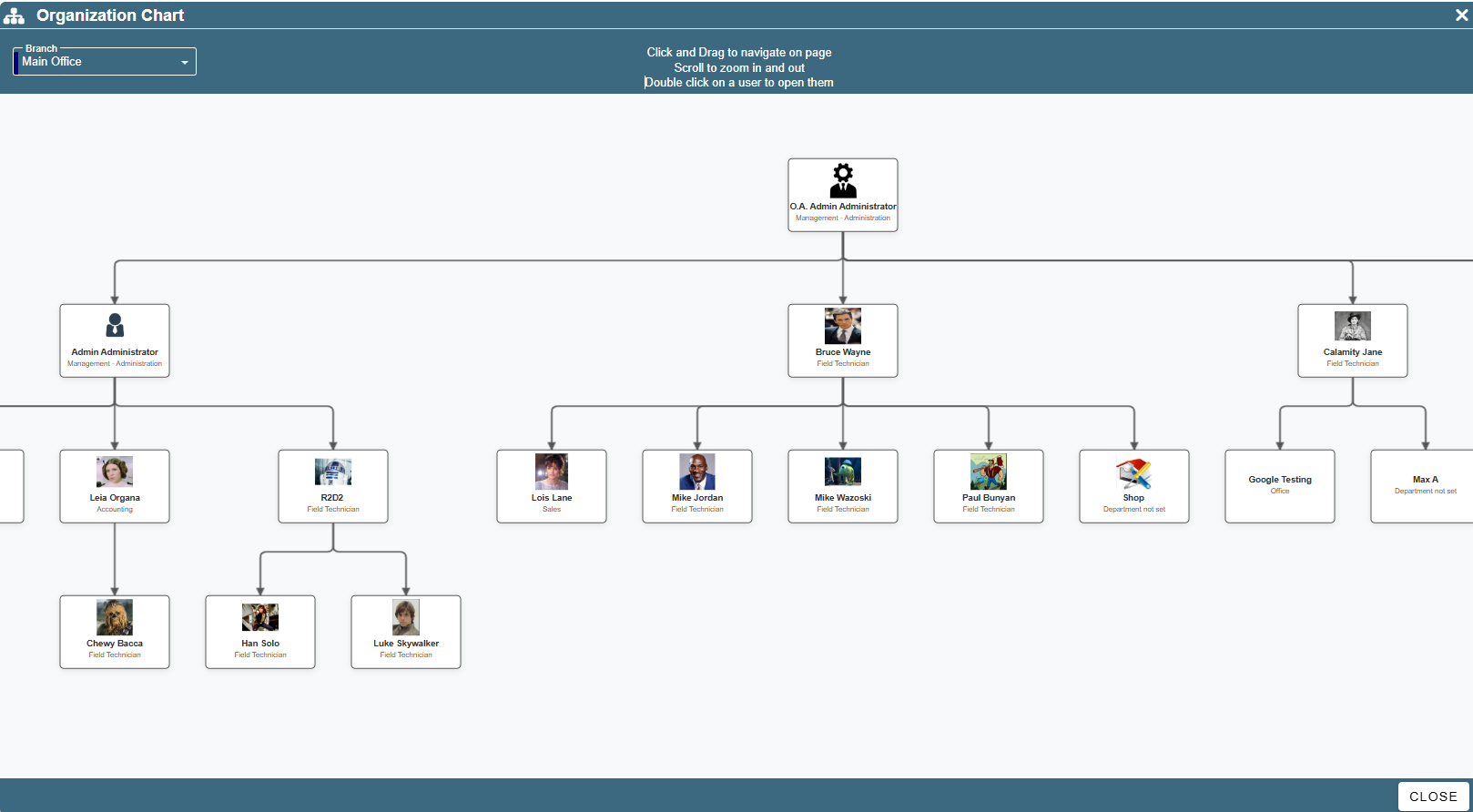
CenPoint Portal allows you to make an organizational chart called “Chain of Command”.
For information on how to set up this chain of command, please see the following link:
It can be found by going to Reports → Chain of Command
.png)
Clicking on this will open a diagram of your company’s tree structure showing your company’s hierarchy.
Click and drag to navigate the tree diagram.
Double click on a user to open them (and thus edit who they report to)
Scroll to zoom in and out on the tree diagram.
Use the branch dropdown to view each branch’s hierarchy diagrams.