Additional Info for Users
Find the Add'l Info Tab
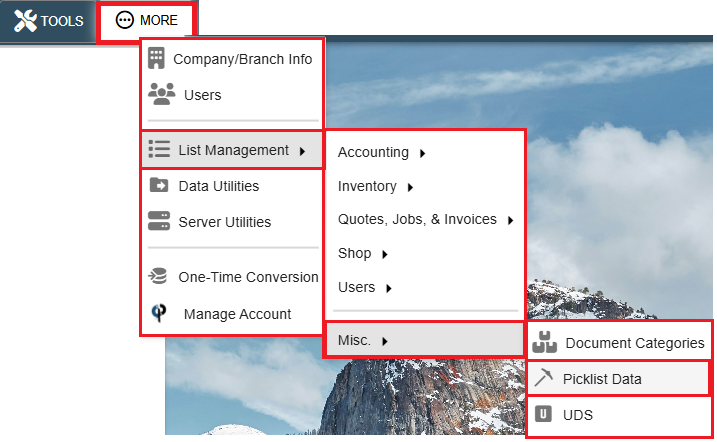
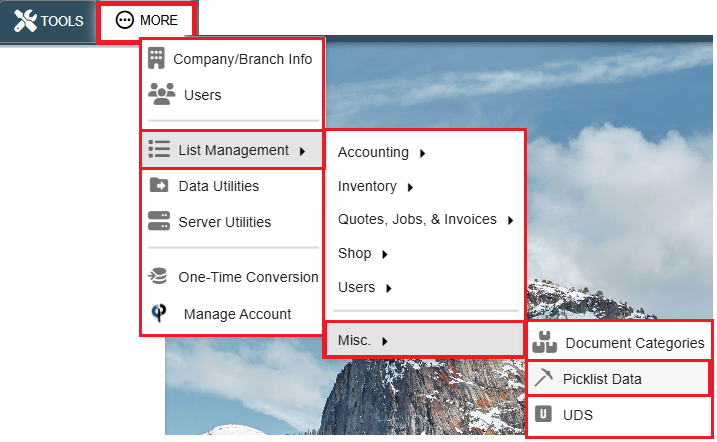
Go to More -> Users
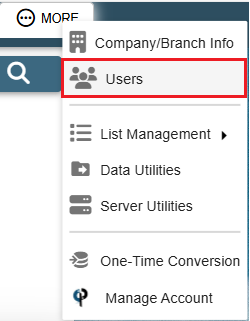
Find your user and then double click on them or click the Ellipsis -> Modify
.png)
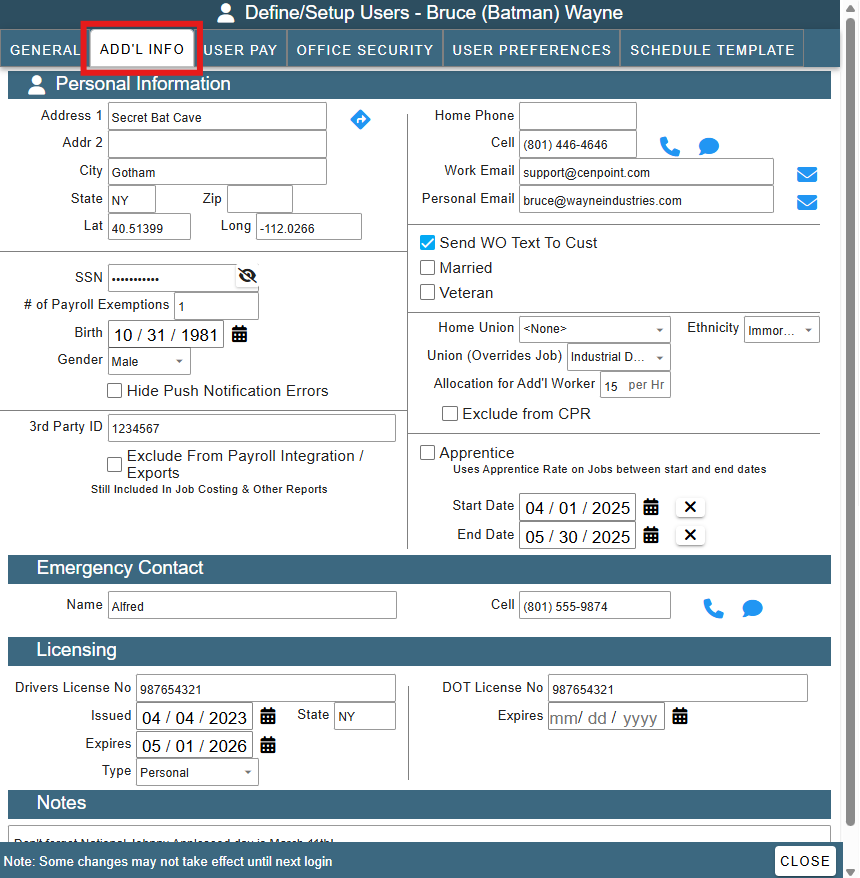
Go to the Add'l Info Tab
Personal Information Section
Under Additional Info tab add pertinent information for your user.
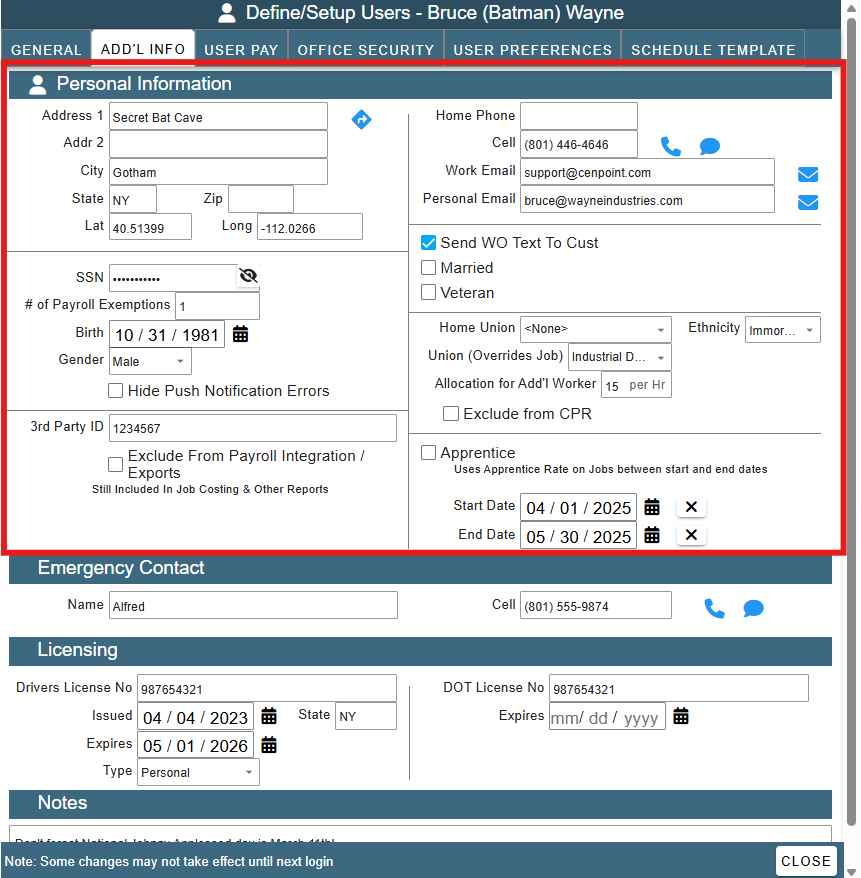
You can edit the lists like Gender and Ethnicity by going to More-> List Management -> Misc. -> Picklist Data
Apprentice
Mark the User as an apprentice by clicking the "Apprentice" checkbox.
CenPoint will apply the Apprentice Pay rate to Jobs that this user works on during the Apprentice date range.
For more information on how to set up Apprentice Pay for a specific Job use the following link: Job's Rate of Pay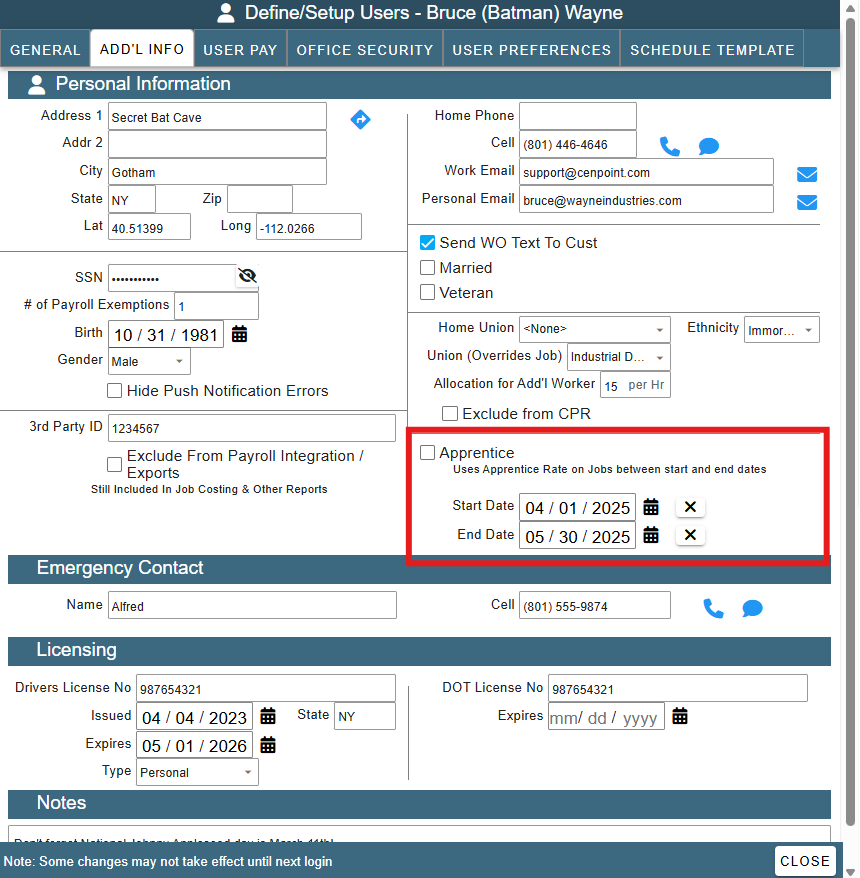
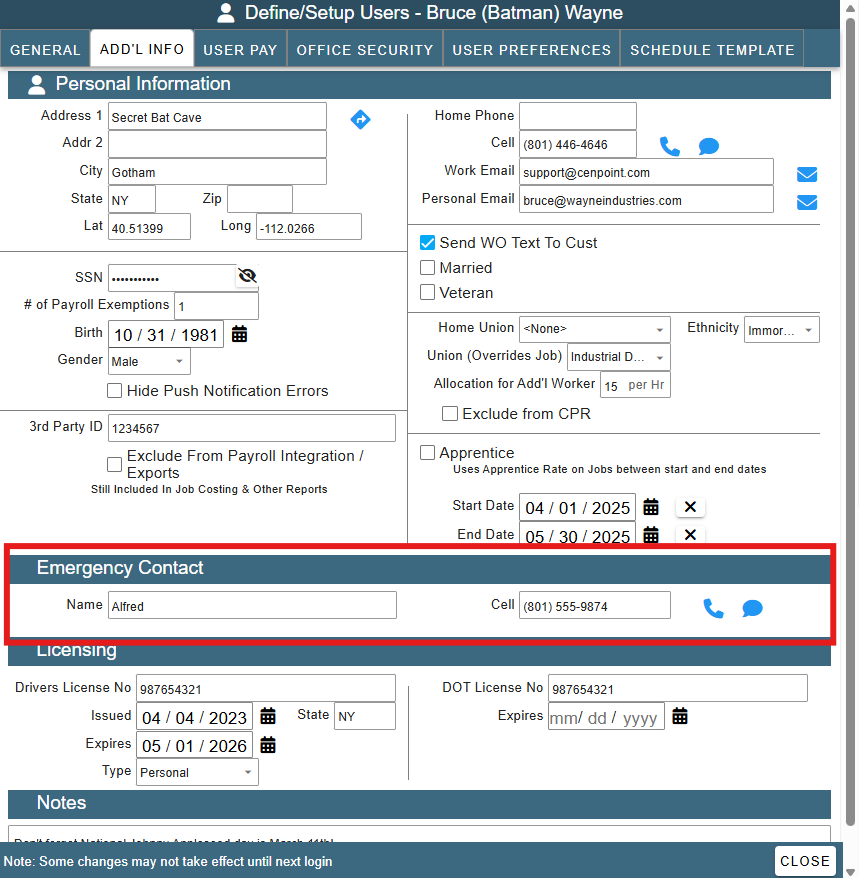
Emergency Contact
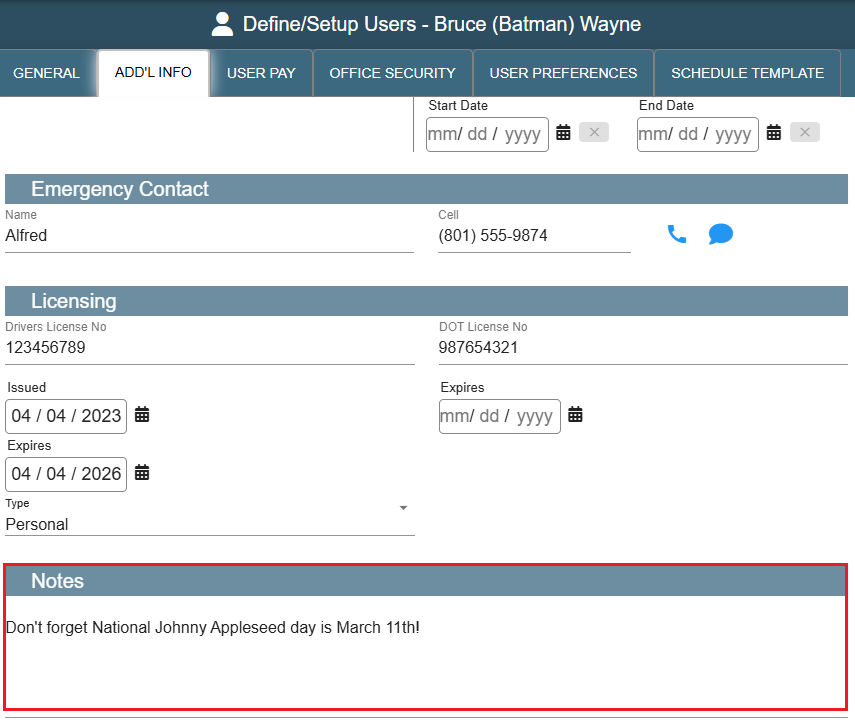
Fill out the User's Emergency Contact if desired.
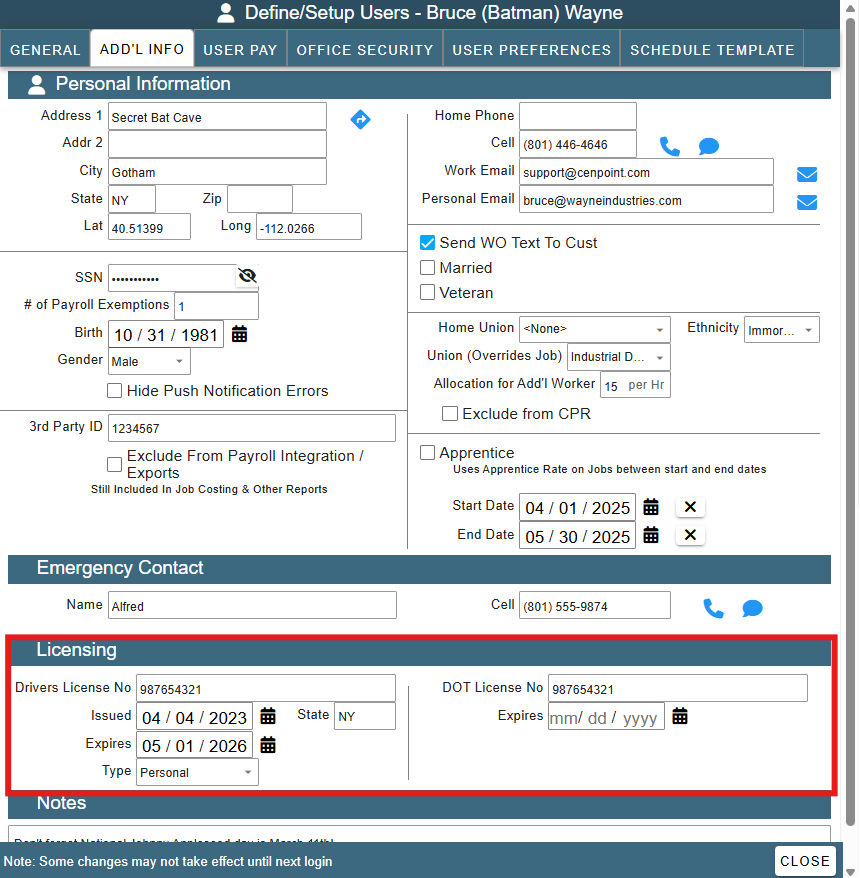
Licensing Section
Store license information for you User under the Licensing section.
The license when filled in on your users will show in the expiring report, found under Reports->Expiring Report
The License type can be modified by going to More-> List Management -> Misc. -> Picklist Data
Notes Section
Great place to keep notes for a User. Note this is not the same as the User Log.
For more information on the User Log use the following link: User Log
FAQ:
Inactive user hours still pull into payroll
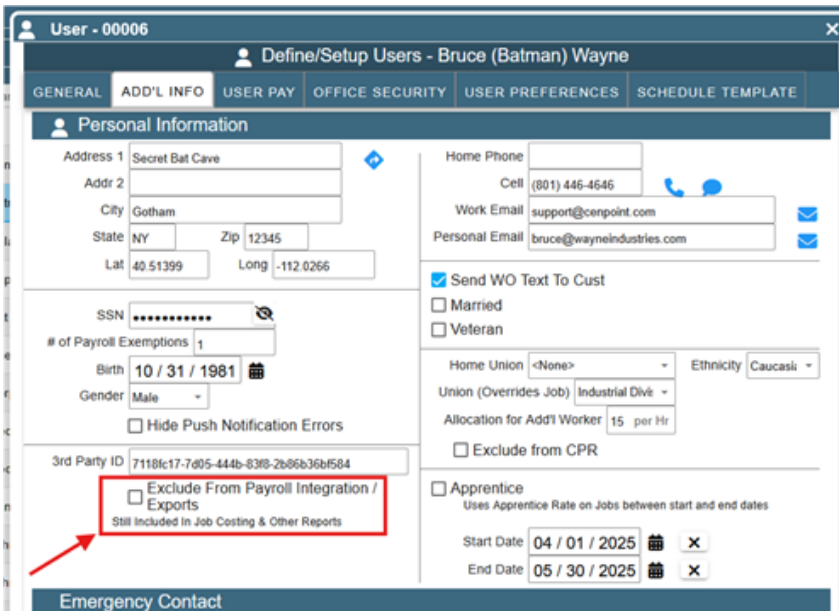
CenPoint had companies that were missing paying employees that were gone even though they still had to be paid. As soon as there is no time they need to be paid for they should drop off the list. But you can manually exclude someone from payroll exports, you can check this box under the Add'l Info tab.
Note that if you want to pay them again in the future you will have to uncheck this box.